 Servers & roleplay
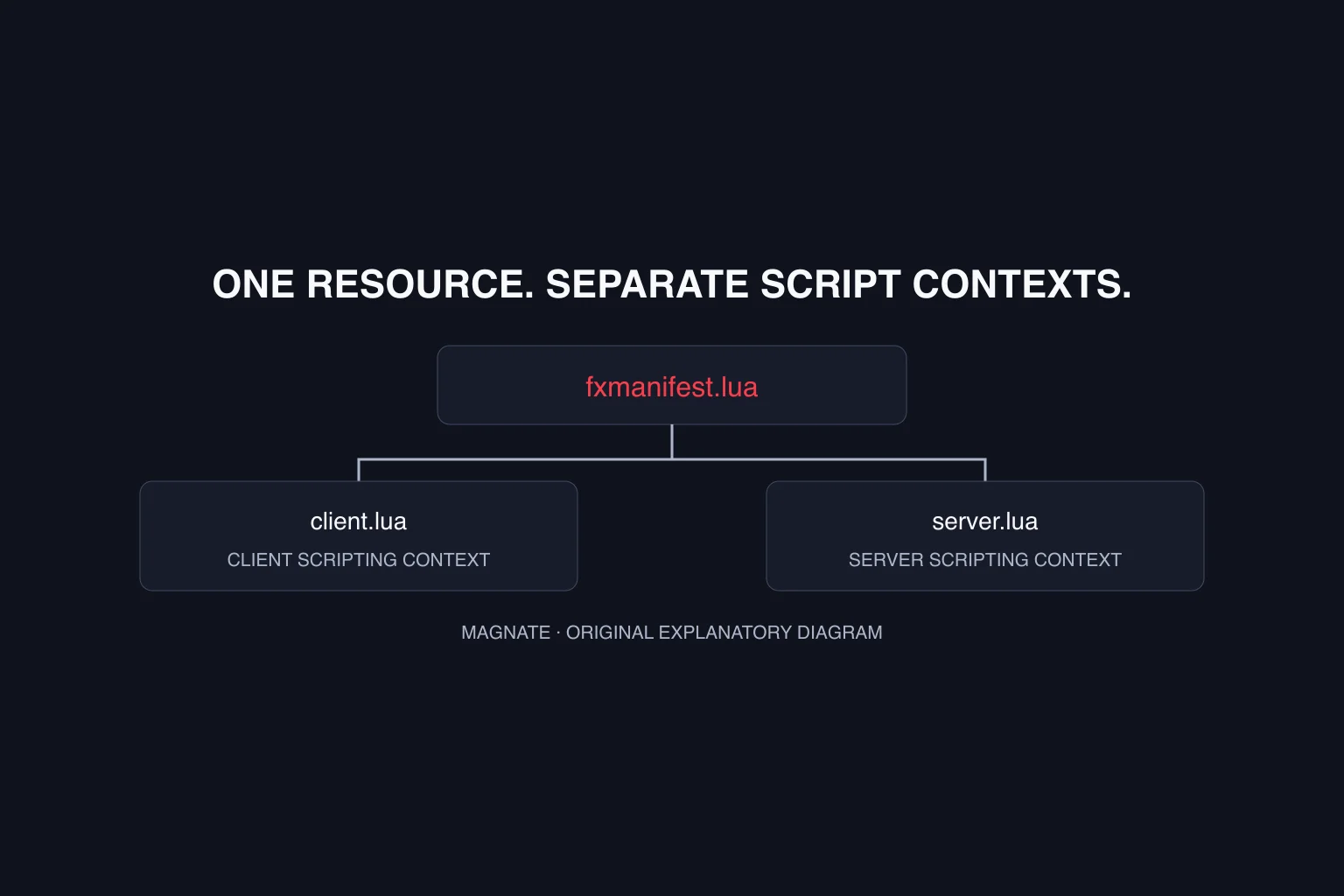
How to fix a txAdmin token error: identify the failing authentication path
Diagnose txAdmin CSRF, host-status API and setup-PIN errors using upstream code. Match the exact error and installed version before changing credentials.
Find your role. Understand the server landscape. Build a community worth coming back to, before the next chapter begins.
Start with the briefingThis is a server knowledge hub, not a live GTA VI server list. FiveM currently serves GTA V; public GTA VI custom-server access was not verified in our reviewed sources.
The best roleplay community for you depends on its tone, active hours, rules, and people. Our guides help you evaluate those details, understand common RP terms, and avoid confusing a future server concept with something you can join today.
A dependable community needs onboarding, moderation, backups, and an experience that gives players reasons to interact. Learn the operational foundations in a currently supported environment, then assess GTA VI opportunities when actual tools and permissions are available.
35 guides to help you make your next move.
Servers & roleplay Diagnose txAdmin CSRF, host-status API and setup-PIN errors using upstream code. Match the exact error and installed version before changing credentials.
 Servers & roleplay
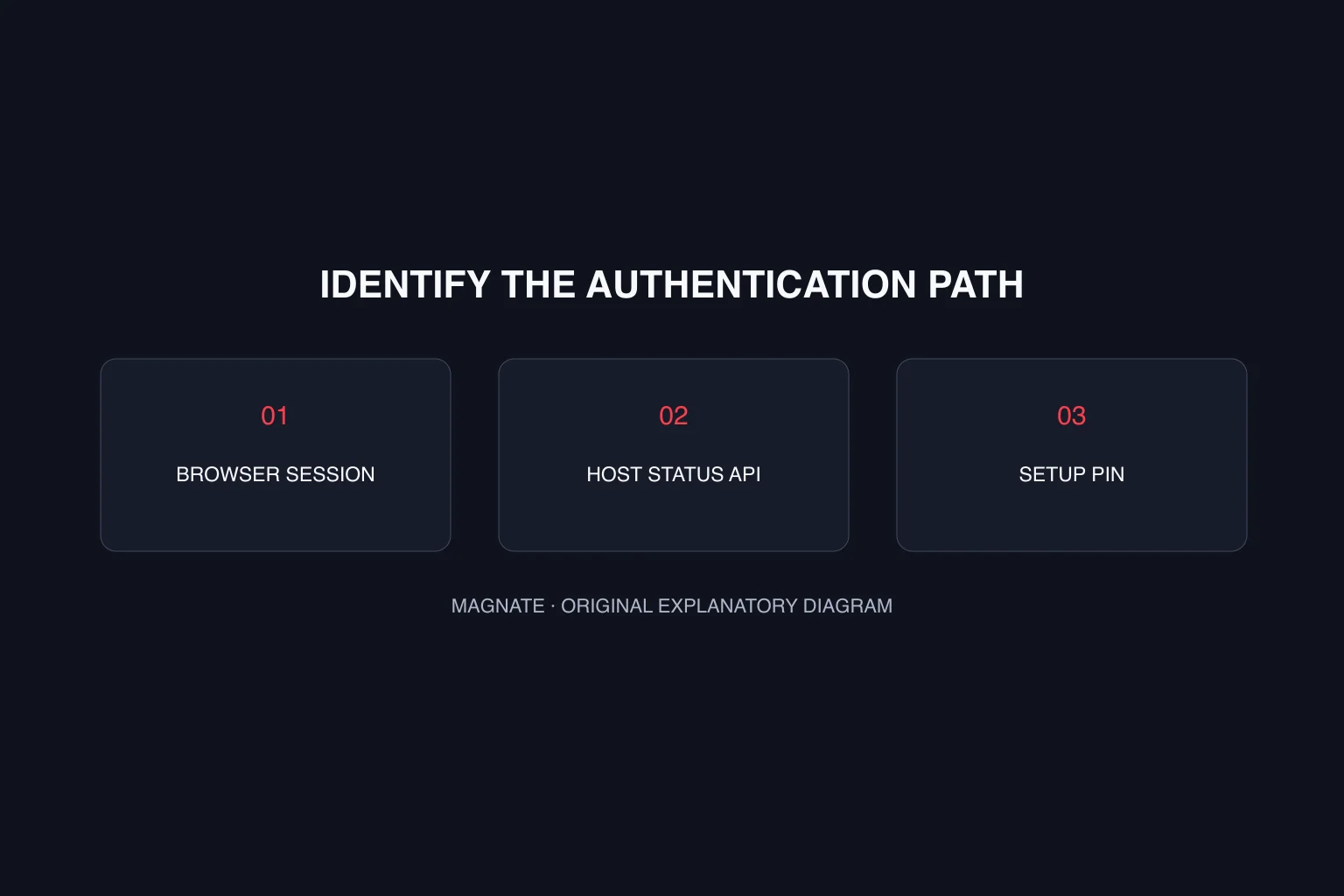
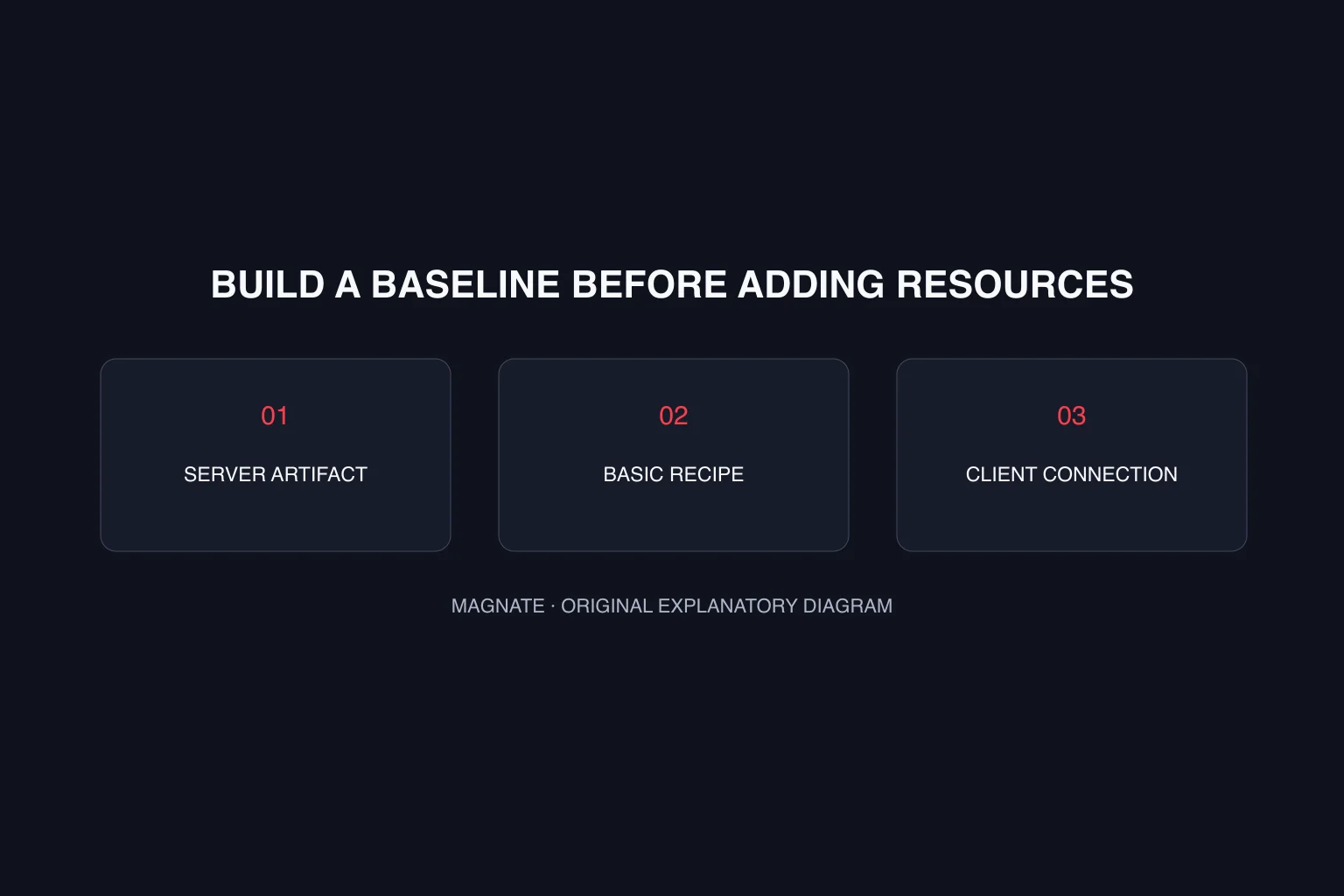
Follow the official Windows txAdmin setup flow, distinguish GTA V artifact variants, choose a basic recipe and verify the server before adding resources.
 Servers & roleplay
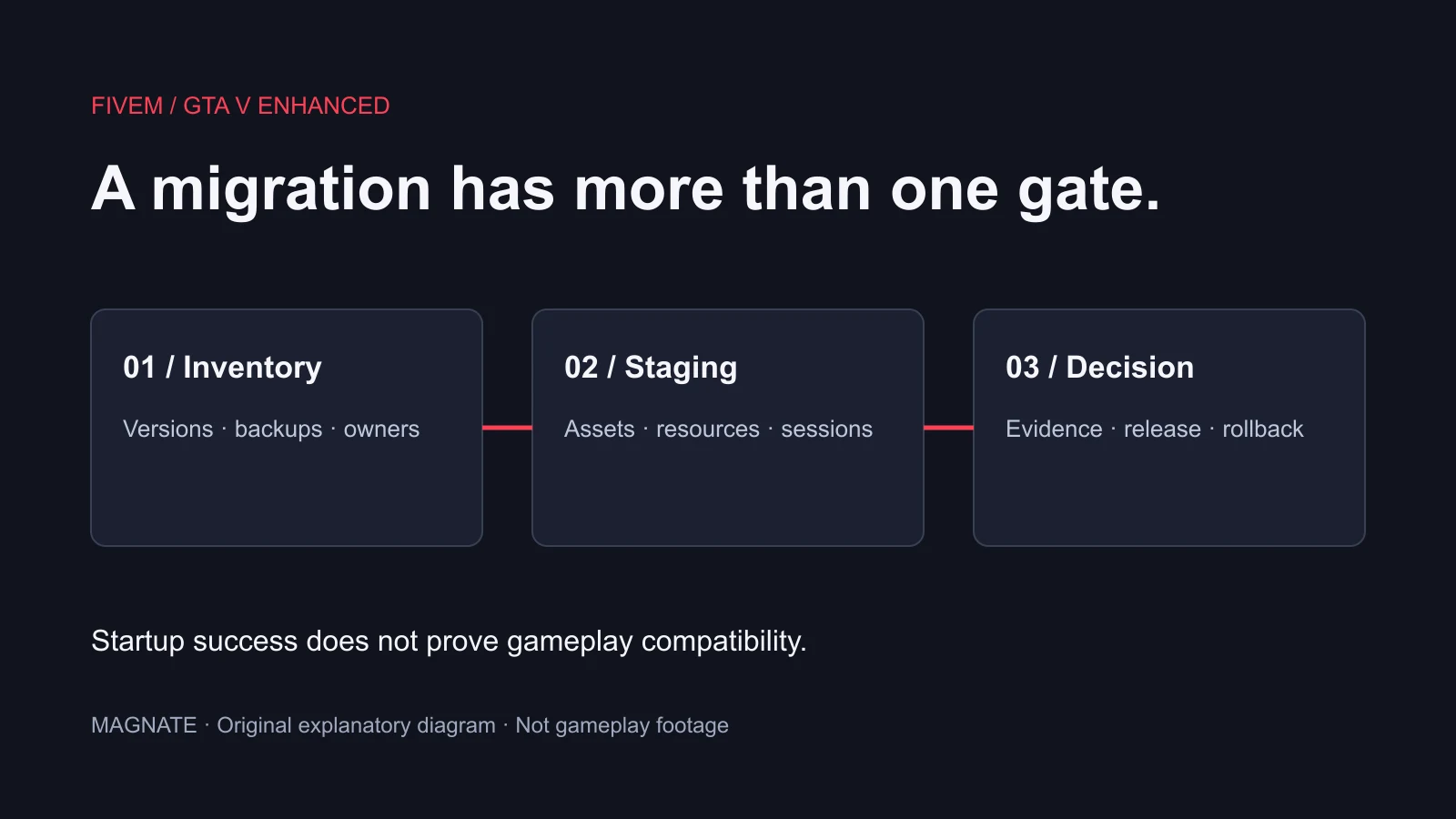
Plan a FiveM Legacy to GTA V Enhanced migration: asset conversion, resource compatibility, player-ID reuse and a staged rollback checklist.
 Servers & roleplay
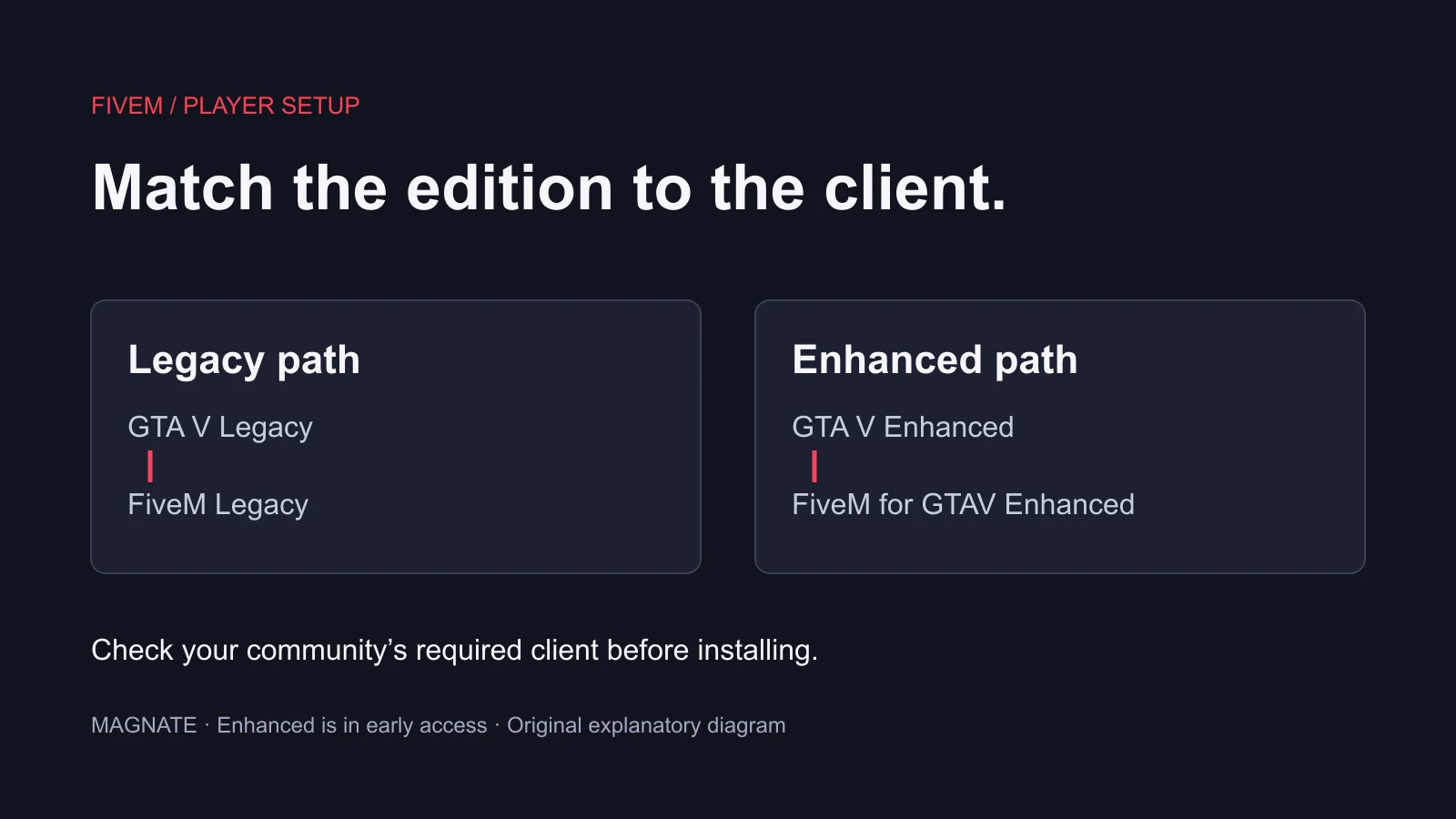
Choose the correct GTA V edition for FiveM, match the Legacy or Enhanced client, and check your RP community’s requirements before buying or reinstalling.
 Servers & roleplay
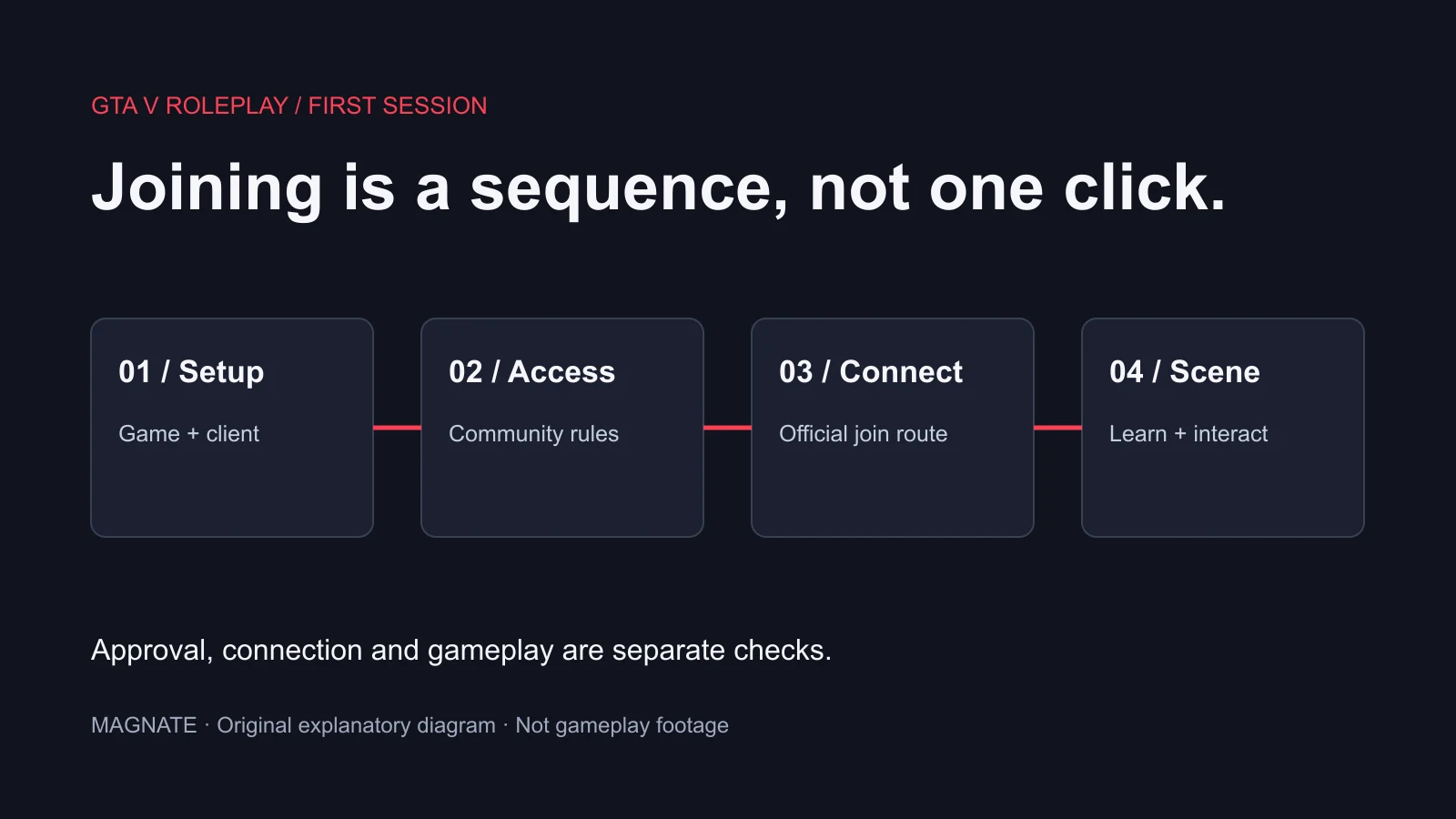
Learn how to play GTA RP on PC: match your FiveM client, join a community, check access approval and connection errors, and plan your first session.
 Servers & roleplay
Separate server hitches from client FPS problems, capture a FiveM profile and compare resource changes with a repeatable troubleshooting worksheet.
Servers & roleplay Bind FiveM emotes through F8, change resource controls and troubleshoot conflicts. Separate saved player mappings from script defaults before removing a binding.
Servers & roleplay Find the official FiveM artifact download, select the correct platform and operating system, and prepare a staged server update with documented rollback checks.
 Servers & roleplay
Choose a FiveM game build from resource requirements, understand sv_enforceGameBuild, and separate GTA V Legacy choices from Enhanced support.
Servers & roleplay Compare FiveM handheld radio approaches, pma-voice integration and dispatch requirements. Use a two-player checklist to test channels, controls and reconnects.
Servers & roleplay Understand Qbox’s FiveM framework, its QBCore compatibility bridge and the difference between a fresh installation and migrating an existing roleplay server.
 Servers & roleplay
Find official FiveM and Cfx service status, distinguish a platform outage from one server failing, and collect useful connection evidence before changing your setup.
Servers & roleplay Compare FiveM hosting options by control, support, region, backups and workload. Use a provider checklist and total-cost worksheet before choosing a server plan.
Servers & roleplay Join your local FiveM server using F8, choose the correct address for the same PC or another LAN device, and separate local access from public reachability.
Servers & roleplay Find the emote menu and list used by your FiveM server. Check RPEmotes defaults, model restrictions, cancellation and resource versions before changing controls.
Servers & roleplay Check pma-voice versions, audio settings and player keybinds, then isolate proximity, radio and call failures. Includes the FiveM Enhanced Mumble caveat.
Servers & roleplay Evaluate a FiveM police script using a pinned qb-policejob example. Check dependencies, job grades, locations, inventory and vehicle workflows before rollout.
Servers & roleplay Find official LB Phone documentation, check framework and voice integration, diagnose uploads, and avoid custom-app loading races before server rollout.
Servers & roleplay Set up JG Mechanic using its publisher documentation, distinguish built-in and framework jobs, check society banking, and test prices and saved vehicle changes.
Servers & roleplay Set up Project Sloth ps-dispatch with revision-specific dependencies, check job and duty filters, and diagnose missing alerts, blips or a blank dispatch UI.
Servers & roleplay Understand FiveM mobile data terminals, use the current PS MDT setup reference, and test permissions, record persistence, image uploads and dispatch separately.
Servers & roleplay Choose a FiveM housing script by framework and ownership behavior. Compare interior integration, shared keys, stashes, furniture and restart persistence.
Servers & roleplay Use documented FiveM chat events, distinguish command suggestions from commands, and troubleshoot local messages, duplicate output and roleplay channel routing.
Servers & roleplay Separate FiveM native fuel consumption from pump scripts, payments and garage persistence. Includes a read-only client diagnostic and staged integration checks.
Servers & roleplay Trace a FiveM ID card from character data to inventory metadata and display. Diagnose blank names and test transferred cards with a QBCore-specific example.
Servers & roleplay Find the server.cfg actually loaded by FiveM, distinguish ensure from start and refresh, and check current Portal settings before copying an old configuration.
Servers & roleplay Use documented FiveM F8 commands for FPS metrics and vehicle first-person FOV. Check defaults, camera scope, client/server context and developer-mode limits.
Servers & roleplay Set up OxMySQL in the documented order, import the Lua library, run a table-free read check and distinguish connection, schema and persistence failures.
Servers & roleplay Find the official ESX Legacy setup route, check es_extended dependencies and core startup order, and test characters, jobs and persistence before adding scripts.
Servers & roleplay A grounded GTA VI RP briefing for players and server owners: current support, console questions, and preparation that does not depend on promises.
Servers & roleplay Inventory your current FiveM resources, dependencies and licenses so future compatibility questions can be answered with evidence.
Servers & roleplay Evaluate a hosting quote against a supported runtime, backup process and complete recurring cost before moving a community.
Servers & roleplay Compare roleplay communities by onboarding, moderation, available activities and the time you can realistically commit.
Servers & roleplay Understand metagaming, powergaming, RDM, VDM, character boundaries, and how to write clear roleplay rules for your own community.
Servers & roleplay A practical framework for balancing a fictional server economy: sources, sinks, progression, newcomer experience, and measured changes.
No. Magnate currently publishes server research and preparation guides. We do not display invented server populations or offer unverified access.
Yes. Community rules, original branding, moderation plans, and events can be developed now. Technical GTA VI hosting depends on future supported capabilities.