Identify the version before changing a working server
The Cfx Enhanced onboarding guide provides server downloads, a Visual C++ 2017 prerequisite and Alchemist for asset conversion. Its companion change reference describes an early-access environment. Treat the migration as a versioned project rather than renaming your existing installation.
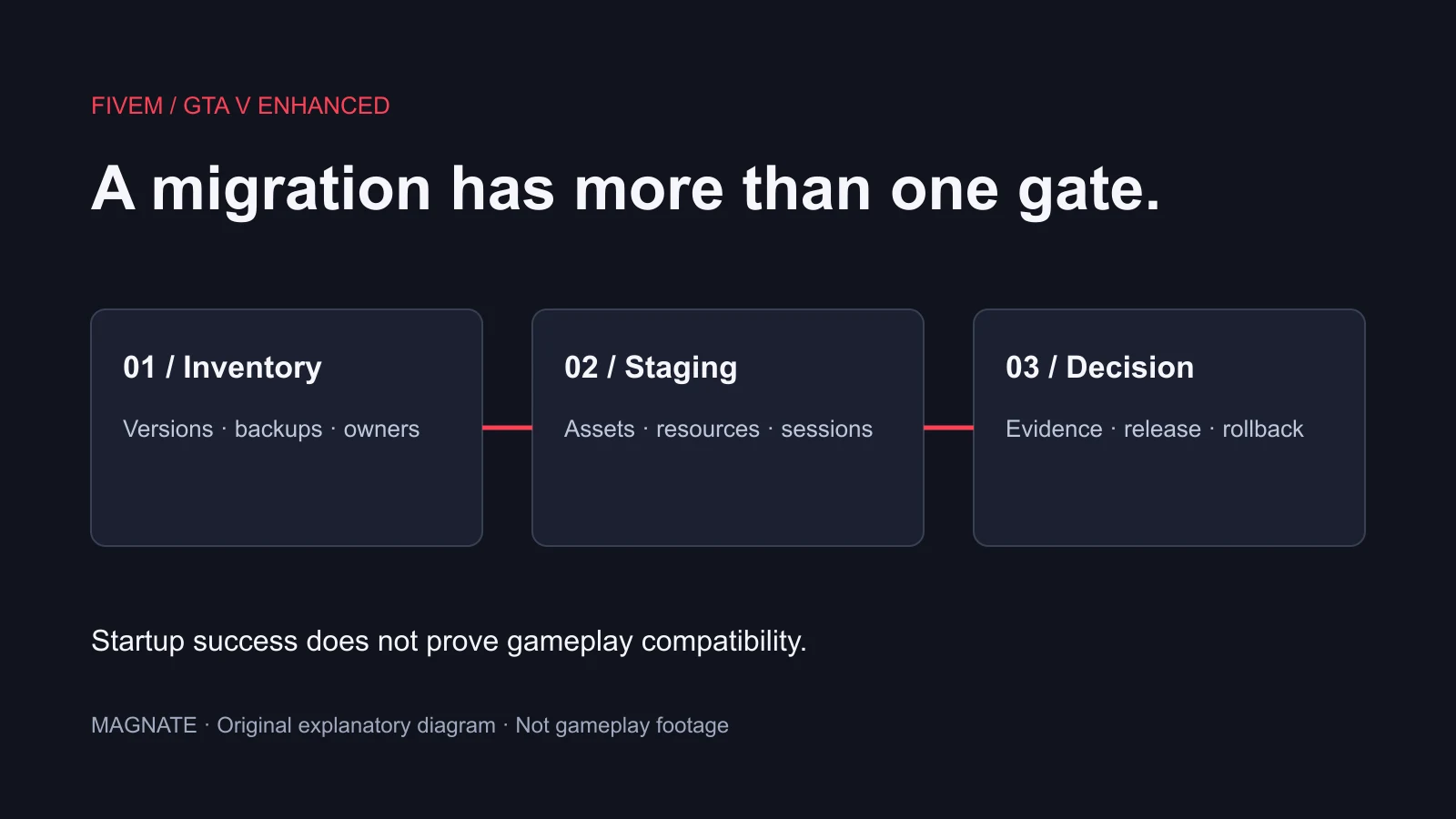
Our recommended first step is an inventory: artifact build, framework version, database backup, resource names, paid asset providers and the exact workflows your players use. Give each item an owner and a test result. This checklist is an editorial planning tool; Magnate has not migrated or benchmarked your server.
Four documented differences to put on the test plan
The Cfx Enhanced change reference says player IDs can be reused after disconnection; OneSync big mode is the only mode; Asset Escrow is not implemented yet; and stream_enhanced takes precedence over stream when present. These are the reviewed documentation’s current statements, not permanent guarantees.
| Documented difference | Our recommended check | Evidence to retain |
|---|---|---|
| Player-ID reuse | Disconnect one player, then connect another; inspect temporary per-player state | Before/after state and logs |
| OneSync scoping | Move two test players in and out of range; check resource behavior | Expected and observed transitions |
| Escrow availability | Ask each paid resource provider about this exact target and version | Provider compatibility statement |
| Enhanced stream folder | Confirm the intended assets load from the packaged resource | Package inventory and visual check |
Test resource behavior, not just the startup log
Write a small acceptance sheet for your community’s actual routines: joining, character selection, inventory, vehicle access, jobs and leaving the server. For each routine record the expected result, resource involved, observed result and any server or client error. A green process status cannot answer whether a player can complete those routines.
For a player-ID test, deliberately leave a temporary flag attached to a test connection, disconnect it, then observe the next connection. The question is whether the resource cleans up session state correctly. Do not use a temporary connection number as the sole owner of permanent account records. This proposed test needs to run in your own staging environment; it is not a reported Magnate test result.
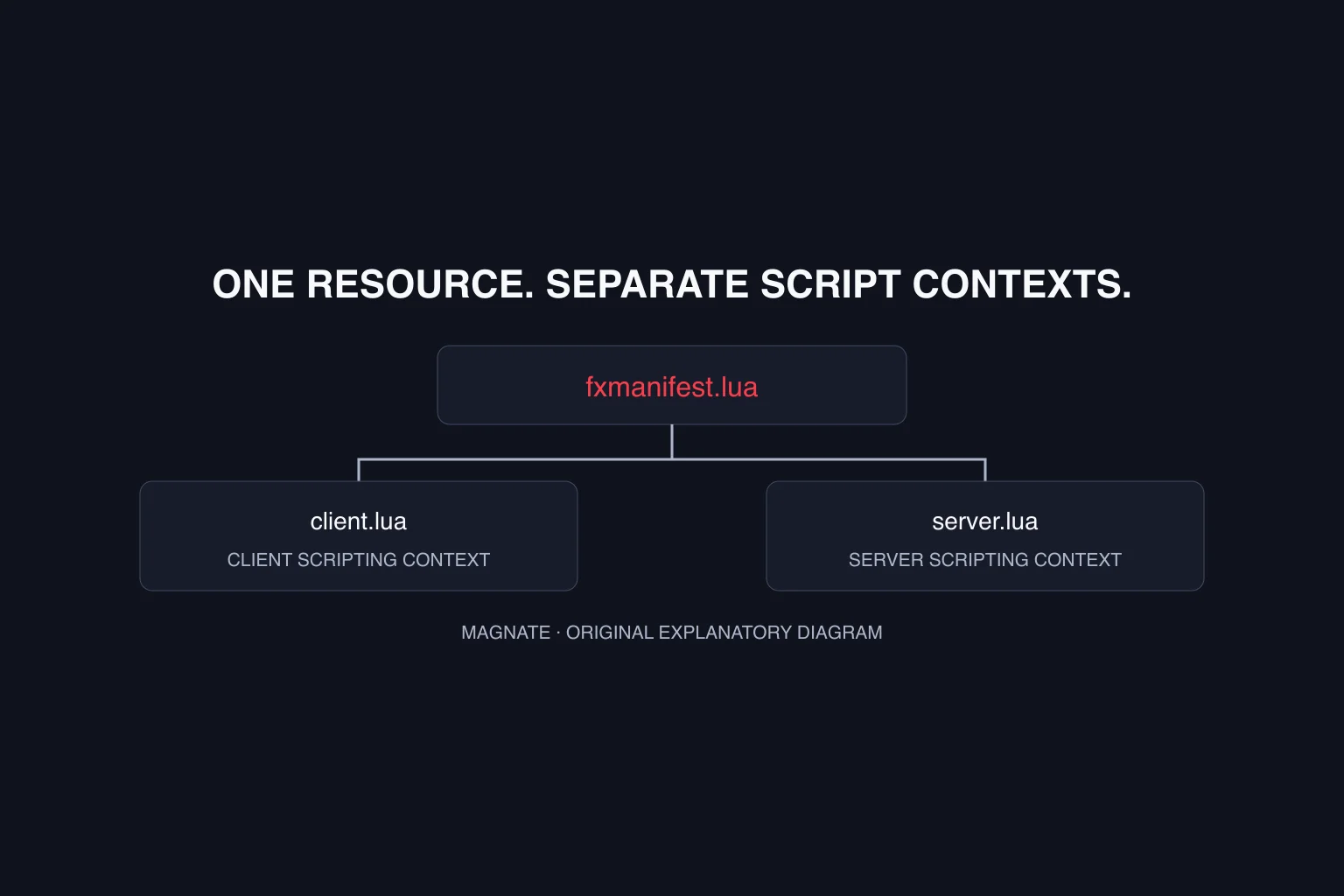
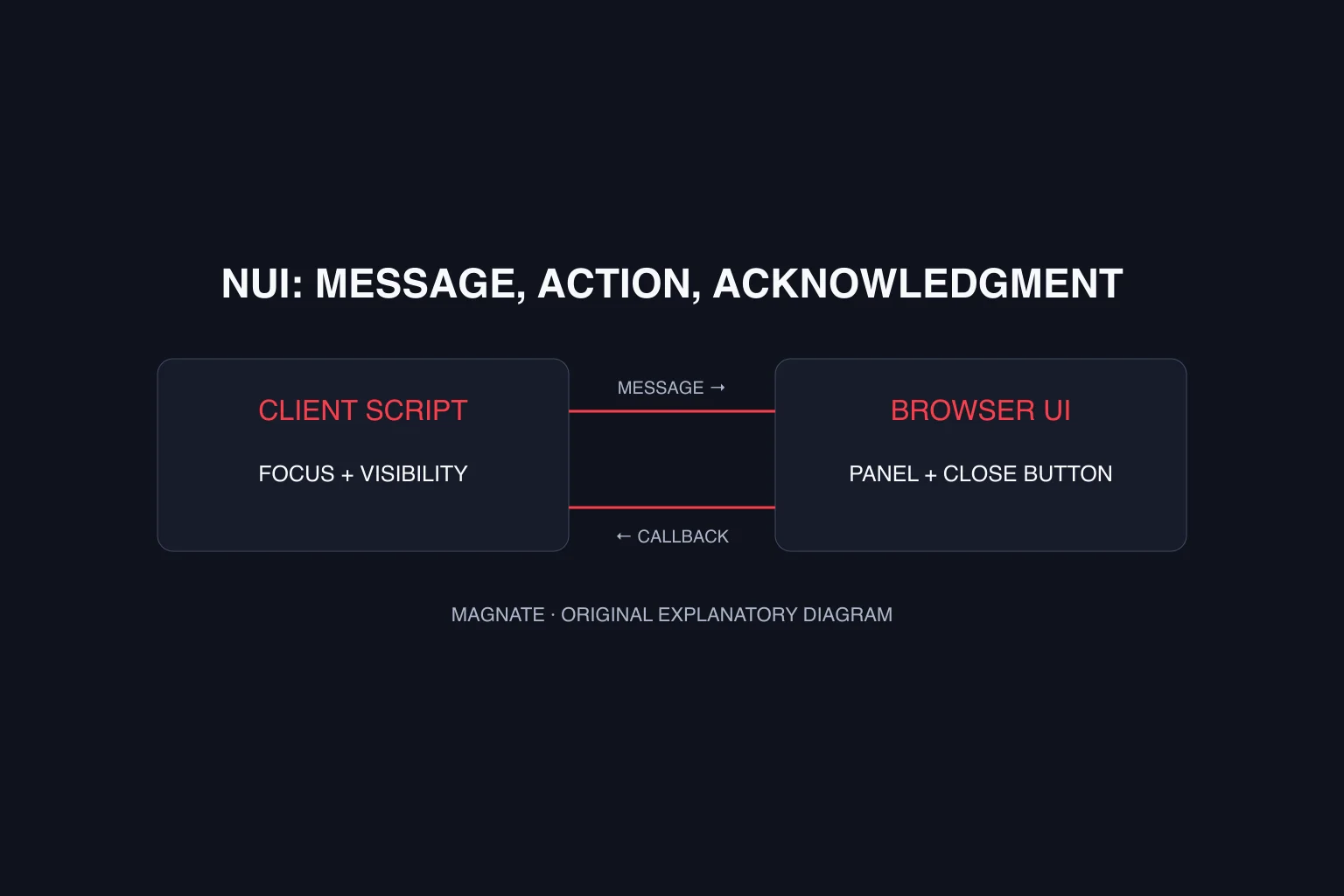
Separate a resource that fails to start from one that starts but behaves incorrectly. Use the resource-manifest tutorial for packaging checks and the NUI panel tutorial when a menu’s messages or focus are the failure point. Change one layer at a time so the evidence remains interpretable.
Give converted assets their own review gate
Use the official Alchemist documentation for the conversion process. Keep originals and converted outputs in separate working directories so an unsuccessful result cannot silently replace the source package. Conversion output and permission to redistribute an asset are separate questions.
Our suggested visual review uses a fixed route and camera positions: examine a representative vehicle, interior and clothing item that your server actually ships. Record missing textures, geometry issues and loading errors with the relevant resource version. Compare the same scene after each revision rather than relying on a vague recollection that it looked different.
Keep a rollback decision explicit
Before opening staging to testers, record what would stop release: failed character persistence, missing paid-resource support, a broken critical menu or an unresolved asset error. Choose those conditions around your community’s essential behavior, not an arbitrary number of warnings.
Retain the original installation and a dated backup, and document who can restore them. Avoid promising that a backup can be restored until you have checked the recovery procedure in your environment. A useful release record includes the artifact build, resource revisions, test results and the decision to proceed or stay on the existing setup.
Recheck the official change reference immediately before the switch. Early-access documentation can change after this page’s review date. For game and client selection, use the player edition guide. For a first server rather than a migration, follow the Windows server-setup guide and establish a simple baseline before importing a resource pack.
Questions, answered.
Does FiveM support GTA V Enhanced?
Cfx publishes onboarding and migration documentation for FiveM for GTA V Enhanced. Review the current release instructions and limitations rather than relying on an older Legacy-only article.
Does converting assets prove the whole server is compatible?
No. Assets, script behavior, framework support and persistent data require separate checks.
Sources & editorial notes
Source review: October 6, 2026. Platform announcements can change. This guide separates published facts from Magnate’s original analysis and preparation advice.
- Cfx — FiveM for GTA V Enhanced onboarding Official server prerequisites and asset-conversion route.
- Cfx — Legacy to Enhanced changes Current breaking changes and early-access limitations; recheck before migration.
Published by an independent editorial brand. Read our editorial standards.