Choose the artifact for the game version you intend to run
The Cfx txAdmin setup guide gives a Windows workflow and distinguishes the GTA V Enhanced artifact and executable names from the older names. For Enhanced, it identifies cfx-server_win_x64 and cfx-server.exe, with a Visual C++ runtime prerequisite. Follow the current official download link for the intended target.
Extract the recommended artifact into a dedicated directory and keep a record of its build. A collection of unrelated downloaded scripts is not a server installation. Start with the executable and base configuration before adding optional resources, so failures can be attributed to a specific step.
| Layer | Purpose | What to verify |
|---|---|---|
| Server artifact | Runs FXServer and bundled txAdmin | Correct target, build and executable |
| txAdmin setup | Creates the managed server configuration | Intended instance and account link |
| Recipe | Deploys the selected starting resources | Recipe identity and requirements |
| Custom resource | Adds an individual feature | Manifest, dependencies and loading result |
Complete the official txAdmin setup flow
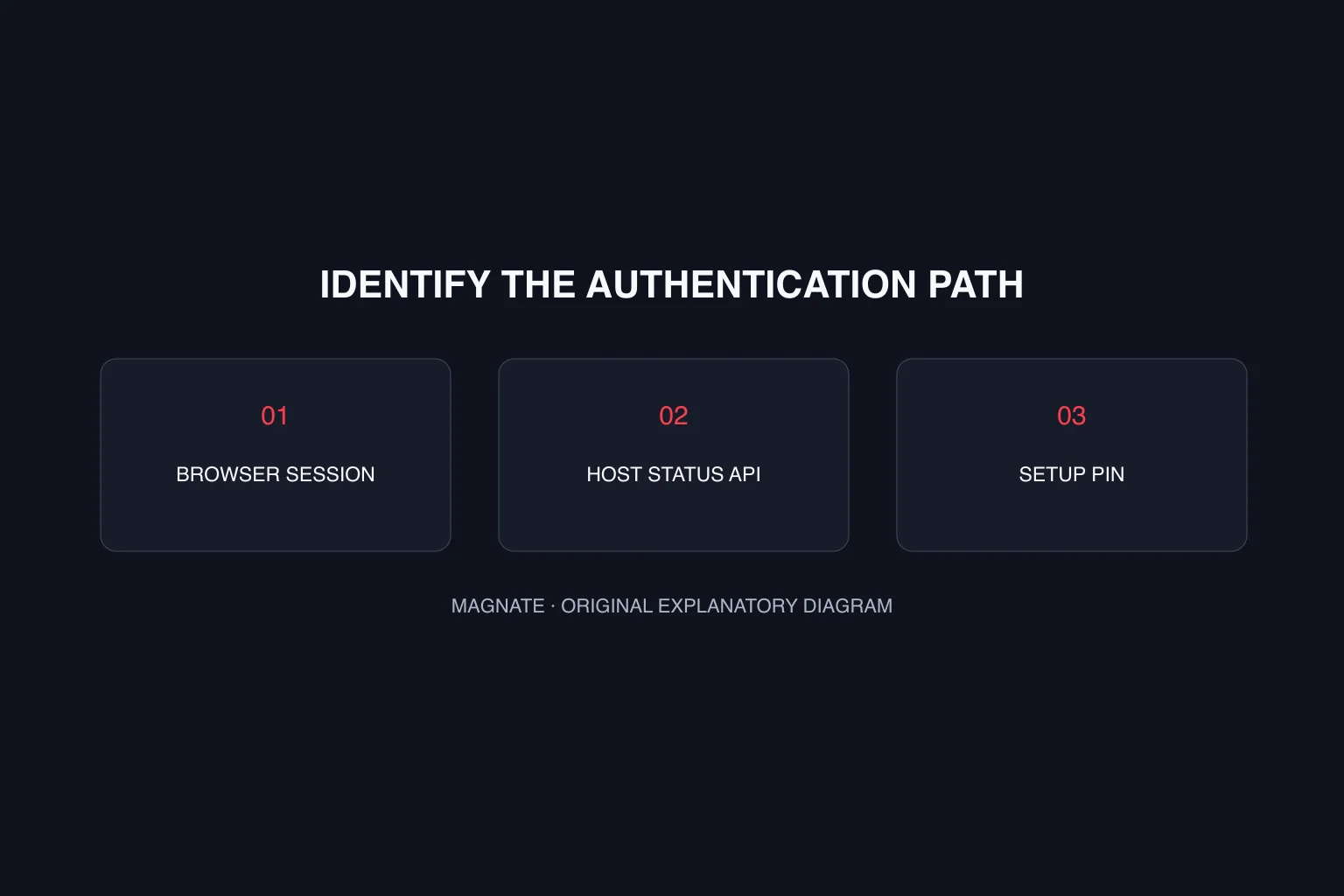
Cfx documents txAdmin as included with FXServer, so its basic installation does not require a separate third-party txAdmin download. Launch the correct server executable and follow the panel opened by the official setup flow. Confirm that the displayed setup PIN belongs to that process. The token-error guide separates a setup PIN problem from browser-session and host-status failures.
The documented workflow links a Cfx account, establishes the administrator login and asks for a server name and recipe. Enter credentials only in that intended setup flow. This article describes the process; Magnate has not provisioned a server or completed account linking for you.
Use a basic recipe as the first diagnostic baseline
The official Windows guide recommends the CFX Default FiveM template initially and notes that other templates may require a database. A basic starting point lets you check the server itself before combining it with a framework’s installation requirements.
Record the recipe you selected and retain the installation output. If deployment fails, capture the failing step and error rather than replacing random files. When you later choose a framework, review its own maintained installation documentation and confirm each dependency instead of treating every recipe as interchangeable.
Verify the server before adding a large resource pack
First confirm the process remains running and the management panel is reachable through your intended local setup. Then test a FiveM client connection to that server and inspect its logs. Panel access and game connection are different checks; one successful page load does not prove the other.
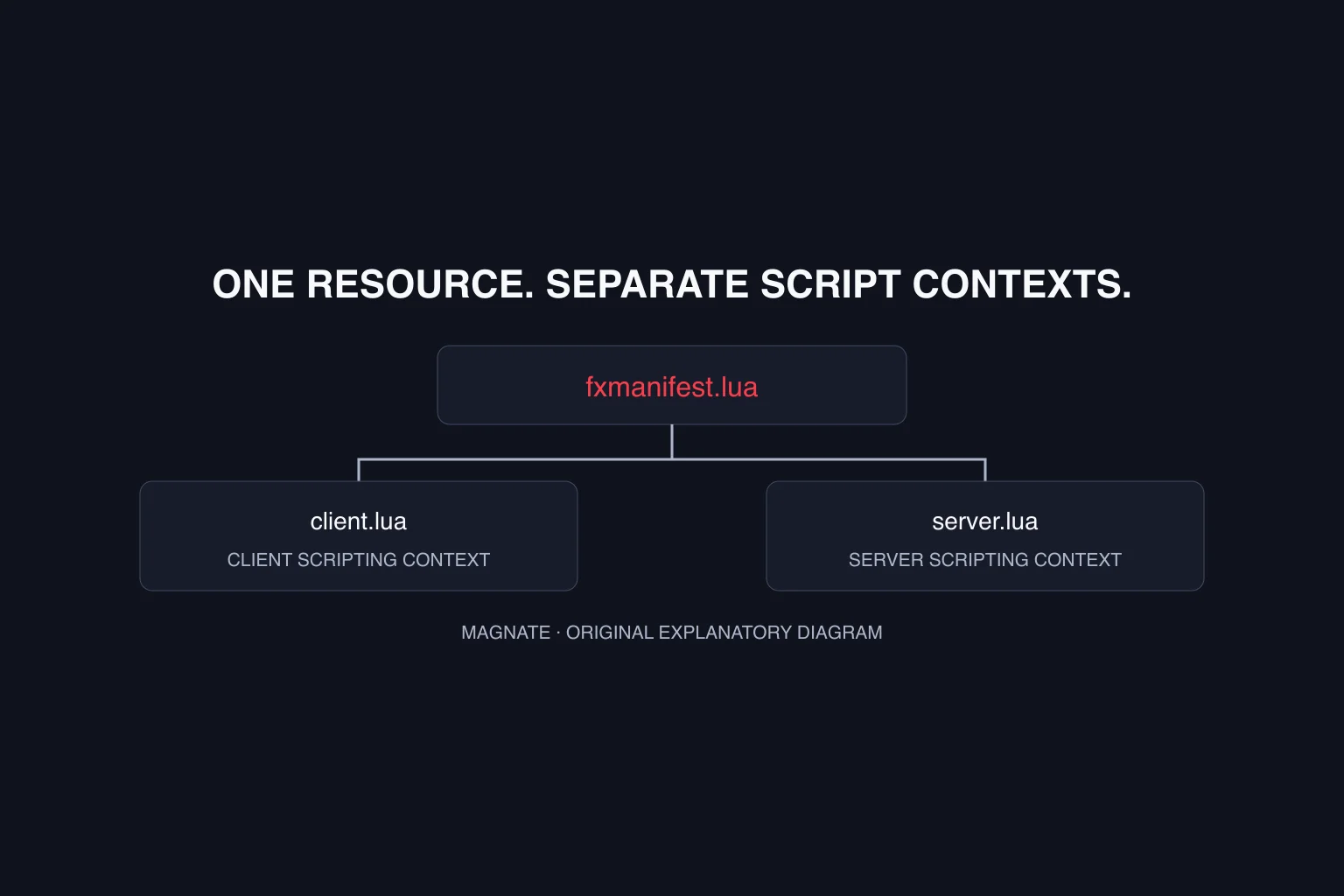
After that baseline works in your environment, add one resource and repeat the connection and loading checks. The resource-manifest tutorial provides a small example for that next step. Preserve the baseline configuration so you can revert your last change without guessing which part of a large bundle caused a failure.
Questions, answered.
Do I download txAdmin separately from FXServer?
Cfx documentation says txAdmin is bundled with FXServer. Use the official setup instructions for your artifact.
Does this prove a server is ready for public players?
No. A basic local setup and connection check are initial validation steps. Hosting, operations and community requirements need separate review.
Sources & editorial notes
Source review: October 6, 2026. Platform announcements can change. This guide separates published facts from Magnate’s original analysis and preparation advice.
- Cfx — Windows txAdmin setup Official Windows setup and artifact variants.
- Cfx — txAdmin overview Bundled management panel and startup documentation.
Published by an independent editorial brand. Read our editorial standards.