Match three things: your game, client and community
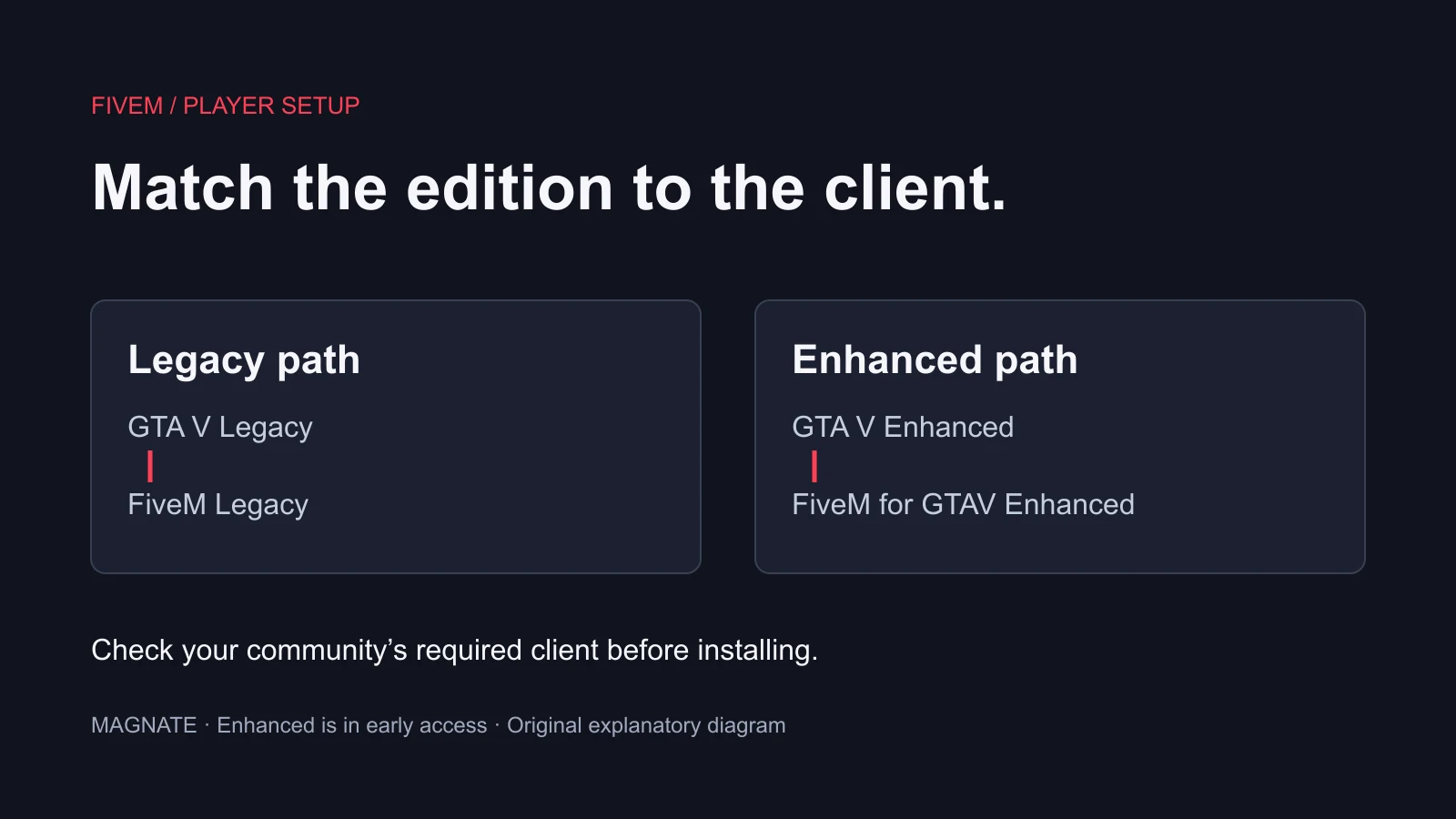
The official FiveM homepage lists separate requirements for Legacy and Enhanced. Legacy uses GTA V Legacy; the Enhanced client uses GTA V Enhanced and is labeled early access. Its FAQ says FiveM is unavailable on consoles. Do not interpret a GTA V store listing as a promise that its console edition runs FiveM.
| Your target | Game and client pairing | Next check |
|---|---|---|
| Legacy community | GTA V Legacy + FiveM Legacy | Read the community’s current joining instructions |
| Enhanced community | GTA V Enhanced + FiveM for GTAV Enhanced | Confirm early-access requirements and community support |
| Console play | Console GTA V is not a console FiveM client | Use supported PC requirements if you intend to play FiveM |
- Write down the community name and its required client.
- Check the edition installed in your PC game library.
- Use the matching download route on the official FiveM site.
Owning GTA V and installing it are different checks
The Cfx purchase guide requires a legal, fully updated GTA V installation and rejects illegitimate copies. Its store links are starting points, not a universal price or entitlement guarantee. Verify the exact product and platform in your own library before spending money.
Our suggested pre-purchase check is simple: open the community’s joining instructions, note the required edition, then compare that wording with the product you are considering. If your existing library already includes the necessary PC edition, investigate that entitlement before buying another copy. We have not audited every retailer bundle or subscription offer.
Keep a distinction between a game owned by your account, a game installed on this computer and a client that can locate that installation. A receipt answers the first question only. Record which launcher and edition you installed so a support request can describe the setup accurately.
Install from the official route, then verify one step at a time
The Cfx installation guide says to install and update GTA V, obtain FiveM from its official website and run the installer. It documents installation into an empty chosen folder or the default local application-data folder. Start with those maintained instructions rather than a repackaged installer from an unrelated tutorial.
Our recommended sequence is to verify the game installation first, then the client, then the community connection. When a step fails, record that step’s exact error before changing anything else. A client that opens successfully can still fail to join a specific server; those are different outcomes and need different diagnostic information.
If you installed both editions, do not guess which files a prompt is requesting. Check the edition and directory associated with the launcher entry you intended to use. If the instructions or prompt remain unclear, use Cfx support with a redacted screenshot and the exact client name rather than moving files between installations at random.
Do you need Legacy, or can you use Enhanced?
Legacy is required for the Legacy client. Enhanced now has its own official FiveM route, so an older blanket statement that FiveM only works with Legacy is incomplete. The practical choice depends on the community you intend to join. A newer edition name does not establish that every community or resource has migrated.
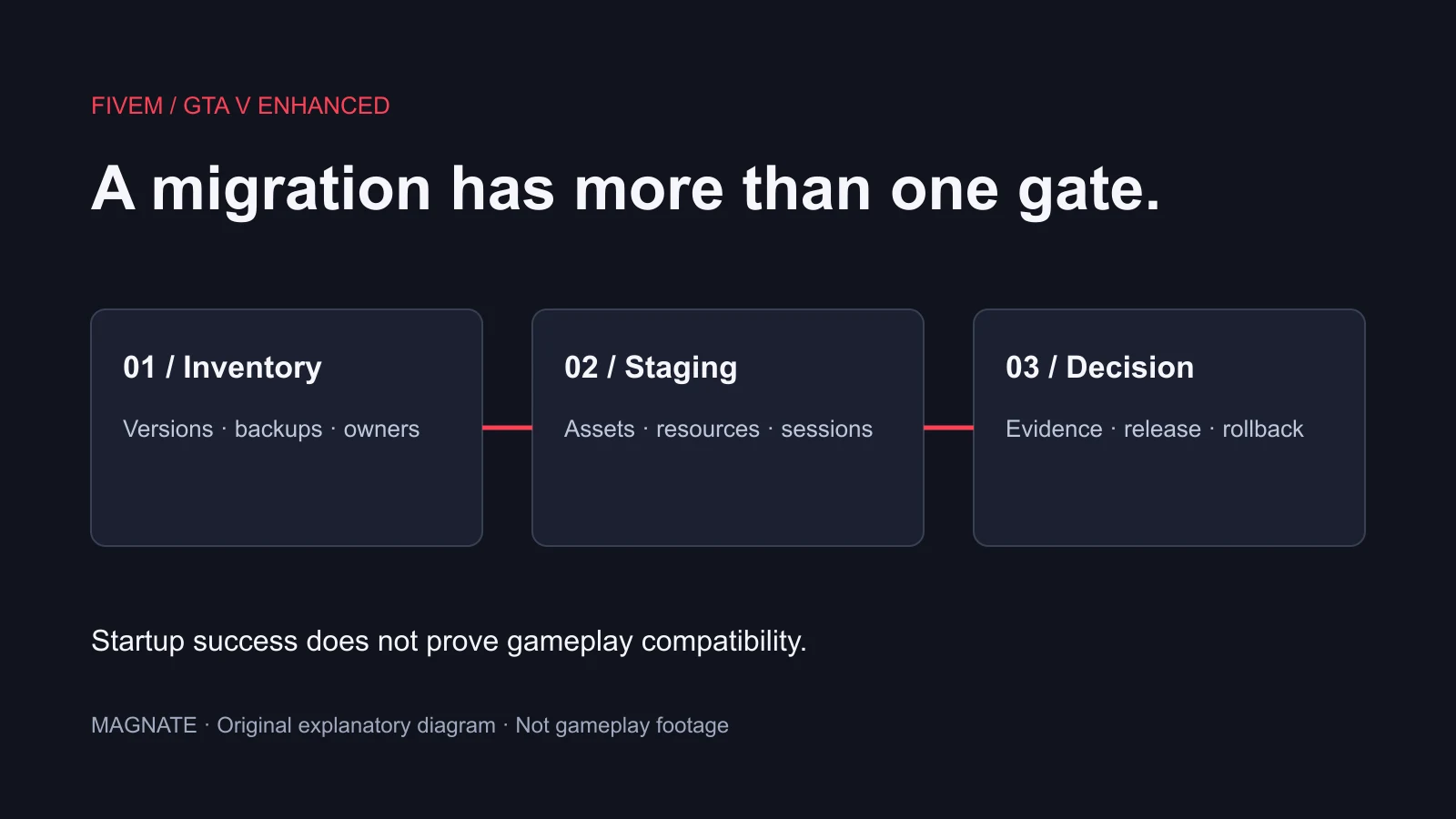
Ask the community a precise question: Which FiveM client and GTA V edition does your current joining guide require? That gives a useful answer without asking administrators to diagnose an unnamed installation. For server owners considering a switch, the Enhanced migration checklist covers a different task: testing assets, resources and session behavior before release.
What to include when asking for help
Use a short setup record: GTA V edition, launcher, FiveM client name, the step that fails and the error text. State whether the client opens and whether the problem occurs with one community or every attempted connection. This is our suggested diagnostic format, not a claim that any particular fix will resolve your error.
Remove passwords, authentication codes and account identifiers from screenshots before sharing them. For subscription-based access or a store bundle, check the current entitlement and installation terms directly; this guide does not promise that a particular Game Pass tier, temporary trial or retailer package includes the required version.
Once the technical pairing is correct, use the first-session guide for the joining workflow. Choosing a community is a separate decision. Review roleplay communities for their rules, onboarding and moderation expectations rather than assuming a compatible installation is the whole joining process.
Questions, answered.
Can I play FiveM on PlayStation or Xbox?
The official FiveM FAQ says console support is not feasible; FiveM relies on the PC platform.
Do I need GTA V installed, or just purchased?
Cfx requires a fully updated game installation. Ownership alone is not the complete installation requirement.
Is Enhanced a replacement for every Legacy community?
Do not assume that. Match the client and game edition to the specific community’s current instructions.
Sources & editorial notes
Source review: October 6, 2026. Platform announcements can change. This guide separates published facts from Magnate’s original analysis and preparation advice.
- Cfx — FiveM official homepage Current Legacy and Enhanced client requirements, early-access status and platform FAQ.
- Cfx — Where to buy GTA V Legitimate ownership and updated-installation requirements.
- Cfx — Installing FiveM Official installer workflow; follow the current edition-specific route.
Published by an independent editorial brand. Read our editorial standards.