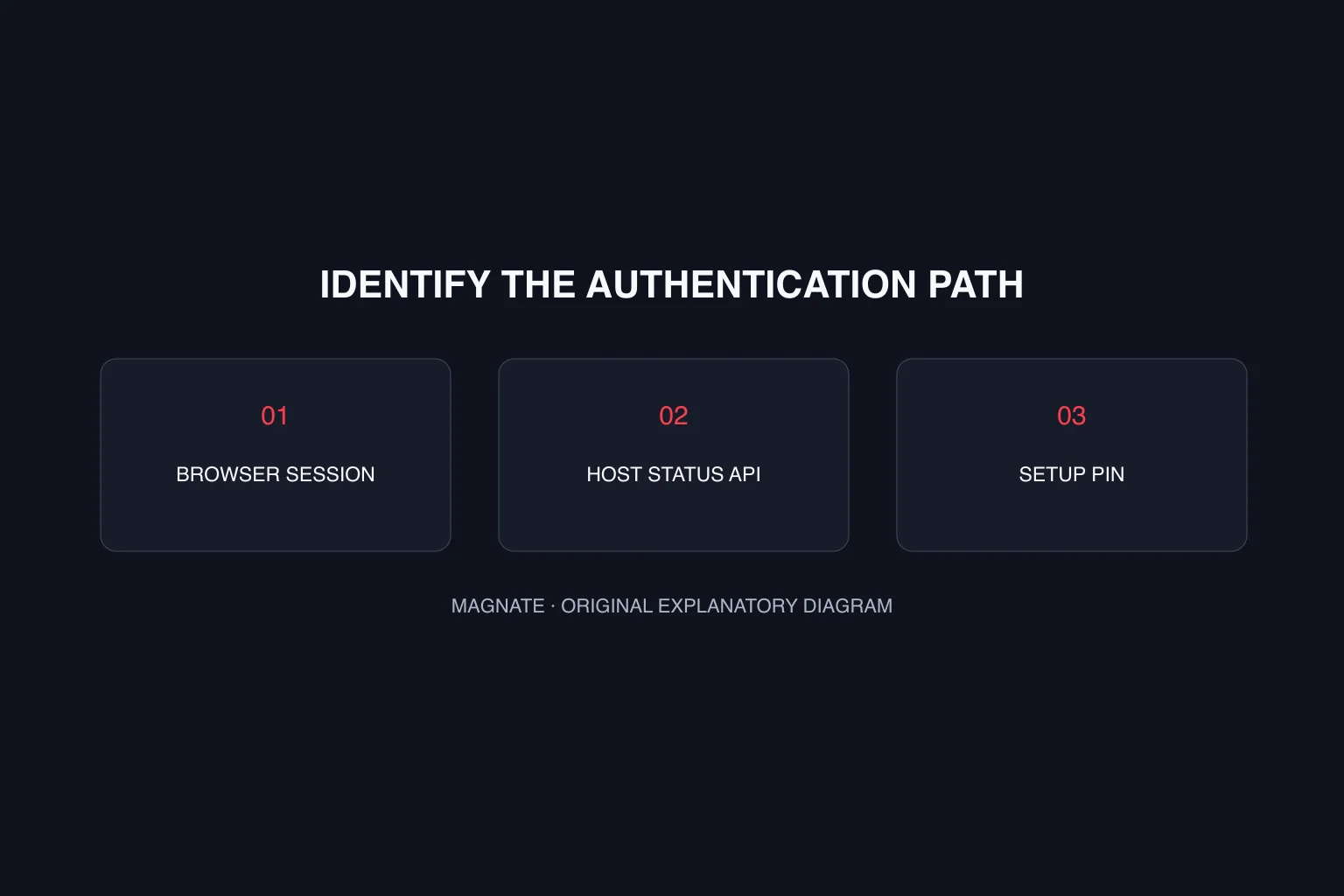
Record the error and context before changing anything
Write down the error wording, the action that caused it and whether it came from the browser panel, a monitoring request or initial setup. Record the installed txAdmin and FXServer versions. A search result saying token error does not identify which credential your request needs.
This guide reviews upstream txAdmin revision 8a9a414, not a running reader’s installation. Compare the corresponding code or documentation for your version before applying a fix. Share redacted diagnostic text when asking for help; keep credential values out of screenshots and public logs.
| Context | Relevant value | First check |
|---|---|---|
| Web panel request | Browser session and CSRF header | Refresh or sign in again; inspect a missing header |
| Host-status API | Configured TXHOST_API_TOKEN | Request token matches the host configuration |
| Initial master setup | PIN for that running server | Use the PIN associated with the intended instance |
For a browser CSRF error, follow the browser-session path
The upstream authentication middleware distinguishes an invalid CSRF value from a missing x-txadmin-csrftoken header. For the invalid-value case, its message directs the user to refresh the page or sign in again. Try that path before rotating an unrelated host API credential.
For a missing header, the code points to mismatched files or a reverse proxy removing the header. Inspect the installed files and the request path through the proxy. Do not disable the authentication check to make the error disappear: that changes protection rather than explaining why the expected request information was missing.
For host-status requests, check configuration and transport
The host environment documentation defines TXHOST_API_TOKEN for the host-status endpoint. The middleware distinguishes an unconfigured token, a missing request token, conflicting transports and a value mismatch. Use the x-txadmin-envtoken header or the documented query parameter, rather than supplying both.
Check the token configured for the actual running process against the monitoring client’s configuration. Do not assume a token in another shell or a different server profile is the value that process uses. Prefer the header so a credential does not become part of a copied URL.
Keep a wrong setup PIN separate from token failures
The setup PIN handler checks the supplied PIN against the server’s current master-setup PIN. If several server processes or browser tabs are open, verify that the panel URL and console belong to the same instance. A valid value for another instance does not establish that this instance should accept it.
After resolving the issue, repeat the original action and inspect the result. A successful panel login does not prove the host-status client is configured, and a working monitoring request does not prove browser setup is complete. Keep the verification tied to the failure you started with.
Questions, answered.
Should I disable TXHOST_API_TOKEN to fix a browser token error?
No. The host-status token is separate from browser CSRF/session checks. Identify the failing path before changing configuration.
Does this diagnose every installed txAdmin version?
No. It identifies cases in the pinned upstream snapshot; compare your installed version and exact error.
Sources & editorial notes
Source review: October 6, 2026. Platform announcements can change. This guide separates published facts from Magnate’s original analysis and preparation advice.
- txAdmin — Authentication middleware Pinned upstream authentication cases; installed versions may differ.
- txAdmin — Host environment configuration Versioned host-token and environment settings.
- txAdmin — Master setup PIN handler Pinned setup PIN validation path.
Published by an independent editorial brand. Read our editorial standards.