Choose the community before following an installation video
This guide covers GTA V roleplay through FiveM, not a verified GTA VI roleplay platform. GTA RP describes playing a character within a community’s shared rules. FiveM is one way to access that experience; a guide for a different multiplayer client may have a different installation process.
Start with the community’s official site or maintained joining guide. Note the required client, access process, active hours and where newcomers can ask questions. Our server-selection guide helps evaluate fit. This page takes the next step: getting from that choice to your first session.
Confirm the game and client pairing
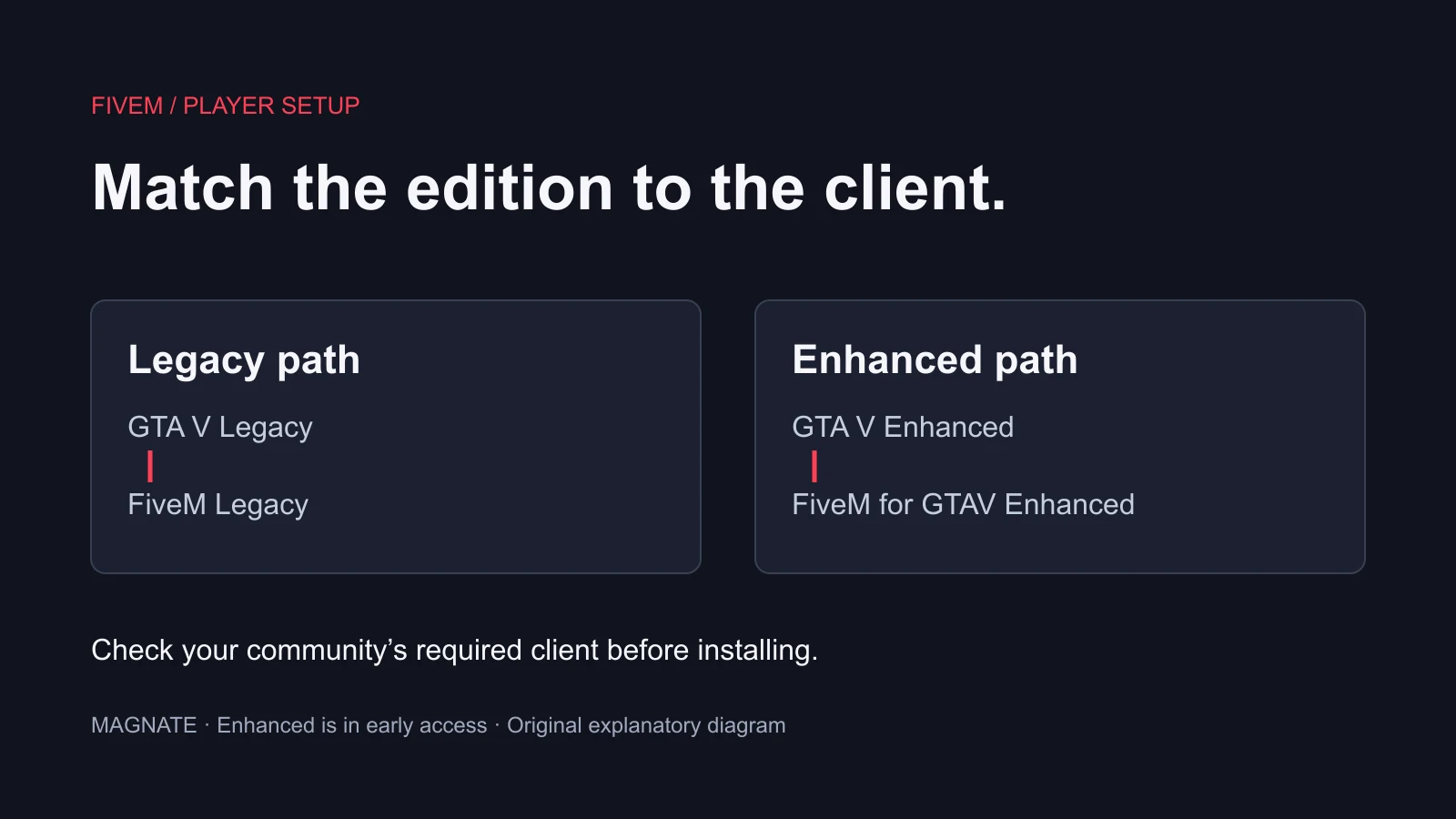
The official FiveM homepage separates Legacy and Enhanced, with Enhanced currently in early access. Use the player edition guide to match your GTA V installation to the intended FiveM client. The Cfx installation guide provides the official installer workflow. Follow the community’s current requirements rather than assuming an older tutorial covers both editions.
Our recommended check is to record three names before downloading: the GTA V edition, the FiveM client and the community. If those do not match the joining instructions, resolve that mismatch first. A server address cannot fix an incompatible setup, and repeatedly reinstalling a client does not answer which edition the community expects.
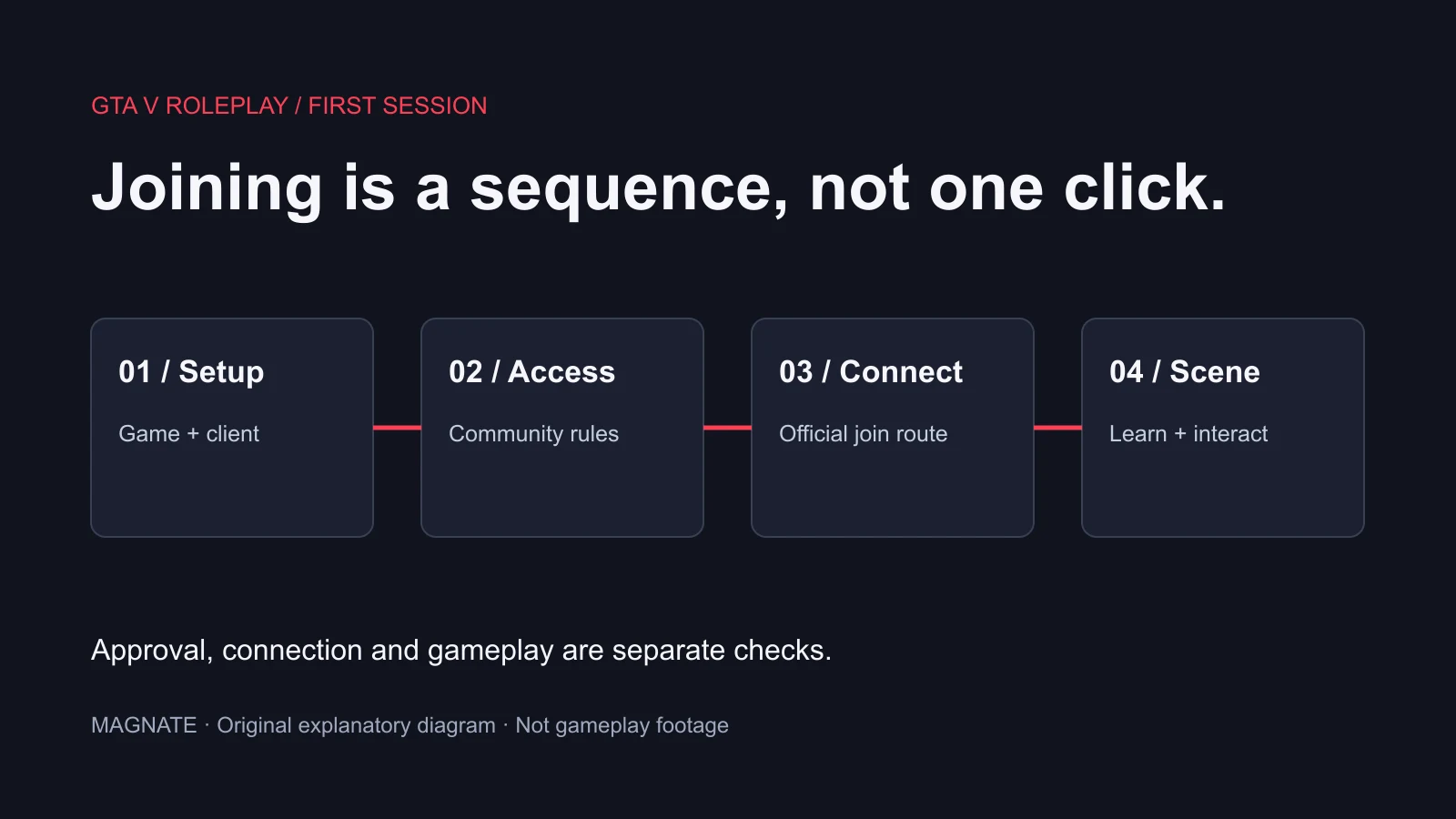
Separate access approval from a technical connection
A community may publish an application, orientation or other access process. Follow the rules actually provided by that community; there is no universal whitelist form or guaranteed waiting time. If approval is required, ask whether it has been granted before diagnosing a rejection as an installation failure.
Use this table as our diagnostic checklist. It separates symptoms; it does not prove their cause or authorize bypassing the community’s access process.
| What you observe | What to establish next | Useful information to retain |
|---|---|---|
| Client does not open | Game/client installation and the exact error | Client name, edition and error text |
| Connection fails | Correct community address and reported connection error | Time of attempt and message |
| Access is denied | Community’s stated access requirement and your status | Application or approval status |
| You enter but a feature fails | The local controls or resource behavior involved | Action taken and observed result |
Connect using the community’s maintained instructions
Copy the join route from the community’s official instructions, not a random promotional comment. If it provides a direct address, the Cfx console-command reference documents opening the client console with F8 and using connect with an address, port or URL. It also documents disconnect to return to the main menu.
The command form below is a template, not a real community address. Replace the placeholder with the exact address supplied by the community; do not execute it literally. A successful connection still does not prove that an application has been approved or that all community resources are working.
connect <community-address-or-join-URL>

disconnect
Make the first session small enough to learn
Our suggested first-session plan is to check voice or text settings, read the local newcomer instructions and find one ordinary reason to speak to another character. For example, a newly arrived delivery worker might ask where to find a public meeting place. That premise creates interaction without demanding money, authority or a dramatic history from the rest of the server.
Use the community’s own control list. Do not assume every server assigns inventory, phone or interaction to the same key. If a control fails, ask about that specific action through the designated help channel; mixing technical questions into an ongoing scene can make it harder for others to respond appropriately.
Keep out-of-character information separate from what your character knows. Our RP rules guide explains common terms such as metagaming and powergaming, but local definitions govern the session. Leave room for other players to decide their reactions instead of declaring a result for them.
Ask for help with a precise, redacted record
A useful request says which client and game edition you use, where the joining process stopped, the exact error and whether the problem affects one community or multiple attempts. Add the time of the attempt so staff can correlate it with their own logs. Do not send passwords or authentication codes.
When you can connect but do not know what to do, describe the gameplay question instead: where to find orientation, how to start a permitted beginner activity or where to read the local controls. That helps a community mentor answer the real question without treating it as an installer problem. This is a proposed newcomer workflow, not a claim that Magnate tested or joined every listed community.
Questions, answered.
Is a whitelist the same as connecting successfully?
No. Community approval and a technical connection are separate checks. Follow the specific community’s access process.
Are the controls the same on every GTA RP server?
Do not assume that. Use the community’s maintained control and newcomer instructions.
Sources & editorial notes
Source review: October 6, 2026. Platform announcements can change. This guide separates published facts from Magnate’s original analysis and preparation advice.
- Cfx — FiveM official homepage Current Legacy and Enhanced client requirements, early-access status and platform FAQ.
- Cfx — Installing FiveM Official installer workflow; follow the current edition-specific route.
- Cfx — Client console commands Official F8 console, connect and disconnect syntax.
Published by an independent editorial brand. Read our editorial standards.