Where to check official FiveM service status
Open Rockstar Service Status first. During our November 7 review, status.cfx.re redirected there. The page lists separate Cfx components for Authentication, FiveM, RedM, Community Servers and Marketplace, alongside other Rockstar services. Read the component relevant to your problem and the page’s update time.
We do not copy an “operational” badge into this guide because a static article can outlive that observation. An official component status is useful evidence about the named service; it is not a health check of every independently operated roleplay server. Also check the affected community’s own announcements for maintenance or a server-specific incident.
Use direct connection to separate discovery from access
Cfx documents the F8 client console and the connect command, accepting an address and port or a server URL. Use the endpoint or join link supplied by the community you intend to join. A successful direct connection while a browser entry is missing is a useful distinction between reaching the server and discovering its listing.
The example below uses the reserved documentation address 203.0.113.10. Replace it with the server’s published endpoint; this address is not a working Magnate server. Do not guess an administrator’s private address or use a management-panel port as the game endpoint.
connect 203.0.113.10:30120If you own the server, check external reachability
The Cfx server-issues guide recommends direct-connect checks and checking the server’s info.json response. It also discusses port forwarding, firewall configuration and listing settings. Test from outside the host’s local network when diagnosing public access: reaching localhost only establishes a local result.
The guide specifically discusses an active sv_master1 empty-string setting making a server private, and says there is no need to add the setting when absent. Inspect the existing configuration before making a change. Follow the current official instructions for your deployment instead of opening unrelated ports.
A response from info.json is one observation, not a full gameplay test. Preserve the result beside the client connection result, timestamp and recent deployment changes. If an owned server started failing after an update, compare the previous and current artifact and resource versions before attributing the problem to a platform incident.
Make a useful report for the community or host
Give staff enough information to reproduce the failure: the server’s public name or join link, your timezone, the exact error text and the step where it appears. Add whether another permitted server works and whether an official incident matches the timing. Redact account tokens and unrelated personal details from logs or screenshots.
Suggested report: “At 20:00 UTC, the published join link reached a timeout before the queue. Another community connected successfully. The affected server was reachable earlier today. Here is the complete error and my client edition.” This is a fictional report format, not evidence of an outage.
For owners, add the artifact build, last successful external connection, recent configuration changes and the first relevant server error. Keep tests and changes in order. Repeating a connection attempt after one documented change gives a more useful comparison than reinstalling and replacing several resources at once.
What to do after service returns
Retry the same connection path and record whether the original failure has cleared. If the official incident ends but one community still fails, continue with that community’s evidence instead of assuming the same cause persists. Avoid turning one successful attempt into a claim that all servers are healthy.
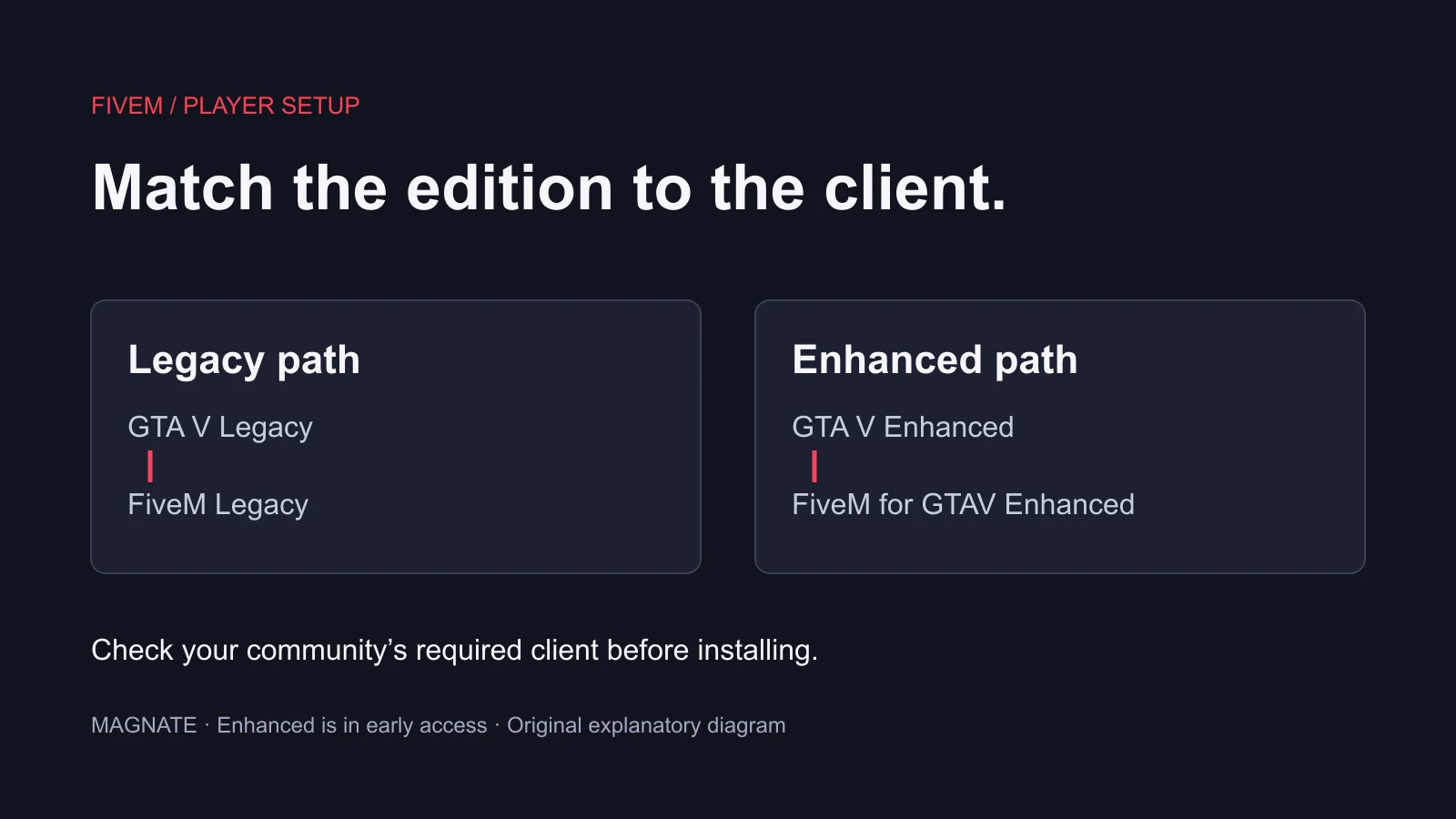
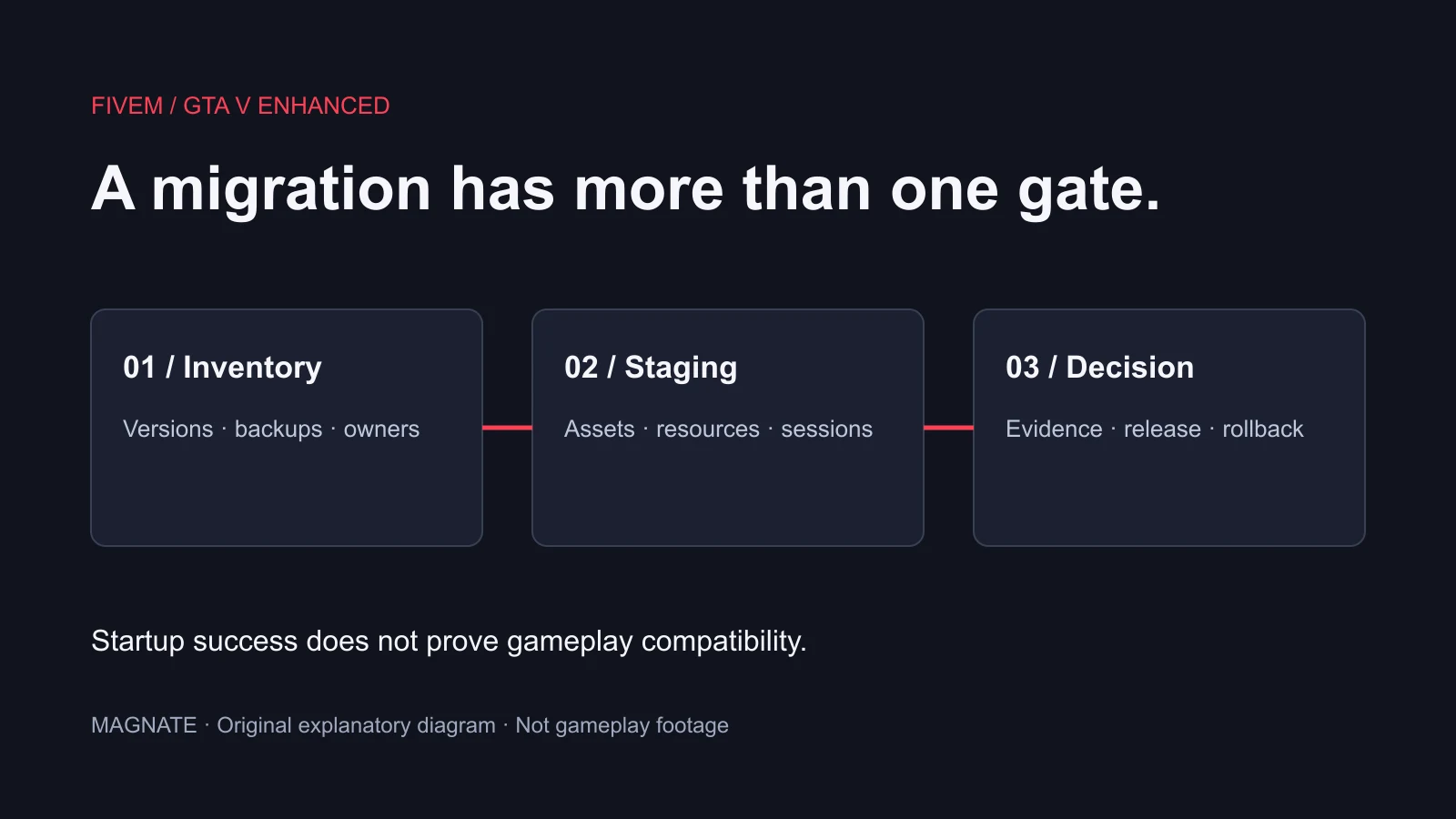
For edition compatibility, use our GTA V requirement guide and Enhanced migration guide. Server owners can use the setup and artifact guides for their respective workflows. These pages concern current GTA V/FiveM services, not a GTA VI online service-status dashboard.
Questions, answered.
Where is the official FiveM status page?
During the November 7, 2026 review, status.cfx.re redirected to Rockstar Service Status. Open its Cfx section and read the current timestamp and component status.
Does an operational status mean my RP server is online?
No. Check the individual community’s announcements and actual connection result as well as the official platform components.
Should I reinstall FiveM when one server is down?
First identify the failure stage and compare with the official status and the community’s announcements. One failed server connection does not establish a broken client installation.
Sources & editorial notes
Source review: November 7, 2026. Platform announcements can change. This guide separates published facts from Magnate’s original analysis and preparation advice.
- Rockstar Service Status — Cfx components Official service components and timestamp; open for the latest state.
- Cfx Documentation — Server issues Direct connection, external reachability and server-list visibility checks.
- Cfx — Client console commands Official F8 console, connect and disconnect syntax.
Published by an independent editorial brand. Read our editorial standards.