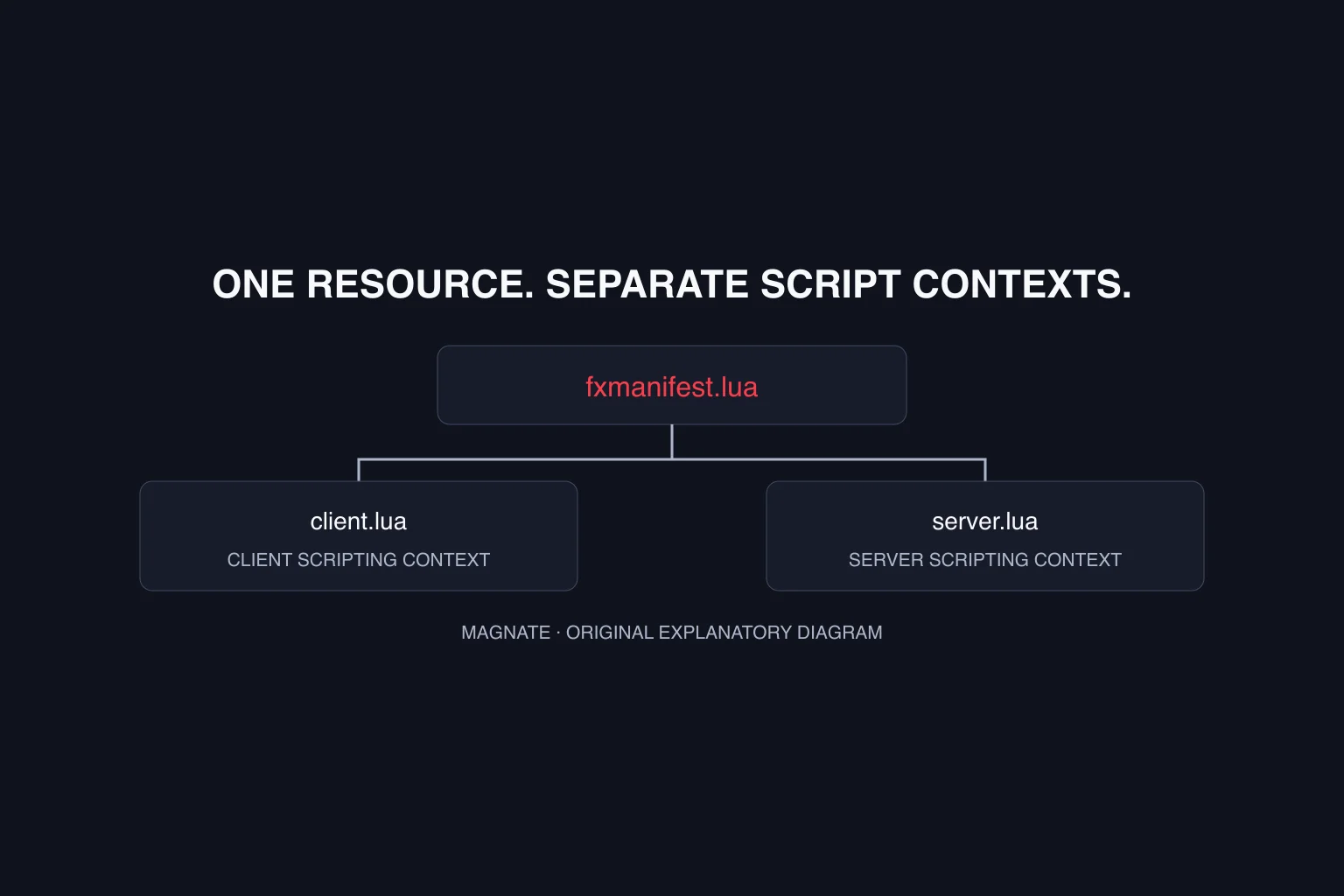
Start with three files in one resource folder
This tutorial concerns current FiveM tooling for GTA V. It does not establish GTA VI mod compatibility. Use a development server where you can inspect logs and restart your own resource without disrupting players. The example is original instructional code, reviewed against Cfx documentation; it has not been run inside a FiveM game session here.
Create a folder named magnate_manifest_demo under your server’s resources directory. Put fxmanifest.lua, client.lua and server.lua directly inside that folder. Avoid accidentally adding another nested folder from an extracted archive: the manifest should sit at the resource root, alongside the files it declares.
magnate_manifest_demo/
  fxmanifest.lua
  client.lua
  server.lua
Declare only the files this example needs
The Cfx resource-manifest reference describes a metadata file evaluated separately from the resource’s Lua scripts. Here, the game target is gta5 and the manifest declares one client file and one server file. The descriptive fields identify the sample; they do not create functionality by themselves.
Keep filenames exact, including capitalization on systems where it matters. Do not add a broad wildcard just to hide a missing-file problem. If the manifest refers to client.lua, there must be a corresponding file at that path in this resource.
fx_version 'cerulean'
game 'gta5'

author 'Magnate example'
description 'Minimal resource loading demonstration'
version '1.0.0'

client_script 'client.lua'
server_script 'server.lua'
Make the loading result observable
Give each script a different log message. This makes it easier to distinguish a server-side loading result from a connected client’s result. Printing a message verifies a narrow loading step; it does not prove that an inventory, database integration or other larger feature works.
Place the client-labeled print statement in client.lua and the server-labeled statement in server.lua. Start the resource through your development server’s resource controls. Inspect the server console for its message, and the connected FiveM client’s console for the client message. Do not expect both messages in the same log.
-- client.lua
print('[magnate_manifest_demo] client loaded')

-- server.lua
print('[magnate_manifest_demo] server loaded')
Diagnose the first failure before expanding the resource
Change one thing at a time and record the exact error text. A missing file, a resource not discovered by the server and a runtime exception require different fixes. Reinstalling an unrelated framework will not explain which of those steps failed.
After the minimal loading check succeeds in your own environment, add one feature and repeat the check. For a UI-specific next step, the NUI panel tutorial adds declared assets, messages and a close callback. Keep the manifest and scripts in version control so you can return to the smallest working revision. This separates your changes from an existing server’s framework configuration.
| Symptom | Check first |
|---|---|
| Resource not discovered | Resource folder placement and manifest filename |
| Declared file missing | Exact relative path and extracted folder nesting |
| Only server message visible | Connected client log and client script declaration |
| Script error after loading | Exact file and line in the runtime error |
| New dependency fails | Its documented installation and startup requirements |
Questions, answered.
Is fxmanifest.lua the same as client.lua?
No. The manifest declares metadata and which files to load. The client script contains code run in the client scripting context.
Does this example need ESX or QBCore?
No. This minimal log-message example does not call either framework. More complex resources can have their own dependencies.
Sources & editorial notes
Source review: October 5, 2026. Platform announcements can change. This guide separates published facts from Magnate’s original analysis and preparation advice.
- Cfx — Resource manifest Official manifest metadata and file declarations.
- Cfx — Creating your first Lua script Official resource structure and development introduction.
Published by an independent editorial brand. Read our editorial standards.