Define the resource and its UI assets
This original example is for current FiveM/GTA V development. It is not a GTA VI compatibility claim and has not been run inside a FiveM session. Use the resource-manifest tutorial first if resource folders and client scripts are unfamiliar.
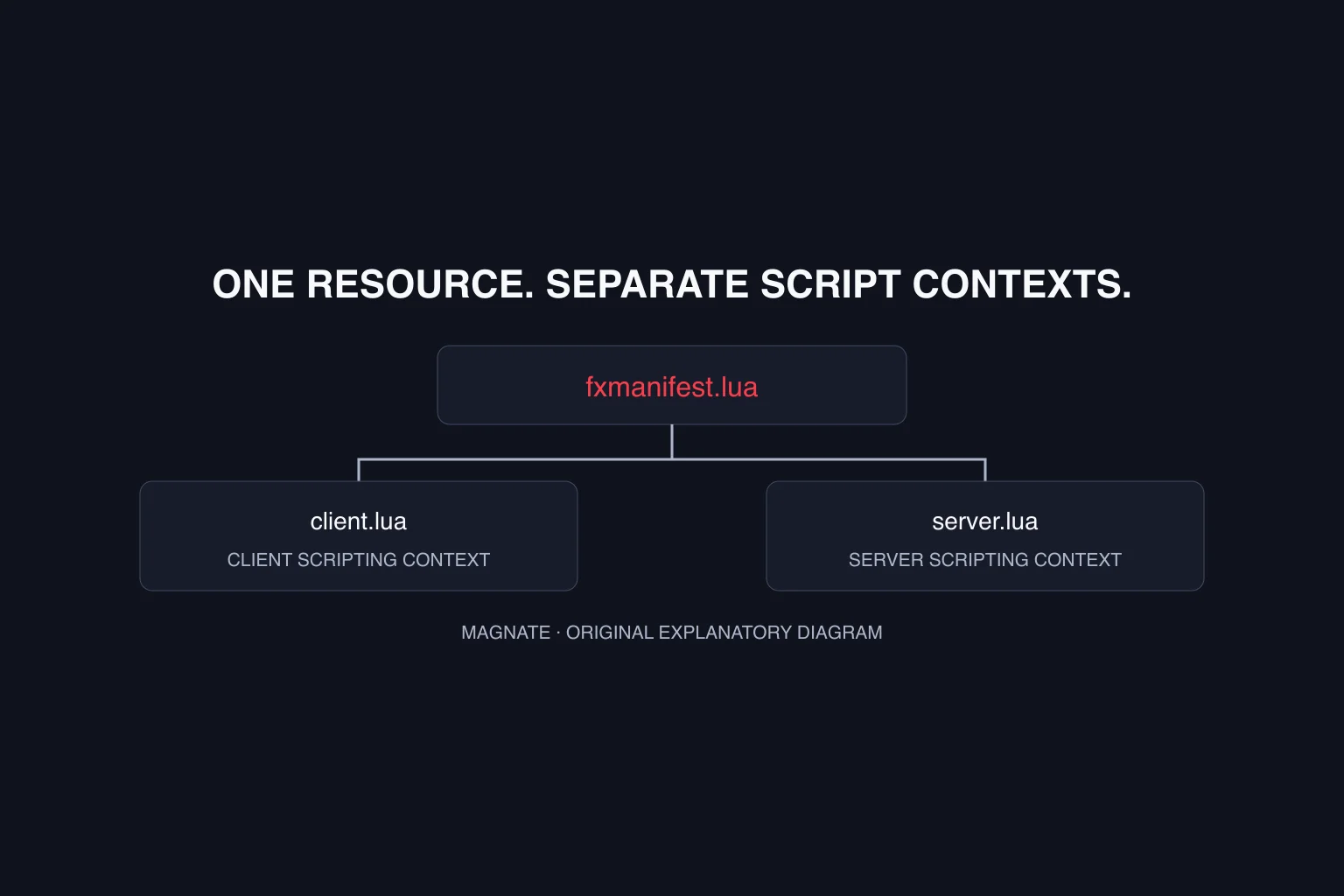
Create client.lua at the resource root and an ui folder containing index.html and main.js. The Cfx fullscreen NUI guide explains that the root HTML page is declared with ui_page and that its client assets also need file declarations. Keep the paths aligned with the files you actually create.
fx_version 'cerulean'
game 'gta5'
client_script 'client.lua'
ui_page 'ui/index.html'
files { 'ui/index.html', 'ui/main.js' }Receive a message and send an acknowledged close request
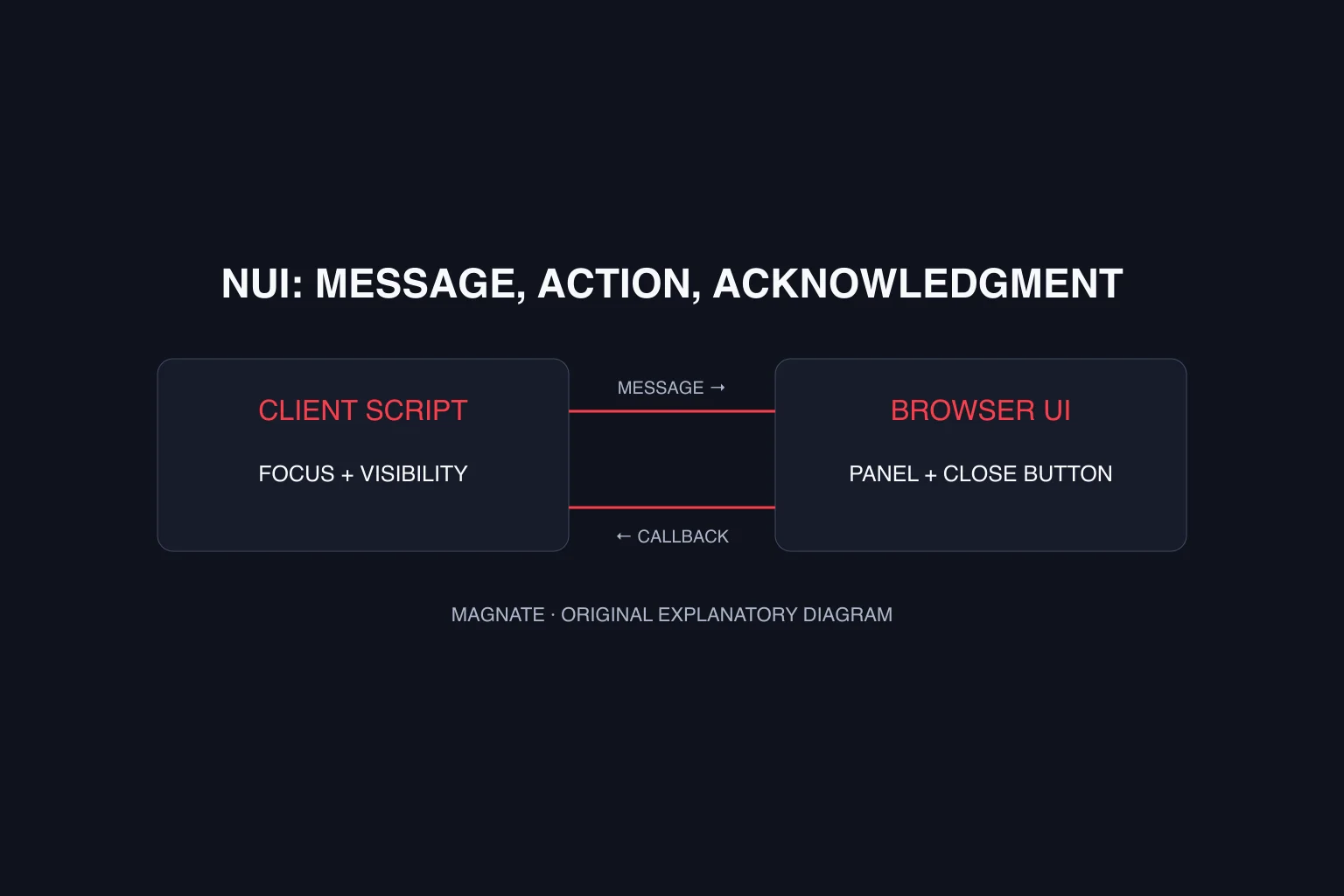
Put this script in ui/main.js. It accepts only the example’s visibility message with a boolean open value. The panel changes state in response to that message; the close button sends a request to the resource’s close callback.
The Cfx callback reference uses the resource name supplied by GetParentResourceName and a JSON POST body. This code checks the HTTP response and acknowledgment, then reports failures as text. Do not copy the callback URL into a normal website expecting it to behave like an ordinary public API.
const panel = document.querySelector('#panel');
const status = document.querySelector('#status');
window.addEventListener('message', ({ data }) => {
  if (data && data.type === 'magnate:visibility' && typeof data.open === 'boolean') {
    panel.hidden = !data.open;
    status.textContent = '';
  }
});
document.querySelector('#close').addEventListener('click', async () => {
  try {
    const response = await fetch(`https://${GetParentResourceName()}/close`, {
      method: 'POST',
      headers: { 'Content-Type': 'application/json; charset=UTF-8' },
      body: JSON.stringify({})
    });
    if (!response.ok) throw new Error('Close request failed');
    const result = await response.json();
    if (!result.ok) throw new Error('Close was not acknowledged');
  } catch {
    status.textContent = 'Could not close the panel. Check the resource callback.';
  }
});
Open the panel and release focus on close
Put the Lua example in client.lua. The magnatepanel command requests focus and sends the visibility message. The close callback releases focus, tells the UI to hide and returns an acknowledgment. Returning data matters: Cfx warns that omitted callback responses cause requests to stall.
Use the callback API documented for your installed artifact and confirm it registers without an error. Start with this small example before integrating a framework menu. The resource-stop handler releases focus only when this resource stops. Verify that cleanup during a restart while the panel is open in your development environment.
RegisterCommand('magnatepanel', function()
  SetNuiFocus(true, true)
  SendNUIMessage({ type = 'magnate:visibility', open = true })
end, false)

RegisterNuiCallback('close', function(data, cb)
  SetNuiFocus(false, false)
  SendNUIMessage({ type = 'magnate:visibility', open = false })
  cb({ ok = true })
end)

AddEventHandler('onClientResourceStop', function(resourceName)
  if resourceName == GetCurrentResourceName() then
    SetNuiFocus(false, false)
  end
end)
Trace one boundary at a time
For the joining screen, use the loading-screen tutorial: its lifecycle differs from this in-game panel. A blank panel and a stuck cursor are different failures. Inspect resource loading, browser asset loading, message delivery and the return callback separately. Record the console error and the step that caused it instead of changing every file at once.
In your own FiveM development session, test opening, closing, repeated opening and resource restart while open. Verify both visual state and keyboard/mouse behavior. This checklist describes required integration testing; the site build cannot substitute for those in-game checks.
| Symptom | First inspection |
|---|---|
| Blank UI | ui_page path, file declarations and browser asset errors |
| Message ignored | Message type and boolean open value |
| Close fetch fails | Resource name, callback registration and response |
| Cursor stays captured | Focus release and resource lifecycle cleanup |
| Works in a normal browser only | FiveM callback environment and packaged asset paths |
Questions, answered.
Can I test the whole callback in a normal web browser?
A normal browser can render HTML, but the example’s resource callback environment comes from FiveM. It does not prove in-game integration.
Do NUI callbacks need a response?
Yes. Cfx documentation requires returning callback data so the browser request can complete.
Sources & editorial notes
Source review: October 6, 2026. Platform announcements can change. This guide separates published facts from Magnate’s original analysis and preparation advice.
- Cfx — Fullscreen NUI Official UI page, assets, messages and focus documentation.
- Cfx — NUI callbacks Official callback registration and JSON response guidance.
- Cfx — Resource manifest Official manifest metadata and file declarations.
- Cfx — onClientResourceStop Official stopped-resource name and client lifecycle event.
Published by an independent editorial brand. Read our editorial standards.