What screenshot-basic captures
The CitizenFX screenshot-basic README describes capturing the client game render target. It is not a general desktop-screen recorder. The reviewed documentation says the resource has no directly usable commands; another resource calls its exports.
This source review is pinned to commit 5e89d4afb3e28b490344e84b5e2b5ac8cc5d9c75 and checked November 7, 2026. Magnate has not executed it in FiveM or verified its current behavior on every game edition. A phone, MDT or reporting resource can depend on screenshot-basic without sharing the same capture or upload workflow.
Check the resource build before debugging the caller
The pinned manifest declares yarn and webpack dependencies, three webpack configuration files, dist/client.js, dist/server.js and dist/ui.html. A source checkout and the generated runtime files are different things. Inspect startup/build output before assuming an export failure is a camera problem.
Use the original resource name expected by callers and follow the project setup instructions. Do not substitute a similarly named fork without checking its API. Record the installed revision, server artifacts, game edition and calling resource version together. Use the scripts installation guide for resource-folder and server-console basics.
Capture, upload and server-requested capture are different APIs
The README distinguishes requestScreenshot, which returns a data URI, from requestScreenshotUpload, which sends multipart form data to an HTTP handler and returns that handler’s response. It also documents requestClientScreenshot on the server side. A successful capture does not prove an external upload destination accepts the request.
| Stage | Expected evidence | Common question |
|---|---|---|
| Local capture | Callback receives image data | Did the resource initialize and invoke the callback? |
| HTTP upload | Destination returns its documented response | Are the endpoint, form field and response parser compatible? |
| Caller integration | Phone/MDT displays or stores the intended result | Does the caller expect a URL, file identifier or another value? |
A local capture probe without an upload destination
Use this only in a separate staging client resource after screenshot-basic is running. The example asks for a PNG and prints whether the callback resembles a PNG data URI and how long it is. It does not display the image, save it or upload it, and a matching prefix is not full image validation.
The command name magnate_capture_probe is defined by this example; it is not built into screenshot-basic. Add client.lua to the manifest of your own test resource. This is a proposed diagnostic example, not a gameplay-tested recipe.
RegisterCommand('magnate_capture_probe', function()
    exports['screenshot-basic']:requestScreenshot({ encoding = 'png' }, function(data)
        if type(data) ~= 'string' then
            print('[capture-probe] No string result')
            return
        end
        local pngPrefix = data:sub(1, 22) == 'data:image/png;base64,'
        print(('[capture-probe] PNG prefix: %s; length: %d'):format(tostring(pngPrefix), #data))
    end)
end, false)
Why a Discord screenshot integration can fail separately
A Discord destination is part of the calling application’s upload design, not proof that screenshot-basic itself is broken. Check the current endpoint requirements, accepted multipart field, HTTP result and returned JSON schema. Do not copy an old example’s response parser into a different service.
Keep capture and upload tests separate. First establish that a requested image can be decoded in your own controlled test flow. Then test the intended destination with explicit knowledge of where the image is sent and who can view it. Keep webhook credentials out of client-distributed code and public error reports. This article configures no Discord destination and sends no screenshots.
The upstream README specifically advises against sending capture data URIs through server events. Follow the intended upload interface rather than relaying the image string through generic events. If the destination reports an error, retain its status and a redacted response rather than logging image payloads or credentials.
A troubleshooting record that identifies the layer
Use the same staging scene and one explicit capture request when comparing changes. Record callback timing and outcome without printing the entire image string. A resource starting cleanly is useful evidence, but it does not prove the NUI, capture pipeline and destination all work.
- Missing export: compare the actual resource name, revision and startup outcome.
- Build failure: inspect yarn/webpack logs and generated dist paths.
- Callback result: record type and length, then validate the image in a controlled flow.
- Upload failure: record endpoint status and expected field/response schema.
- Caller failure: compare the actual response with what the phone or MDT parser expects.
- Repeat after reconnect and resource restart before enabling a community-wide integration.
Document results and edition support explicitly
Keep expected behavior and observed behavior in separate columns. If the caller reports a black or empty image, record the game edition/build, resource revision and reproducible scene before changing several graphics or resource settings at once. Ask the maintainer about the exact supported environment.
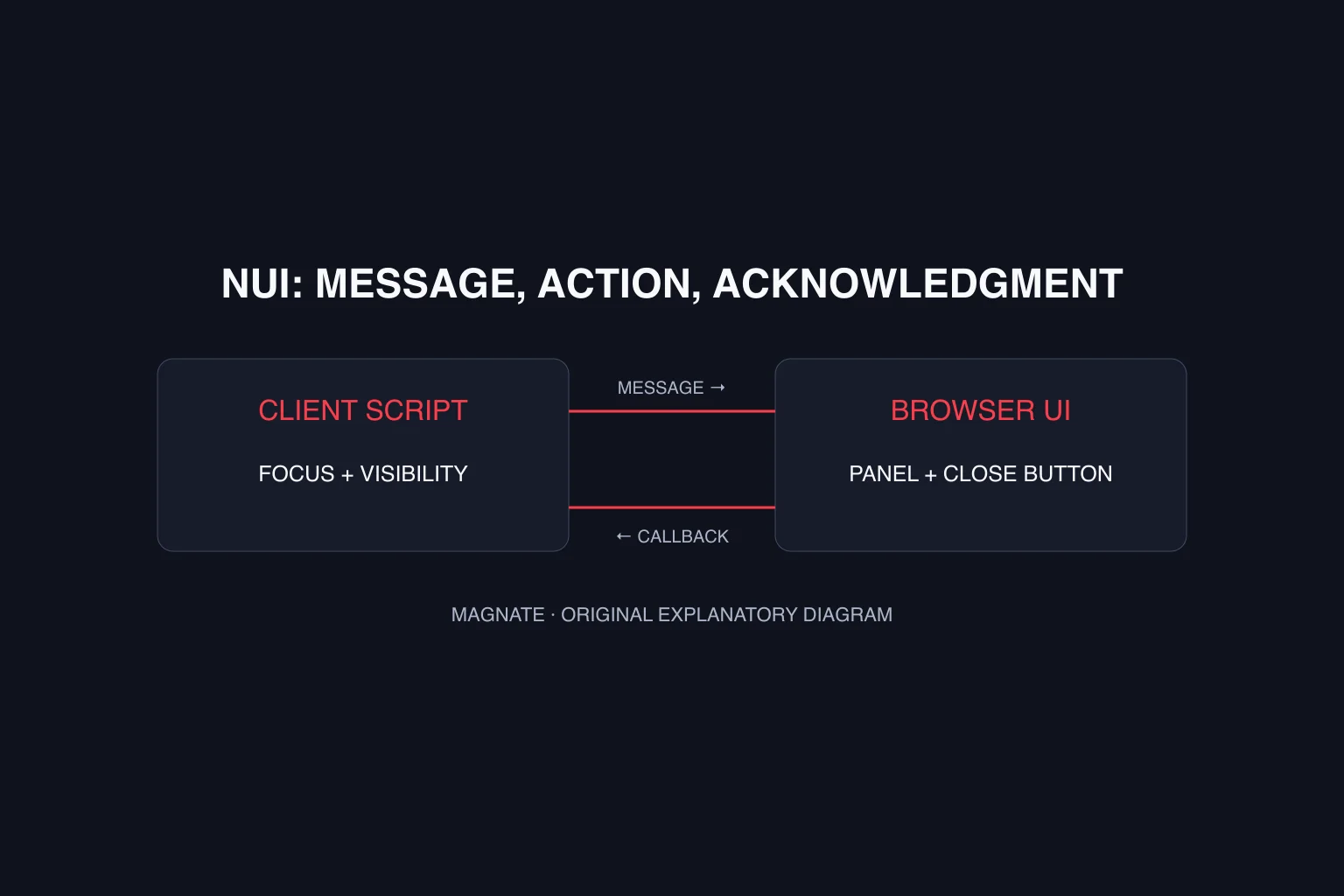
The resource name and historical minimum-version notes do not establish complete current-edition compatibility. These sources concern FiveM; they do not establish GTA VI screenshot support. Use the NUI guide for browser-interface concepts and the PS MDT guide when checking that particular resource’s dependencies.
Questions, answered.
What is the screenshot-basic command?
The upstream README says the resource is used through exports and does not supply directly usable commands. A command can be defined by another resource, such as the explicitly labeled diagnostic example here.
Does requestScreenshot upload to Discord?
No. The documented capture export returns a data URI. Uploading uses a separate export and an HTTP destination chosen by the calling application.
Does a successful upload prove the calling phone integration works?
No. The caller must correctly interpret the destination response and complete its own display or storage workflow.
Sources & editorial notes
Source review: November 7, 2026. Platform announcements can change. This guide separates published facts from Magnate’s original analysis and preparation advice.
- CitizenFX — screenshot-basic README Pinned source reviewed November 7, 2026; no game execution or image transmission performed.
- CitizenFX — screenshot-basic manifest Pinned source reviewed November 7, 2026; no game execution or image transmission performed.
Published by an independent editorial brand. Read our editorial standards.