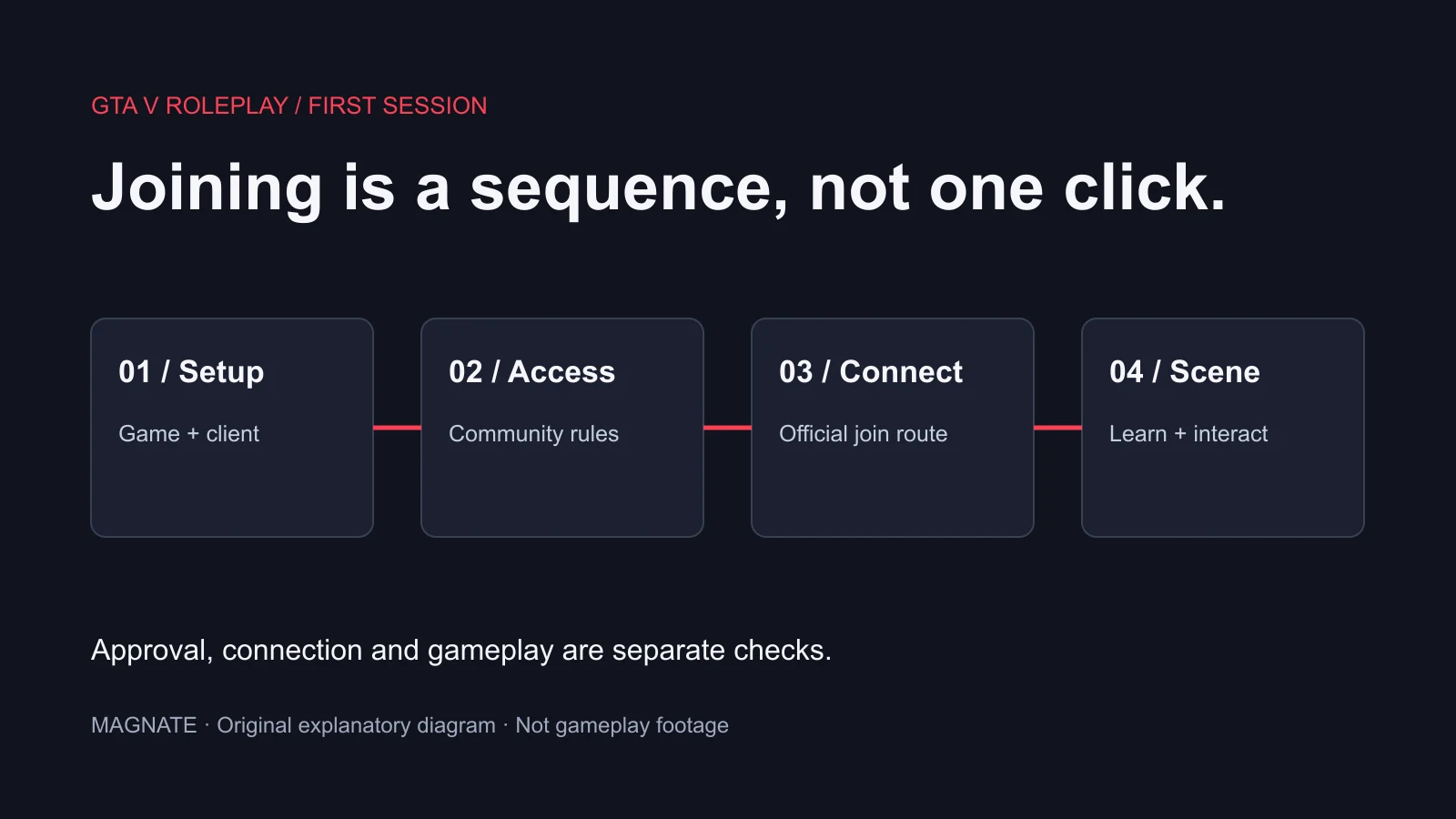
First identify what needs linking
Players use “link Discord to FiveM” for several different tasks: making Discord identity available to the game, signing into Cfx, passing a community’s verification or showing a server in Discord activity. Those are different integration paths.
Use the exact message from the game or community website to choose the next check. A missing identity, a missing community role and an absent activity status should not all be treated as the same account-linking error.
| Goal | Evidence to look for |
|---|---|
| Use the intended Discord account | The correct account is signed into the desktop app |
| Sign into FiveM’s Cfx account | The FiveM client shows the expected Cfx username |
| Make Discord identity available | The server’s expected Discord identifier is available through its supported checks |
| Pass community verification | The community confirms membership, role or whitelist status |
| Show game activity | The intended status appears through the relevant presence integration |
Use a clean desktop-account baseline
Sign into the intended Discord account in the desktop application, then launch FiveM. This is a clean diagnostic baseline rather than a guarantee that every authorization problem is solved by restarting applications. Check the account itself, not only its display name.
The current FiveM Discord identity source reviewed at commit 5c3065c261fb3ba82032fee6803f247198fec221 communicates with local Discord IPC and handles an authorization response conditionally. That supports treating the local desktop integration separately from merely being signed into discord.com in a browser.
If an authorization prompt appears, confirm the application and requested access before deciding whether to proceed. This guide does not promise that a prompt appears on every launch or every client version. Magnate has not linked a test account or reproduced an authorization dialog.
Check Cfx sign-in through the client’s own flow
Cfx Support documents launching FiveM, selecting Link account at the top of the window or through client settings, then Sign in with Cfx. Its flow continues through the Cfx sign-in window, authorization and Continue, with the username visible afterward.
That procedure signs the Cfx account into FiveM. It is not a substitute for a Discord identity check or a community’s own verification. If the client already shows the correct Cfx username, record that step as complete instead of repeatedly relinking it to solve a different error.
For account-access problems, use the official support route for the affected account. A community moderator cannot infer every upstream account state from your character’s name.
Complete the community’s verification separately
Use the community’s own published invite and onboarding instructions. Confirm that the intended Discord account joined the correct community and that any required verification step completed. Record the result shown by that process.
A successful authorization does not guarantee a whitelist role, an approved application or access to a particular server. Those are decisions and settings owned by the community. If you are missing a role, ask its staff to inspect the relevant verification result rather than changing unrelated FiveM files.
Do not create a replacement identity merely to work around an unresolved access decision. Resolve the account or role mismatch through the supported process so character and permission expectations remain clear.
Ask the owner to distinguish identity from role lookup
Cfx’s GetPlayerIdentifiers reference lists discord as a Discord user-ID identifier type. A server owner can use the supported server-side identity API to investigate whether the expected identity is available. They should not need you to post passwords or account tokens in a public channel.
If the expected identity is present but access still fails, the next question is the community’s membership or role integration. If it is missing, investigate the client/account integration first. A display name is not the same thing as a stable user ID.
Have staff share a minimal result such as identity present or role check failed through the proper support channel. Publishing a complete identifier dump can expose information unrelated to the issue. This article does not run an identity lookup or inspect any player records.
Playing status is not proof of whitelist access
Discord Rich Presence concerns activity display. It does not, by itself, establish that a server received your expected Discord identity or granted the required role. Likewise, being able to join a community is not proof that its custom presence text or artwork is configured.
Keep a short checklist: desktop account, Cfx username, community membership, verification result and exact join error. Change one justified part at a time and repeat the same join attempt so the result remains useful.
Use the connection-failure guide for network and endpoint errors and the RP guide for the community’s onboarding path. This is a documentation and source-based workflow, not a guarantee that every FiveM community uses Discord or that GTA VI will use the same integrations.
Questions, answered.
Is signing into Cfx the same as linking Discord?
No. Cfx sign-in, Discord identity, community membership and role verification are separate checks.
Does playing FiveM in Discord status prove verification is complete?
No. Activity display does not prove that a server has the expected identifier or has granted a required role.
Should I remove all authorized apps to fix one join error?
First identify the failing connection. Removing authorization can interrupt an existing integration; follow the relevant recovery instructions.
Sources & editorial notes
Source review: November 7, 2026. Platform announcements can change. This guide separates published facts from Magnate’s original analysis and preparation advice.
- CitizenFX — pinned Discord identity integration Local IPC and conditional authorization handling; source review November 7, no account linked.
- Cfx — GetPlayerIdentifiers Official identifier-type reference; not a guarantee every identity is present in every session.
- Cfx Support — link the Cfx account to FiveM Official client Cfx sign-in flow, distinct from Discord or community roles.
- Discord — using apps Official account-added app authorization information; no authorization changed.
Published by an independent editorial brand. Read our editorial standards.