A visible E hint does not create an interaction
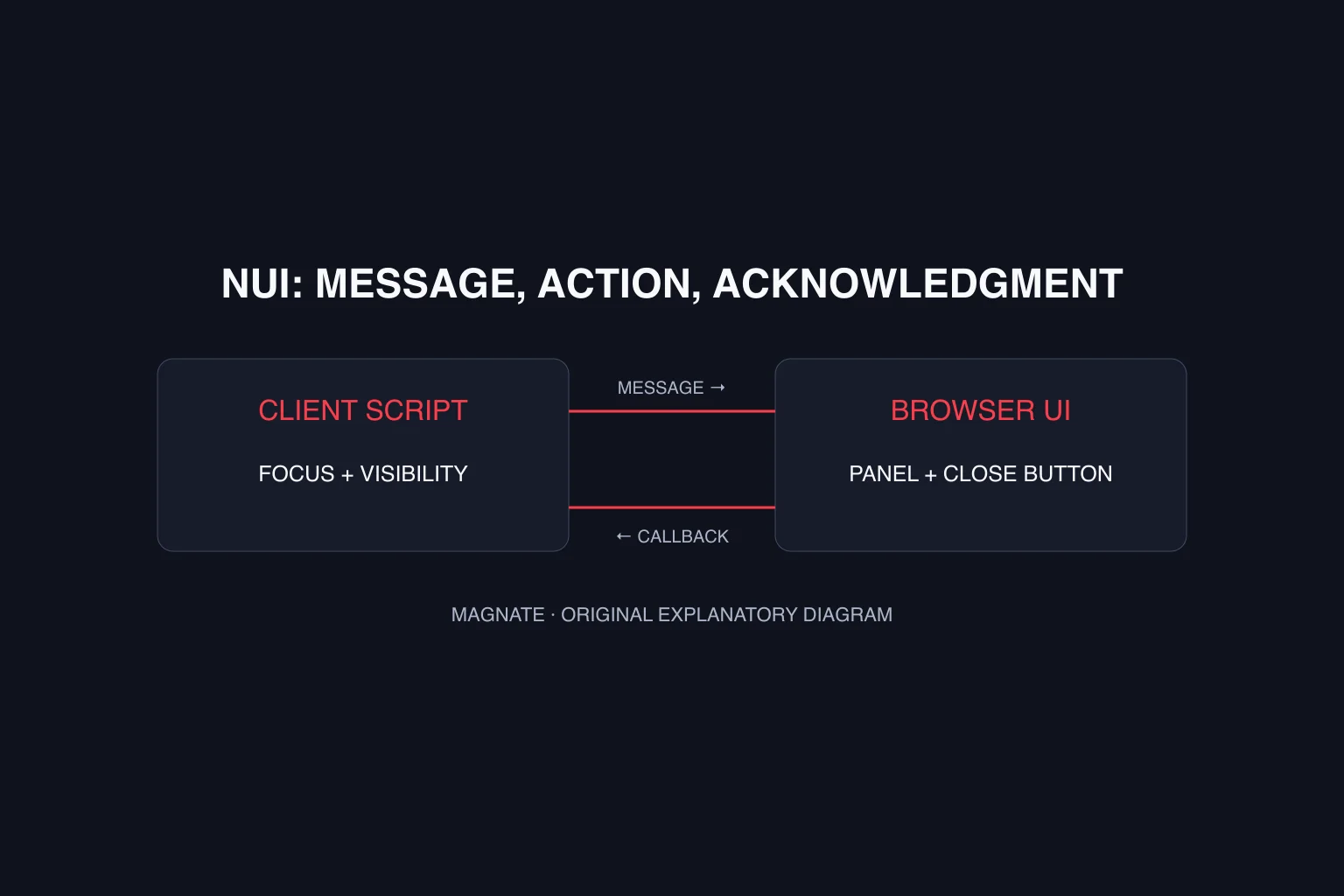
Treat the prompt, input and gameplay action as separate parts. A string saying press E is display content. A command handles the player’s input. The job, shop or other interaction still owns its eligibility and any server-side state change.
This distinction helps diagnose failures: no hint, no command response and a denied action are different observations. Start with the smallest local display-and-input example before connecting inventory, payments or other gameplay.
What QBCore’s DrawText helpers actually do
The reviewed qb-core client/drawtext.lua is pinned to commit 9b3cddcce93e5e12cbcf6b47b866b687d32ac7bf. It exports DrawText, ChangeText, HideText and KeyPressed. DrawText and ChangeText send text and position through NUI messages; a non-string position defaults to left.
The KeyPressed helper sends its UI message, waits 500 milliseconds and hides the text. It is a feedback helper, not an input detector or a permission check. The example here uses an explicit HideText call so its local completion behavior is easy to inspect.
Create a small staging resource
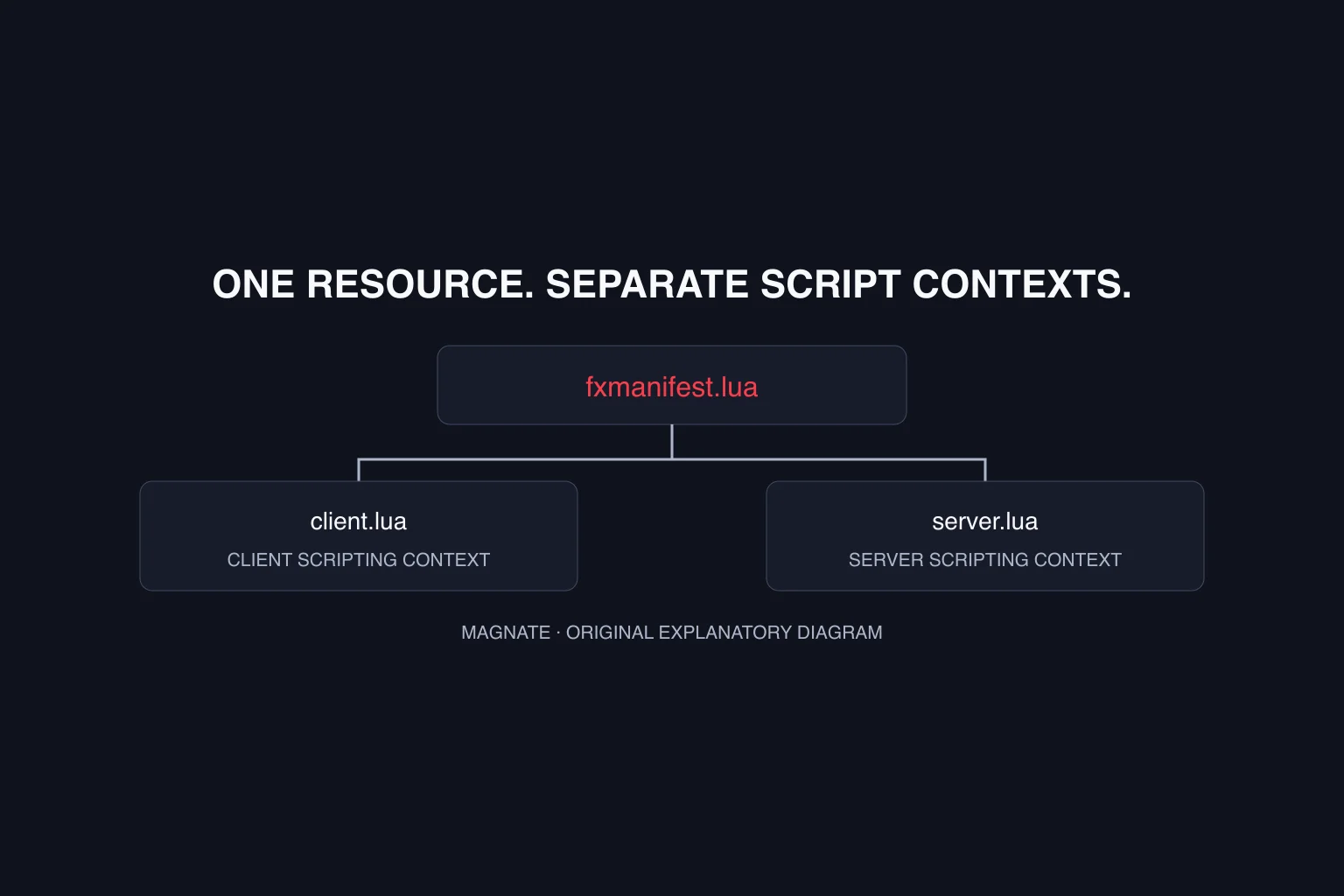
Create a resource folder with the manifest below and client.lua from the next section. Start it only after the intended qb-core resource is available. This is an original illustrative example, not a runtime-tested resource or a replacement for your installed core UI.
The demonstration deliberately does not place a zone, move a player, grant an item or call a server event. It isolates showing a hint and handling one local command. Use the resource-manifest guide for folder setup.
fx_version 'cerulean'
game 'gta5'
dependency 'qb-core'
client_script 'client.lua'
Show a prompt and connect a rebindable action
In a staging session, magnatepromptshow displays the demo hint. The mapped action prints a local diagnostic and hides the prompt only while the demo considers it visible. The default key is E, but the label says default because the mapping can be changed.
RegisterKeyMapping associates a command with a described default input. Do not keep an unconditional press E label if your production interface supports rebinding; design the displayed label for the actual control scheme. Magnate has not run this example in FiveM.
local visible = false

RegisterCommand('magnatepromptshow', function()
    visible = true
    exports['qb-core']:DrawText('Use demo action (default E)', 'left')
end, false)

RegisterCommand('magnatepromptaction', function()
    if not visible or IsPauseMenuActive() then return end
    visible = false
    exports['qb-core']:HideText()
    print('magnate prompt: local demo action only')
end, false)

RegisterKeyMapping('magnatepromptaction',
    'Magnate: local prompt demo', 'keyboard', 'E')

AddEventHandler('onResourceStop', function(name)
    if name ~= GetCurrentResourceName() or not visible then return end
    if GetResourceState('qb-core') == 'started' then
        exports['qb-core']:HideText()
    end
end)
Connect a real interaction through its owning system
For a location-specific prompt, your interaction or zone code should decide when the hint is relevant. Recheck eligibility when an action occurs, not only when the label first appears. A player can change position or state between seeing a prompt and pressing a key.
For rewards, purchases or restricted server changes, validate the required conditions on the server using that system’s documented integration. The client’s visible flag is not a security boundary. Keep the original denial reason and first error when a displayed action cannot complete.
Check display, input and cleanup separately
The following is an original proposed staging plan. It records no observed gameplay results. Use the actual installed core version and keep the command, prompt text and chosen binding with each observation.
| Check | Expected result to define | Evidence to retain |
|---|---|---|
| Show demo prompt | One intended hint is visible | Text, position and resource versions |
| Activate while visible | One local response and prompt cleanup | Console result and UI state |
| Activate while hidden | No demo action | Initial visibility and command result |
| Rebind the key | Command follows selected mapping | Configured binding and truthful label |
| Stop the demo resource | Its visible hint is cleaned up | Stop order and first error |
| Overlapping prompt owners | Defined priority without stale text | Transition sequence and owning resources |
| Real server action | Validated eligibility and intended state change | Allowed/denied results from the owning system |
Review scope
Magnate reviewed the pinned QBCore helper and Cfx input/security references on November 15, 2026. No resource installation, FiveM session or gameplay test was performed. The code and acceptance plan are original illustrative material.
Use the NUI guide for a fully custom interface and the keybind guide for broader input questions. These GTA V/FiveM patterns do not establish GTA VI support.
Questions, answered.
Does DrawText automatically listen for E?
No. The helper displays NUI text. Register input handling separately.
Does KeyPressed authorize an action?
No. In the reviewed helper it sends feedback and hides text after a delay.
Is the example safe for shared production prompts without changes?
It is a local staging demonstration. Coordinate ownership and integrate actual action validation before adopting it.
Sources & editorial notes
Source review: November 15, 2026. Platform announcements can change. This guide separates published facts from Magnate’s original analysis and preparation advice.
- QBCore — pinned DrawText helpers Reviewed November 15, 2026. Source-level behavior; no game-runtime test.
- Cfx — RegisterKeyMapping declaration Reviewed November 15, 2026. Source-level behavior; no game-runtime test.
- Cfx — Secure your events Server-side validation of client-triggered actions.
Published by an independent editorial brand. Read our editorial standards.