Begin with the loading page, not a large theme
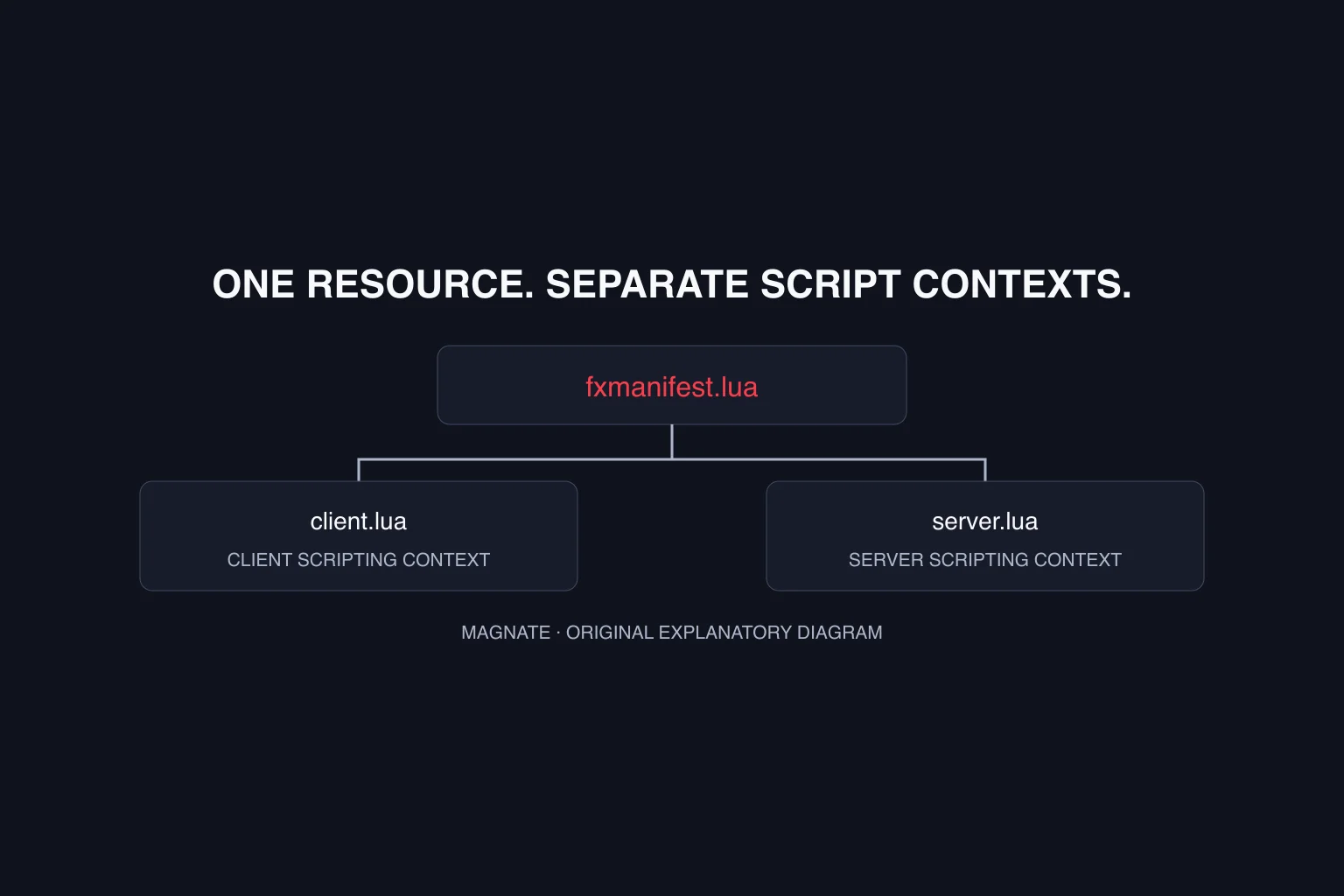
This original example targets current FiveM/GTA V development. It has not been run in a FiveM session and does not claim GTA VI support. Create a development resource containing fxmanifest.lua and loading.html. The resource-manifest tutorial explains the folder placement if this is your first resource.
The Cfx loading-screen guide uses the loadscreen declaration for the special joining screen. Keep this initial resource small: one local HTML file lets you investigate installation and message behavior without also diagnosing external fonts, video playback or an asset bundle.
fx_version 'cerulean'
game 'gta5'
loadscreen 'loading.html'
files { 'loading.html' }
Show the reported progress without inventing an ETA
Put the example below in loading.html. Its progress element has an associated label, and its status text starts with a waiting message. The event handler ignores unrelated messages and rejects values that are not finite numbers before updating the display.
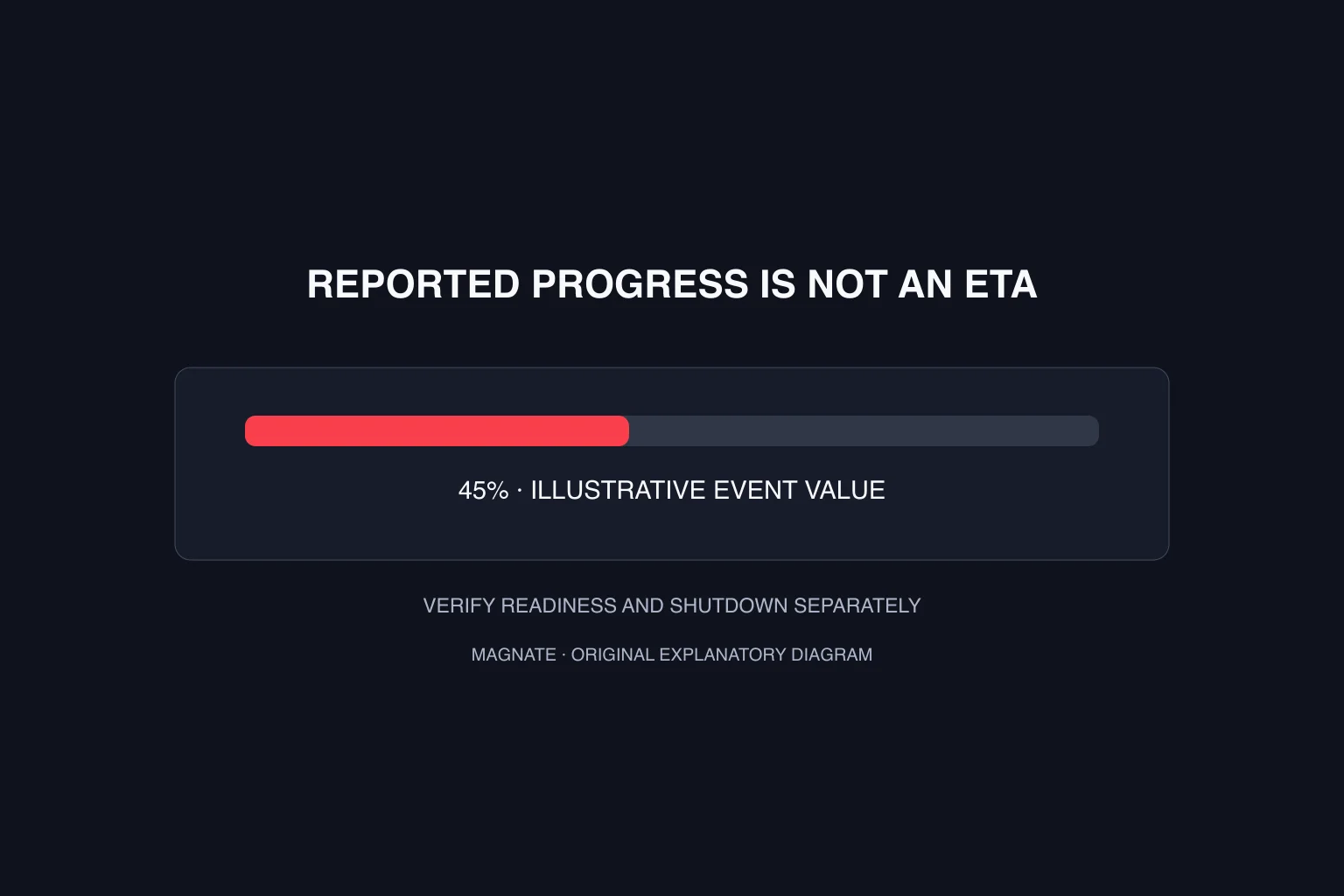
The fraction is clamped between zero and one to keep unexpected values from producing an invalid visual state. The label says reported progress because a percentage alone does not establish how many seconds remain, whether a framework is ready or when a player will be able to move.
<!doctype html>
<html lang="en">
<meta charset="utf-8">
<title>Server loading</title>
<body>
<h1>Joining the server</h1>
<label for="progress">Loading progress</label>
<progress id="progress" value="0" max="1"></progress>
<p id="status" role="status">Waiting for progress information.</p>
<script>
const bar = document.querySelector('#progress');
const status = document.querySelector('#status');
window.addEventListener('message', ({ data }) => {
  if (!data || data.eventName !== 'loadProgress') return;
  if (typeof data.loadFraction !== 'number' || !Number.isFinite(data.loadFraction)) return;
  const fraction = Math.min(1, Math.max(0, data.loadFraction));
  bar.value = fraction;
  status.textContent = `Reported loading progress: ${Math.round(fraction * 100)}%`;
});
</script>
</body>
</html>
Keep progress reporting separate from shutdown
Cfx documents a default loading-screen lifecycle and an optional manual-shutdown directive. This small example does not enable manual shutdown. Do not add that option merely because a downloaded theme includes it: decide which part of your application owns completion first.
If you later choose manual control, identify the readiness signal and the code path that closes the loading UI. Write those down before adding an animation. An attractive fade-out cannot fix a missing completion path, and reaching the end of a progress bar is not a substitute for application readiness.
Test the lightweight version before adding media
In your own development environment, verify a new connection, reconnection and a failed connection path. Observe the status text and game/client logs. Test a version without added media as a baseline, then add one asset at a time so you can isolate the change that caused a blank page or longer preparation.
For a video theme, assess the extra download and decode work separately from game loading. A looping background can continue after progress stops changing, which makes motion a poor health indicator. Keep visible text useful even when the background media fails to load.
| Observed problem | Inspect before changing the design |
|---|---|
| Default screen still appears | Resource startup and loadscreen path |
| Custom page is blank | Packaged files and HTML asset paths |
| Progress text never changes | Message event name and fraction value |
| Progress says 100% but joining continues | Readiness and shutdown logic separately |
| Theme works without video only | Media size, format and browser errors |
Questions, answered.
Is loadscreen the same as ui_page?
No. Cfx documents loadscreen for the special joining/loading frame. ui_page declares an ordinary resource UI page.
Does 100% loading progress mean the player has spawned?
Do not infer that from the percentage alone. Verify the application’s readiness and loading-screen shutdown behavior separately.
Sources & editorial notes
Source review: October 6, 2026. Platform announcements can change. This guide separates published facts from Magnate’s original analysis and preparation advice.
- Cfx — Loading screens Official loading frame, progress messages and lifecycle documentation.
- Cfx — Resource manifest Official manifest metadata and file declarations.
Published by an independent editorial brand. Read our editorial standards.