Open the official FiveM download page
Use the official FiveM download page to choose the client. The site provides the standard FiveM download and a separately labeled FiveM for GTAV Enhanced download. On November 15, 2026, it describes the Enhanced client as Early Access. Check the current publisher page before choosing a build.
This guide is an independent explanation of the download and installation path. It does not mirror FiveM.exe, bundle another installer or ask for a Rockstar password. Follow the original page’s download control and review the terms presented there.
If your immediate goal is to play on a specific community, check that community’s supported GTA V edition before installing. If your goal is to run a server, the txAdmin login and setup guide concerns server administration; a player client and a server artifact are different downloads.
Choose Legacy or Enhanced for the game you own
The official site lists GTA V Legacy as the required game for FiveM Legacy and GTA V Enhanced for the Enhanced client. The requirements are listed separately. Compare your actual installed edition and computer with the matching requirements instead of treating the two clients as interchangeable.
Write down three facts before troubleshooting: GTA V edition, FiveM client edition and the edition accepted by the destination server. A mismatch between those facts is a different problem from an installer that never launches.
The site reviewed here concerns GTA V. This page does not provide a GTA VI multiplayer client or claim that a GTA V resource will work in GTA VI. Keep game edition and game title separate when following a download search result.
| Goal | What to establish first | Next step |
|---|---|---|
| Join a Legacy community | Installed GTA V Legacy and community requirements | Use the matching client on the official site |
| Join an Enhanced community | Installed GTA V Enhanced and current Early Access support | Review the Enhanced route and requirements |
| Run a FiveM server | Server edition and hosting environment | Use server setup instructions |
| Find GTA VI multiplayer | A specific official announcement | Do not substitute a GTA V client |
Follow the documented Windows installation path
The Cfx installation guide says to install and update GTA V, download the client from the official website and run the downloaded executable. It documents installation into an empty folder when the executable is run there; otherwise the location is %localappdata%\FiveM. Start the installed client through the Windows Start menu.
Use the current edition-specific requirements and instructions linked by Cfx. If an antivirus issue appears, the installation guide directs readers to Cfx support rather than promising that disabling protection is a universal fix.
Keep the chosen installation location in your notes. A downloaded executable, an installed application and a successful first launch are separate milestones. This guide reviews the published process; Magnate has not downloaded or run the installer for this update.
Check the first launch before troubleshooting a server
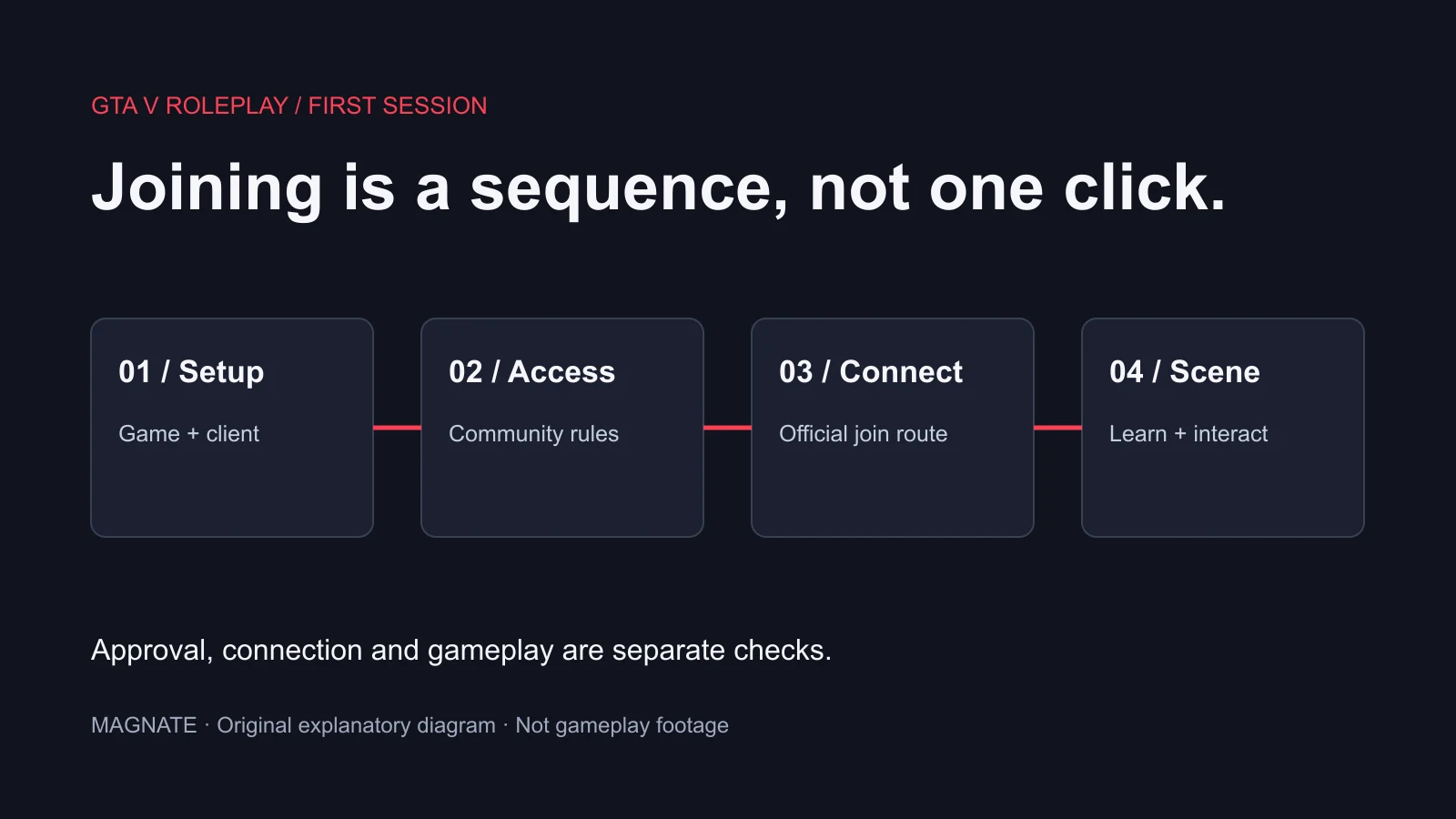
First establish whether the client itself opens. Then use the community’s official joining instructions and note the exact point where an error appears. A failure before the client opens should not be diagnosed as a rejected server application.
Use our first-session guide for choosing a GTA RP community, learning its rules and joining. A functioning client does not automatically grant whitelist approval, a staff role or access to every private community.
Keep the first error and the action that triggered it. For example, distinguish a download that never began, an installer that stopped, a client launch error and a failure while connecting to one server. Preserve the wording rather than replacing it with a broad label such as broken FiveM.
Use the error-specific guide for the next step
If the client opens but connection fails, use the connection-failed guide and record the error code and destination. Compare a single-server failure with a wider service issue using the FiveM status guide. The same reinstall is not evidence-based treatment for every stage.
For an adhesive.dll or graphics-device error, use the matching diagnostic guide linked below and retain the installed client edition and exact message. Do not download a replacement DLL from an unrelated file page merely because its name matches the error.
When asking for support, include your Windows version, GTA V edition, client edition, installation stage and redacted error text. Keep account credentials and license identifiers out of public screenshots. A concise stage record helps a maintainer identify which system needs attention.
Keep reinstalling separate from diagnosis
Before reinstalling, establish what you expect it to change. A server’s access policy, a community outage and a remote resource error are not local installer files. Preserve the relevant logs and settings before following any removal procedure.
Use the official Cfx installation guide for its documented removal and reinstall routes. Check the location of your own installation before deleting a folder. This guide does not issue a deletion command, change your computer or claim a reinstall is required.
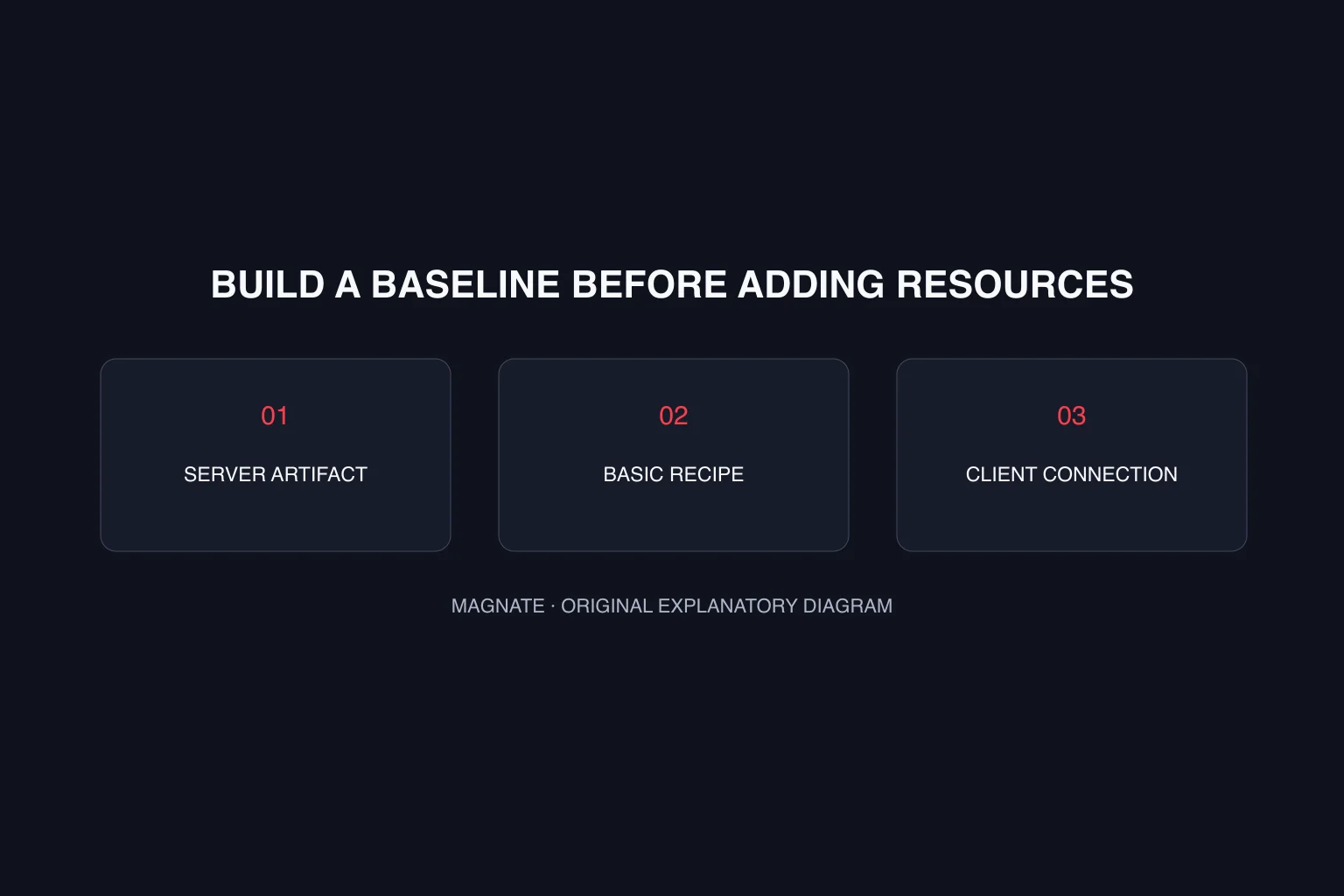
The useful outcome is a verified sequence: correct official download, matching edition, successful client launch and a separately verified server connection. Mark the stage that remains incomplete instead of reporting success after only saving the installer.
Questions, answered.
Where should I download FiveM?
Use fivem.net, the official project website. It provides the client download routes. Magnate links to that page and does not host a copy of the installer.
Do Legacy and Enhanced use the same requirements?
The reviewed official site lists them separately and requires the corresponding GTA V edition. Check the current requirements and the destination server’s supported edition before choosing.
Where does the Windows installer put FiveM?
The Cfx installation guide documents installation into an empty folder when run there; otherwise it uses %localappdata%\FiveM. Check your actual installation location before following removal instructions.
Does downloading FiveM guarantee access to a GTA RP server?
No. Client installation and community admission are separate. Follow the community’s joining and whitelist rules after verifying that the client launches.
Sources & editorial notes
Source review: November 15, 2026. Platform announcements can change. This guide separates published facts from Magnate’s original analysis and preparation advice.
- FiveM — Official website Current GTA V support and the FiveM platform.
- Cfx — Installing FiveM Official installer workflow; follow the current edition-specific route.
Published by an independent editorial brand. Read our editorial standards.