Which FiveM game build should you choose?
Start with your GTA V edition and the requirements of the resources you intend to run. Ask each resource author which builds they support, then find a configuration that meets those requirements together. A popular build number in a video is not evidence that it suits your particular resource stack.
There is no hands-on FPS ranking in this guide. For an established community, keep the known working configuration until you have a reason to change it and a staging result that supports the change. For a new server, write the compatibility requirements down before importing a large collection of assets.
Game build and server artifacts are different
Cfx documents sv_enforceGameBuild as a startup-only choice of client game build. It is separate from FXServer artifacts.
Record both values in your maintenance notes, alongside the game edition and resource versions. If an update causes a regression, that record lets you describe exactly what changed instead of reporting only that the server is on “the latest version.”
Legacy build examples and the Enhanced distinction
These selected Legacy entries explain resource requirements; they are not recommendations. Cfx states that later builds include earlier content and changes.
| Build | Content release |
|---|---|
| 2189 | Cayo Perico Heist |
| 2372 | Los Santos Tuners |
| 3095 | The Chop Shop |
| 3258 | Bottom Dollar Bounties |
| 3407 | Agents of Sabotage |
Do not copy a Legacy build choice into Enhanced blindly
Cfx currently documents Enhanced’s default as The Kortz Center Heist, with build 1 for the base game without DLCs. Older entries apply to Legacy. Recheck support before changing it.
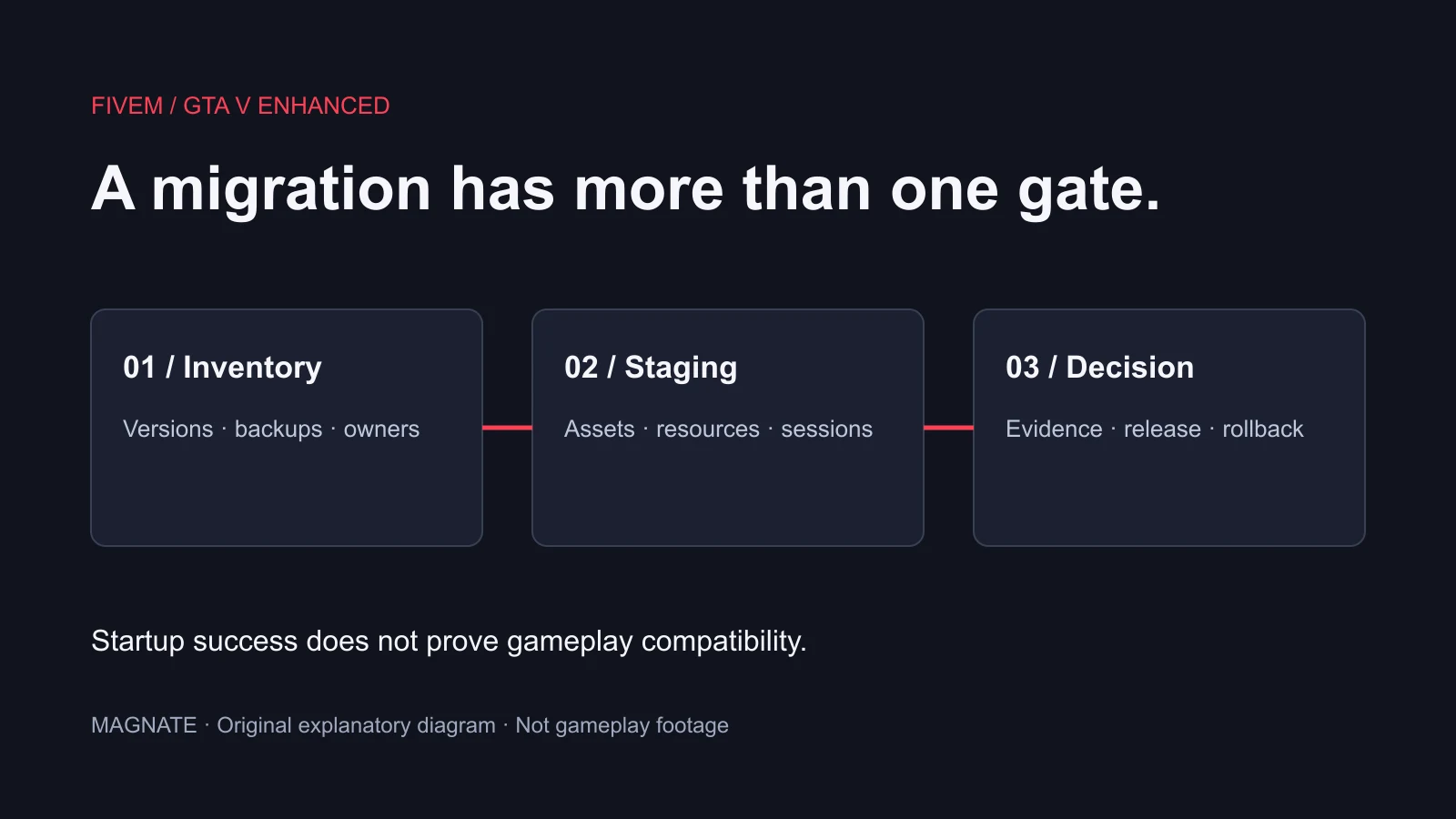
Treat an edition migration as a separate project with its own resource review. A build number alone does not establish that scripts, assets or other integrations are compatible with Enhanced. Keep the migration guide and the original resource documentation beside your build-selection notes.
Set one deliberate value and restart on staging
For a Legacy staging server whose resources explicitly support Agents of Sabotage, the following is an example of the documented command syntax. It is not a default for all servers. Use the supported value for your setup and retain the previous configuration.
# Example: Legacy resources requiring Agents of Sabotage
sv_enforceGameBuild 3407- Identify the active server configuration and any included configuration files.
- Review existing build settings before adding a second, conflicting instruction.
- Apply the chosen setting before startup, then restart the staging server.
- Reconnect with a test client and exercise the resources that motivated the change.
Verify content and behavior, not just a successful connection
Create a short acceptance route using your actual server: join, load the relevant location, spawn an allowed test vehicle and complete a representative interaction. Keep expected results next to observed results. A successful connection is only the first check; it does not prove every required asset or script works.
If a resource fails, capture its name, version, error text and reproduction steps. Compare the failure with the author’s documented requirements before changing another variable. Test one deliberate change at a time so that a passing result has an explanation you can repeat.
Keep a decision record for the next update
A useful record contains the edition, chosen build, artifact version, resource requiring the change, test date and rollback configuration. Add the reason for the decision in plain language. This makes the next maintenance session easier and helps a different administrator understand why the value was selected.
These checks concern GTA V and FiveM. They do not establish support for GTA VI assets or servers. For an artifact update, follow the separate artifact guide; for an edition change, follow the Enhanced migration guide.
Questions, answered.
Is the newest game build always the best for FiveM?
Choose from the builds supported by your edition and resources, then validate the complete setup. This guide does not establish a universal performance winner.
Can I change sv_enforceGameBuild without a restart?
Cfx documents it as a startup-only setting that cannot be changed at runtime.
Sources & editorial notes
Source review: November 7, 2026. Platform announcements can change. This guide separates published facts from Magnate’s original analysis and preparation advice.
- Cfx Documentation — Game Build Selection Startup-only build selection, Legacy build table and current Enhanced limits.
- Cfx — Legacy to Enhanced changes Current breaking changes and early-access limitations; recheck before migration.
Published by an independent editorial brand. Read our editorial standards.