What to check in a free FiveM HUD download
Use the original project repository rather than a repackaged download. Record the release or commit, framework, configuration instructions and license terms for the package you intend to use. A publicly downloadable repository does not by itself settle every reuse or redistribution question.
The examples below are source reviews, not a tested ranking. A HUD may draw health, vehicle information and roleplay status values through different integrations. Choose according to the information your server actually supplies, and check its behavior before relying on the preview.
| Project | Verified source detail | What to check next |
|---|---|---|
| qb-hud | Public QBCore player-HUD repository and documentation | Installed qb-core version, resource settings and UI behavior |
| ps-hud | Public repository marked archived; GPL-3.0 shown on GitHub | Maintenance responsibility, dependencies and compatibility |
| A HUD advertised for vMenu | Compatibility must come from that HUD’s documentation | Which player and vehicle values it reads without a roleplay framework |
Framework integration: a visible interface still needs data
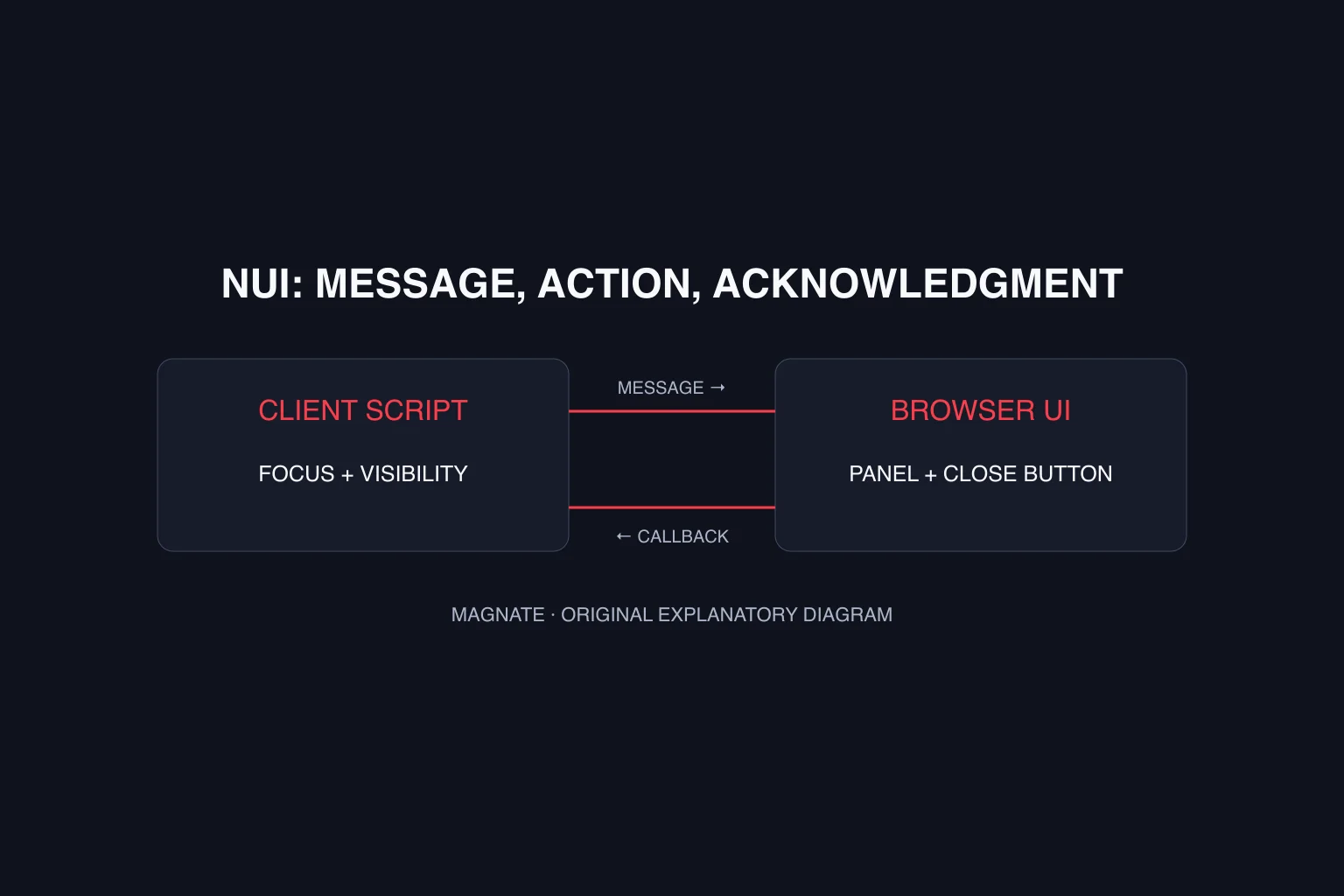
The reviewed qb-hud manifest imports qb-core locale code and declares an NUI page with HTML, styles and JavaScript files. Those references show why a HUD is more than a screenshot: the client-side interface is packaged alongside framework-facing code. They do not prove that a random fork supports your installed framework.
For each indicator you want, document its source and update path. Health and vehicle state, custom hunger or thirst, voice status and job information may be provided by different systems. Confirm which integrations the selected package implements. A bar that looks correct while idle still needs to update when the underlying value changes.
ps-hud: available source, archived maintenance status
At the November 7 review, GitHub marked Project Sloth’s ps-hud repository archived and read-only. Its README says the maintainers are not pushing further updates to those older repositories for now; that statement does not establish that every installation is broken. Treat future compatibility and fixes as questions to resolve before adopting it.
The same README documents layout customization and notes possible minimap interference involving custom maps or another resource calling SetRadarZoom. If investigating that symptom, compare the specific installed resources and follow the project’s instructions for the matching version. Do not generalize one project’s workaround to every HUD.
Test layout, updates and settings separately
Use the following as a proposed acceptance plan, not a benchmark result. Keep the HUD, framework and major UI resource versions with each observation. Test one change at a time so a styling adjustment does not conceal a missing data integration.
| Check | Expected behavior to define | Record |
|---|---|---|
| On-foot layout | Important indicators remain readable | Resolution, display settings and screenshot |
| Vehicle layout | Vehicle indicators appear and update as intended | Vehicle type, state and observed values |
| Player-status update | Displayed value follows the intended data source | Before/after value and relevant errors |
| Voice display | Indicator matches the configured voice integration | Voice mode and visible result |
| Other menus | Inventory and emote menus remain usable | Overlap, focus and input behavior |
| Returning player | Saved settings behave as documented | Existing preference versus new default |
| Settings reset | Only the intended HUD preferences are reset | Before/after layout and resource instructions |
Troubleshoot the failing layer before replacing the HUD
If the interface is absent, review resource startup and UI loading errors. If it appears but values stay wrong, inspect the documented integration. If only alignment is wrong, compare the player’s display and HUD settings before changing data code. QBCore’s HUD FAQ specifically discusses safezone settings for map-border alignment; that is a layout check, not a universal fix for a stopped resource.
For a report, include the exact symptom, resource version, framework, display resolution, saved-setting state and first relevant error. A screenshot alone may not show whether the value stopped updating or the interface failed to draw.
Use the NUI guide for interface packaging and focus, the QBCore resource guide for framework integration and the keybind guide for control conflicts. Magnate has not runtime-tested these HUDs for this guide. The examples concern GTA V/FiveM and do not establish GTA VI HUD compatibility.
Questions, answered.
How do I open qb-hud settings?
The reviewed README documents I as the default menu key and /menu as an alternative. Follow your community’s controls if the resource or mapping differs.
Why did my qb-hud settings survive reinstalling the resource?
The project documents player-side saved settings. Use its in-game reset control when you intend to reset those HUD preferences.
Will a QBCore HUD work on a vMenu-only server?
Do not assume it. Verify the HUD’s framework references and data sources; vMenu alone does not supply every QBCore integration.
Sources & editorial notes
Source review: November 7, 2026. Platform announcements can change. This guide separates published facts from Magnate’s original analysis and preparation advice.
- QBCore — qb-hud README Menu controls and local settings behavior at the reviewed revision.
- QBCore — qb-hud documentation KVP preferences and safezone alignment FAQ.
- QBCore — qb-hud manifest Framework locale import and NUI file declarations.
- Project Sloth — ps-hud repository Archive status, GPL-3.0, customization and minimap notes; reviewed November 7.
- Vespura — vMenu Enhanced documentation Scope of the server-sided menu and configuration.
Published by an independent editorial brand. Read our editorial standards.