What runs on the phone and what runs on PS5
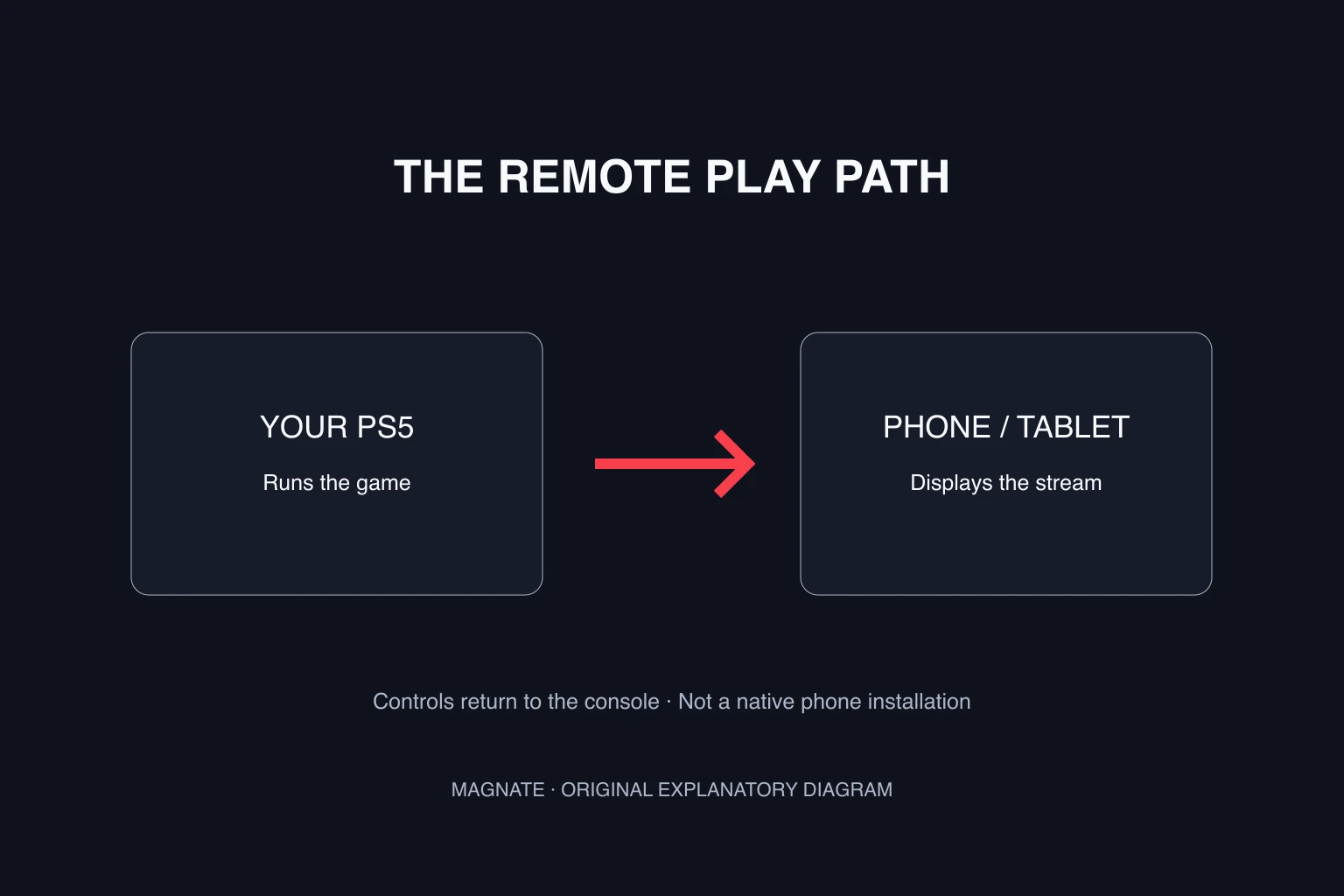
The PlayStation product page labels GTA VI as supporting Remote Play. That is different from downloading a phone-native game. In a remote session, the console runs the game, sends the picture and sound over the connection, and receives your controls.
A streamed console session is also different from a cloud service running a game on a provider’s machine. Do not assume a Remote Play label means GTA VI is included in a cloud subscription or available without owning a supported console and the game.
| Route | Where the game runs | What the reviewed information establishes |
|---|---|---|
| PS Remote Play | Your compatible console | GTA VI’s PS5 listing names Remote Play support |
| Native phone app | The phone itself | No native GTA VI phone edition is named in the reviewed launch listings |
| Cloud gaming service | A provider’s system | The Remote Play label does not establish a cloud catalog entitlement |
Prepare the official Remote Play connection
Sony’s mobile Remote Play guide directs users to its official app in Google Play or the App Store. Check the current app requirements for your device, update the console and use the same PlayStation account in the app and on the PS5.
On PS5, open Settings → System → Remote Play and enable Remote Play. If you want to connect while the console is in rest mode, Sony documents enabling internet connectivity and network wake in the rest-mode settings.
Start by testing near the console. Open PS Remote Play, sign in and select PS5. Successfully connecting to the console interface establishes the remote link; it does not make an unreleased game playable before its release gate.
Check control and connection quality before a long session
Choose a control arrangement you can comfortably use. A small phone screen with on-screen controls can obscure parts of the picture. Check your device’s supported controller options before assuming a controller you already own will pair correctly.
A successful sign-in and a smooth session are separate checks. Test the picture, audio and response to input in a supported game already available to you. If the network changes later, the result can change too. Record the connection you tested rather than calling one successful attempt a guarantee for travel or mobile data.
Estimate data use from an explicit assumption
Streaming can consume substantial data. To make a planning estimate, multiply the assumed stream rate in megabits per second by 0.45 to get decimal gigabytes per hour. This describes an average-rate assumption, not a measurement of Sony’s service or GTA VI.
For example, a hypothetical 10 Mbps stream sustained for an hour transfers roughly 4.5 GB before other traffic and overhead. Do not substitute your broadband package’s advertised speed for the stream’s actual rate. Review your plan and measure a test session if data limits matter.
A Remote Play app is not a GTA VI APK
Install the official streaming app from the platform links in Sony’s guide. It connects to an existing console session; it is not an installer that brings the console game onto the phone.
If a page promises a standalone GTA VI phone installation, compare that claim with the official game’s named platforms. A game-shaped icon or a mobile screenshot does not establish a supported release. The download-safety guide covers that verification task in more detail.
Questions, answered.
Is there a native GTA 6 Android or iPhone version?
The reviewed GTA VI launch information does not name a native phone edition. Remote Play support is a different route.
Does Remote Play mean GTA 6 runs on my phone?
No. The supported console runs the game and streams the session to the mobile device.
Can I play before release by connecting from a phone?
Connecting to the console does not bypass the game’s release or account requirements.
Sources & editorial notes
Source review: October 5, 2026. Platform announcements can change. This guide separates published facts from Magnate’s original analysis and preparation advice.
- PlayStation — Grand Theft Auto VI Official PS4 compatibility, PS5 Pro Enhanced listing, and single-player product details.
- PlayStation Support — Remote Play on mobile devices Official app, account, console and mobile connection setup.
- Rockstar Games — Grand Theft Auto VI Official game page, current release date, platforms, trailers, and pre-order links.
Published by an independent editorial brand. Read our editorial standards.