What the PlayStation listing actually says
The PlayStation product page labels GTA VI with offline play and one-player support. That answers the broad compatibility question for the listed PS5 product. It is not a promise that every purchase, download, account service or optional feature works without a connection.
The same page’s legal information allows some features to depend on internet access or account requirements. Read the offline label alongside those conditions rather than turning it into a claim that no online setup could ever be needed. This guide covers the documented PS5 setting, not a hands-on test of the unreleased game.
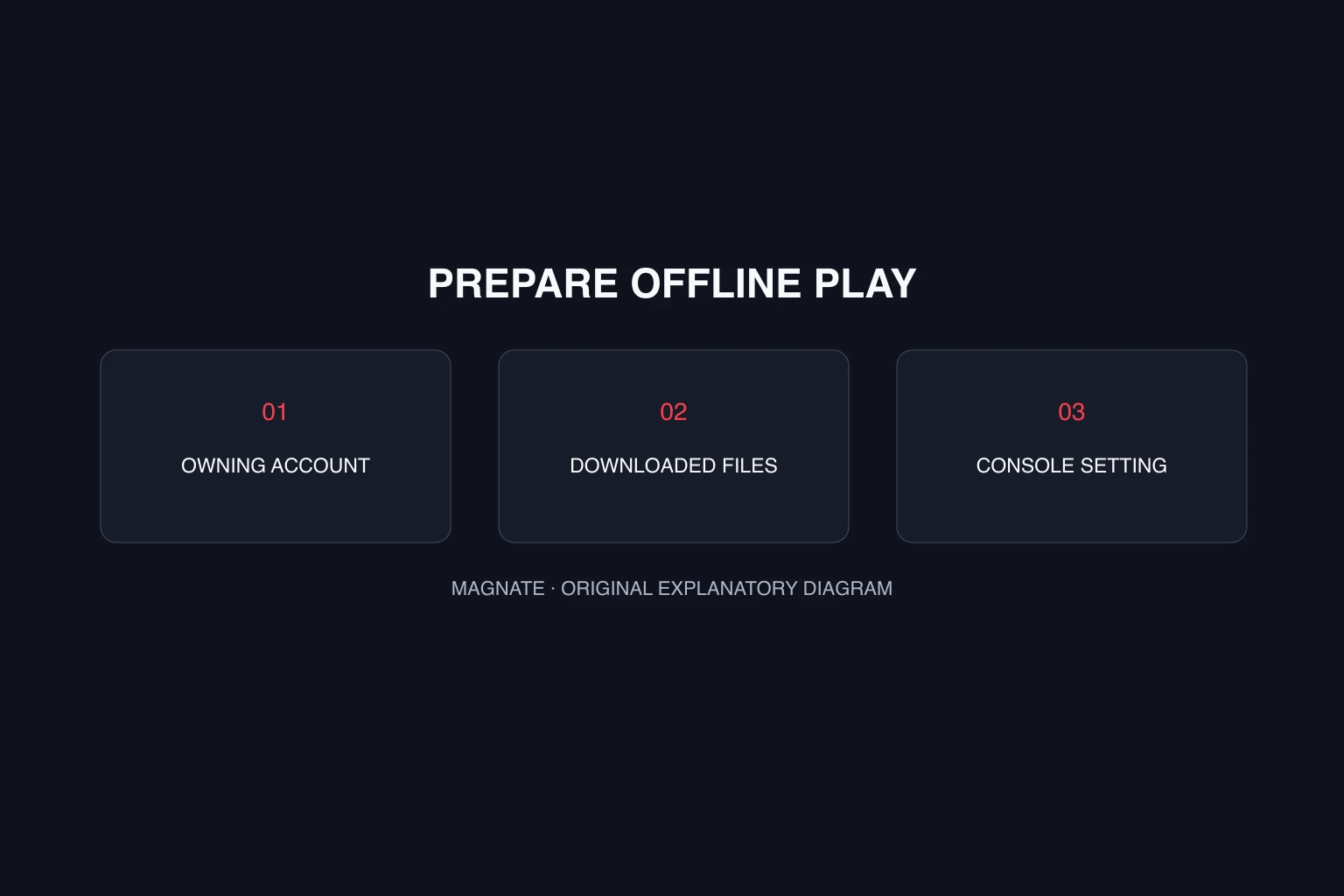
Check the owning account and downloaded installation
For a digital copy, start with the account that purchased or redeemed the game. Seeing a product in a storefront is not the same as having it in your owned library. Keep the receipt and confirm the edition before planning an offline session.
The installation must also be present. A boxed download code is not a self-contained offline installer: redeeming ownership and transferring the game are separate tasks. Finish preparation while you have a reliable connection, and follow the game’s current store requirements.
The PS5 Console Sharing and Offline Play setting
Sony’s offline-play guide places the setting under Settings → Users and Accounts → Other → Console Sharing and Offline Play. Select Enable on the PS5 you intend to use. Sony limits this setting to one PS5 per account at a time.
If another PS5 is enabled, changing the selected console can affect other people who use that system. Check your household’s arrangement before moving the setting. This article explains the documented path; it does not change an account or console for you.
| Check | What it answers | What it does not replace |
|---|---|---|
| Owned account entitlement | Which account owns the digital product | Completing the installation |
| Downloaded installation | Whether the game files are present | Purchase and release eligibility |
| Console offline setting | Sony’s offline access arrangement for that PS5 | Game-specific connected-feature requirements |
Plan a useful offline test after release
Once the game is playable, test the setup before relying on it for travel or an unreliable connection. Record the owning account, console setting and exact launch result. A successful menu launch and a successfully loaded save are different observations, so note both.
If access fails, preserve the displayed error and check Sony’s current support guidance while connected. Avoid concluding that the entire game is online-only from a single account or license problem. Equally, do not claim every optional feature works offline because the story launches.
Keep this PS5 evidence separate from Xbox instructions. Each platform manages account ownership and offline access through its own system. The online guide covers multiplayer announcements; offline access to a one-player product is a different question.
Questions, answered.
Does PlayStation list GTA 6 as playable offline?
Yes. The reviewed PS5 product page says offline play is enabled, while noting that some features may require connectivity.
Where is the PS5 offline-play setting?
Open Settings, Users and Accounts, Other, then Console Sharing and Offline Play. Sony’s support guide provides the current instructions.
Can I enable that setting on multiple PS5 consoles?
Sony states that Console Sharing and Offline Play can be enabled on one PS5 console at a time for an account.
Sources & editorial notes
Source review: October 5, 2026. Platform announcements can change. This guide separates published facts from Magnate’s original analysis and preparation advice.
- PlayStation — Grand Theft Auto VI Official PS4 compatibility, PS5 Pro Enhanced listing, and single-player product details.
- PlayStation Support — Console Sharing and Offline Play Official PS5 setting path and activation limit.
- Rockstar Support — GTA VI platforms, editions, and versions Official edition contents, platform availability, and pre-load information.
Published by an independent editorial brand. Read our editorial standards.