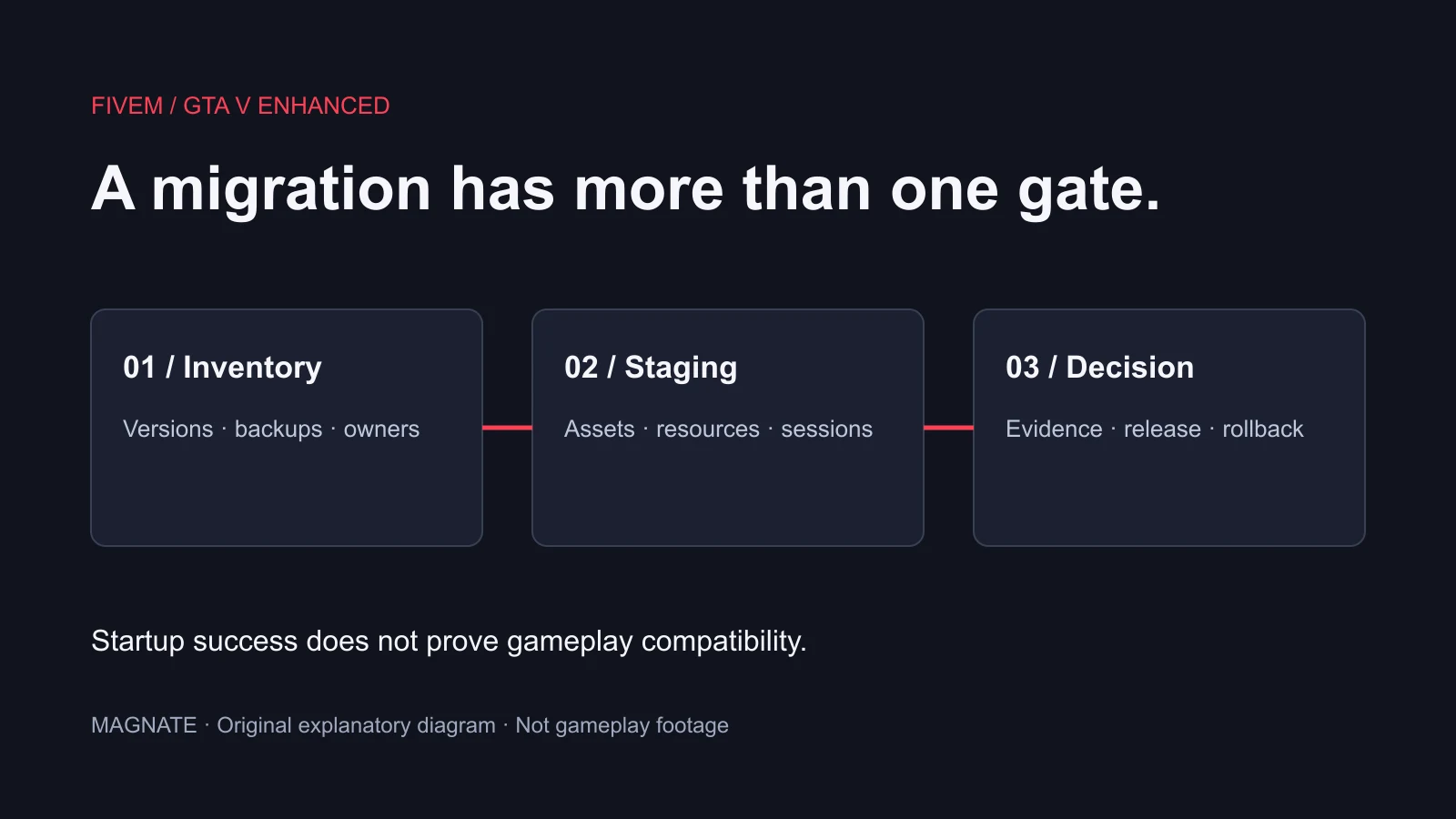
Check Legacy versus Enhanced before copying configuration
Cfx’s current voice documentation says Mumble is deprecated in FiveM for GTA V Enhanced and will be removed in a future version. It directs developers toward the new server Voice API, with sv_mumble described as a backwards-compatibility path. That is not proof that an arbitrary pma-voice release supports Enhanced unchanged.
Record the server artifact, game edition, resource revision and integrations. This guide reviewed upstream pma-voice revision 6c9d96e, rather than claiming a runtime-tested combination. For an Enhanced migration, obtain a version-specific plan from the resource maintainer and validate it on staging before switching a production community.
Avoid competing voice controllers
The project’s support documentation warns that pma-voice is incompatible with other voice systems such as vMenu voice chat. It also warns against other scripts overriding the voice and proximity natives it controls. Inventory the active voice resources and integrations before adding another controller.
On staging, establish one intended voice owner and reproduce a simple two-player conversation. Add optional integrations back one at a time. A menu resource and its voice feature need separate consideration; identify the feature involved instead of deleting unrelated administration tools.
Read the configuration matching your resource revision
The reviewed README configures the resource through ConVars and warns against enabling native and 3D audio together. Native audio is required for its submix effects. Follow the installed version’s audio path rather than combining snippets from several tutorials.
The same revision documents renamed phone settings: voice_defaultPhoneVolume becomes voice_defaultCallVolume, and voice_enablePhones becomes voice_enableCalls. Existing player keybinds must be checked in FiveM key settings; changing a server default does not automatically replace an established player binding.
| Field | What it concerns | Diagnostic question |
|---|---|---|
| voice_defaultCycle | Proximity-cycle default key | What is this player actually using? |
| voice_defaultRadio | Radio push-to-talk default key | Is a channel assigned and the key bound? |
| voice_enableCalls | Call module | Does the installed phone integration use the matching API? |
| voice_enableSubmix | Radio/call audio effect | Is the required audio mode active? |
Test proximity before radio and phone integrations
Use two players and a quiet staging location. Confirm each can transmit and receive nearby speech, then swap speaker and listener. Check the selected microphone, output device, push-to-talk input and local mute state. Record whether the failure affects one player, one direction or both participants.
Next, vary distance and the intended proximity mode while keeping other conditions stable. Capture the actual result rather than assuming a visible talking icon proves audible speech. If basic proximity fails, postpone radio-menu debugging until the simpler case is understood.
Once proximity works, test a radio channel with both participants, then test a call through your installed phone integration. A radio interface displaying a number is not evidence that both clients joined the same voice channel. Keep UI state, channel assignment and audio behavior as separate observations.
A small acceptance record for server owners
The following checklist is a proposed test plan, not a benchmark or a game-runtime test performed by Magnate. Use the same participants and environment while changing one setting at a time. Keep a known configuration available for rollback.
- Nearby speech works in both directions with the intended devices.
- Proximity controls change the observed range as designed.
- Both players hear the intended radio channel and stop hearing it after leaving.
- Starting and ending a call produces the intended audio routing.
- Reconnecting preserves the expected player controls and settings.
- A staged resource restart does not leave a stale channel or broken integration.
- Game edition and resource revision are recorded with every result.
Choose the next diagnostic from the symptom
If only one person cannot transmit, compare that person’s device and binding before changing the server’s audio settings. If everyone loses voice after one resource starts, reproduce that order with the smallest resource set. If proximity works but radio fails, trace the radio integration and channel state rather than replacing the microphone configuration.
If the problem began during an update, compare the previous and current revision’s settings and integration API. Keep exact client and server errors, a short reproduction and the expected behavior. For radio-interface options, use the realistic radio guide; for persistent keybind issues, use the FiveM keybind guide.
No single successful call establishes production reliability or Enhanced compatibility. Repeat the relevant checks under your target setup, and document any unsupported combination instead of treating a compatibility switch as a permanent migration strategy.
Questions, answered.
Does this guide confirm pma-voice works unchanged on FiveM Enhanced?
No. Cfx marks Mumble deprecated for Enhanced. Verify a supported resource version and migration path for your target environment.
Why did changing the server keybind default not fix my player’s input?
The reviewed README distinguishes defaults for new players from existing player bindings. Check the player’s FiveM key settings.
Does a working radio menu prove voice works?
No. Verify channel assignment and audible transmission with a second player, separately from the interface.
Sources & editorial notes
Source review: November 7, 2026. Platform announcements can change. This guide separates published facts from Magnate’s original analysis and preparation advice.
- pma-voice — Reviewed README Pinned configuration, keybind and integration guidance.
- PMA Voice — Support and compatibility Competing voice-system and native override warnings.
- Cfx — Voice documentation Current Enhanced Mumble deprecation and Voice API direction.
- Cfx — Legacy to Enhanced changes Current breaking changes and early-access limitations; recheck before migration.
Published by an independent editorial brand. Read our editorial standards.