Series S and One S are different consoles
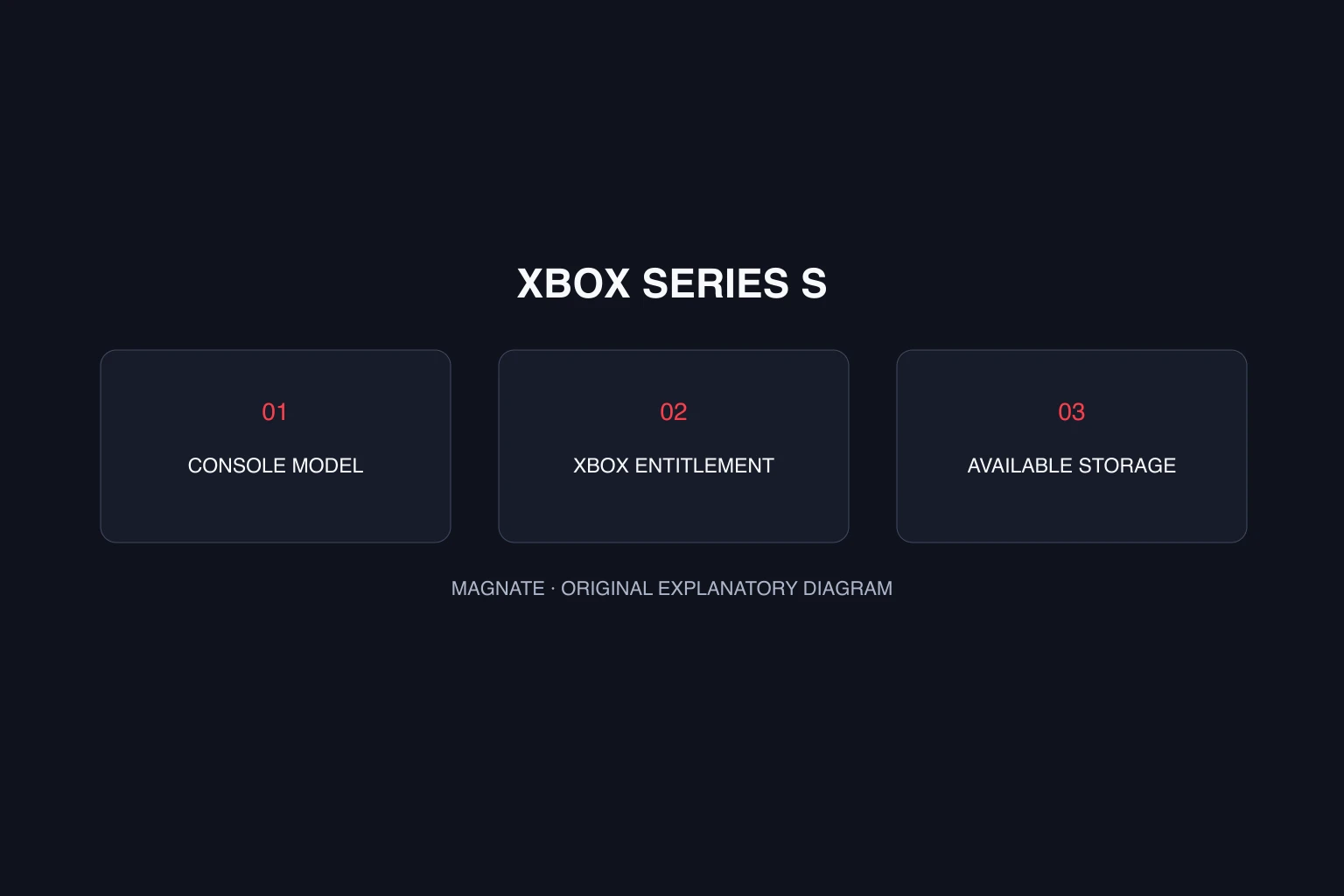
Xbox’s GTA VI listing uses the Series X|S platform family. Check the full model name on your console or purchase receipt before ordering. The letter S on its own is not enough: Xbox One S and Xbox Series S belong to different generations.
For a second-hand purchase, ask for the model name and a photo of the device label. A seller’s title saying “Xbox S” can hide the most important compatibility detail. Matching the advertised platform to the actual console is a better starting point than comparing prices between vaguely labeled listings.
| Console or listing | What to check | GTA VI evidence |
|---|---|---|
| Xbox Series S | Exact device model | Included in the official Series X|S listing |
| Xbox Series X | Exact device model | Included in the official Series X|S listing |
| Xbox One S | Do not confuse it with Series S | Not a named launch platform on the reviewed page |
| An “Xbox S” seller listing | Ask which generation it means | Too ambiguous to establish compatibility |
Choose a usable digital entitlement
The Series S hardware page describes an all-digital console. Before buying a code, check that the product is for Xbox, that its region conditions fit your account and that it grants the edition you want. A PlayStation purchase does not become an Xbox entitlement because both consoles run the same game.
For a boxed offer, inspect the contents rather than assuming the box contains a disc or that all boxed products work the same way. Read the edition comparison and redemption guide before opening or redeeming a code. Keep the receipt and redeem to the account that should own the game.
Plan storage from available space
The console’s advertised capacity is not the same as the free space currently available. Check the console storage screen and decide which existing games you can move or remove. The reviewed GTA VI listing does not provide the game’s final size, so this guide does not recommend a storage purchase based on an invented number.
Use the download-time calculator with an explicit size assumption if you want to budget connection time. Recheck that estimate when a real download size appears on your console. Download completion and launch availability are separate: finishing a pre-load does not by itself unlock a game early.
Performance claims need Series S evidence
Support for the console is confirmed; a specific performance mode is a different claim. Do not assume another console’s promotional footage proves Series S resolution, frame rate or image quality. Those questions need platform-specific settings, developer information or a measured test.
If you already own a Series S, you can prepare your account and storage now. If you are choosing between consoles primarily for GTA VI performance, wait for information that actually compares them. A product-family listing answers “can I play it?” but does not settle “which version looks or runs best?”
Questions, answered.
Will GTA 6 be on Xbox Series S?
Yes. Xbox’s official page lists GTA VI for Xbox Series X|S.
Is Xbox One S the same as Series S?
No. Check the complete device name; the official GTA VI launch listing names Series X|S, not Xbox One S.
Will GTA 6 run at 60 FPS on Series S?
The official listing reviewed for this guide does not specify a Series S frame rate. This guide does not promise 60 FPS.
Sources & editorial notes
Source review: October 5, 2026. Platform announcements can change. This guide separates published facts from Magnate’s original analysis and preparation advice.
- Xbox — Grand Theft Auto VI Official Xbox Series X|S listing and launch date.
- Xbox — Series S hardware Official all-digital hardware description.
- Rockstar Support — GTA VI platforms, editions, and versions Official edition contents, platform availability, and pre-load information.
- Microsoft Support — Redeem a gift card or code Official Microsoft account and Xbox redemption guidance.
Published by an independent editorial brand. Read our editorial standards.