Decide which part of the weapon resource you need
Some searches concern stock GTA V weapon names; others concern a visual replacement, an additional custom asset or an inventory item. Write down the intended change before downloading a package. Different goals require different evidence and integration steps.
Use Cfx’s weapon-model reference for documented stock entries. For a custom package, use the original author’s instructions for its exact identifiers and files. An image, display label or resource-folder name is not enough to infer a working weapon identifier.
This independent guide reviews documentation and proposes staging checks. Magnate has not installed a weapon pack, tested gameplay or verified a package’s performance. The scope is GTA V/FiveM; these instructions do not establish GTA VI support.
Distinguish the weapon identifier from its model key
The Cfx weapon-model reference lists a display name, weapon hash name, model hash key and DLC association. For the stock Pistol entry, it lists WEAPON_PISTOL and W_PI_PISTOL as different fields. Keep those fields separate when comparing a script parameter with an asset name.
The reference also lists components and tints for stock entries. A component listed for one entry does not establish support for an unrelated custom model. Preserve the package author’s component mapping rather than assuming similar appearance means interchangeable configuration.
Create a small identity record for each package: original source, release, resource folder, weapon identifier, model key and inventory entry. If an author does not document a field, mark it unknown instead of manufacturing a value from the product title.
| Field | Stock example or purpose | Avoid substituting |
|---|---|---|
| Display name | Pistol in the Cfx reference | A label as a universal API identifier |
| Weapon identifier | WEAPON_PISTOL | The streamed model key |
| Model key | W_PI_PISTOL | The inventory icon filename |
| Inventory entry | Defined by the chosen inventory integration | The resource folder name |
| Resource name | The package loaded by the server | A guaranteed weapon identifier |
Inspect the manifest and data-file declarations
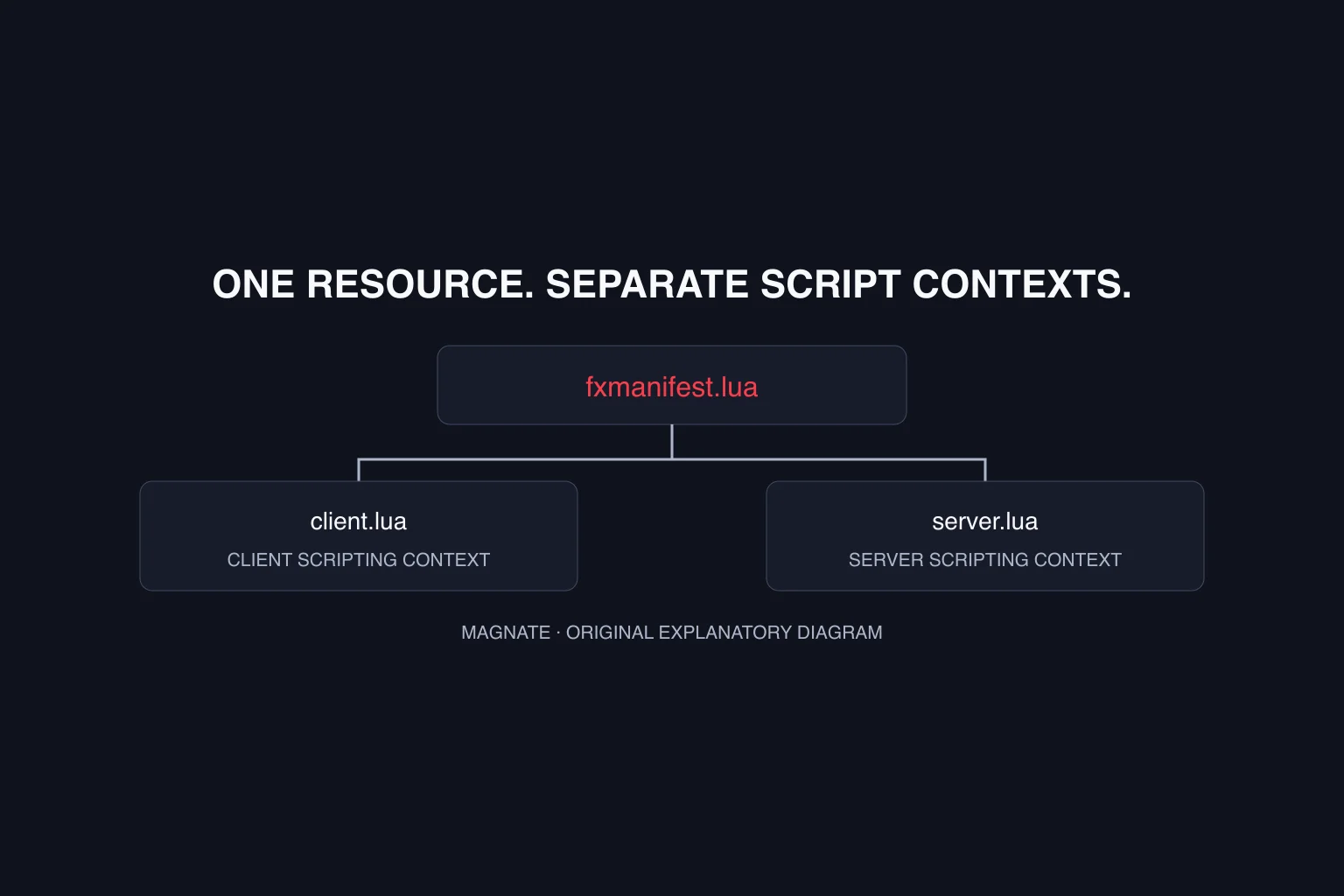
The Cfx resource-manifest reference distinguishes file inclusion from data_file registration. The latter adds a file of a specified type to the game’s extra-content system. An existing file on disk and a correctly declared data file are different checks.
The Cfx data-file reference lists WEAPONINFO_FILE, WEAPON_METADATA_FILE, WEAPON_ANIMATIONS_FILE and WEAPONCOMPONENTSINFO_FILE, as well as WEAPONINFO_FILE_PATCH. These are different data-file types; the list is not a universal manifest to paste into every weapon pack.
Use the package’s actual manifest as the starting point. Compare every declared path against the extracted package and preserve its supplied type assignments. Do not register the same file under every weapon-related type just because it has a .meta extension.
For an isolated staging test, record which resource owns each identifier and which other resources modify the same subject. Enable one intended package at a time and retain the console result. A startup error should be investigated before assuming an inventory problem.
Treat inventory behavior as a separate integration
The Ox Inventory repository describes weapons as items within its inventory system, with per-slot metadata. That is a concrete example of why a streamed model and an inventory record are separate parts of a server workflow. Check the documentation and revision of the inventory you actually use.
Use our inventory scripts guide to identify the resource layer. Follow that inventory’s supported weapon-registration instructions and the package author’s integration notes. Configuration copied from a different framework can appear plausible while describing a different data model.
With an authorized staging account, use the server’s normal supported administration or acquisition path to obtain one test item. Check the item identity, intended account ownership and behavior after storage and reconnect. Avoid treating a one-off client-side appearance as proof of an inventory transaction.
Route the symptom before changing several systems
The matrix below is an original investigation plan, not a set of proven fixes. Preserve the exact error and the smallest reproduction. A missing asset, wrong identifier and rejected inventory entry can produce different symptoms even when the player describes all three as a broken gun.
Change one boundary at a time and record the previous value. If a clean test works but the full server does not, compare the enabled resources and integration versions. Keep the successful baseline so the next change can be assessed against it.
| Symptom | Evidence to capture | First boundary to isolate |
|---|---|---|
| Item absent from inventory | Item identifier, inventory response and server log | Inventory registration or acquisition |
| Item icon appears but model is wrong | Weapon identifier, model key and active packages | Identity mapping versus asset loading |
| Expected component does not appear | Exact weapon and component identifiers | Package-specific component support |
| Behavior changes after reconnect | Account, stored record and resource versions | Persistence versus temporary client state |
| Only one client sees the expected result | Both client observations and resource state | Client loading versus shared integration |
Keep sound changes and asset permissions explicit
Use the gun sound-pack guide if the intended change is audio. A new sound and a new model require different evidence, and one package may not include both. Confirm the scope from the original release rather than a preview title.
Keep the author’s license and distribution terms with the package. A public download or forum preview does not automatically grant redistribution rights. Retain original files and supported customization instructions before editing.
For rollout, document what was exercised: item acquisition, visible asset, supported components, shared observation and saved state. Mark remaining checks untested. Neither this guide nor a resource preview provides a compatibility or ranking guarantee.
Questions, answered.
Are weapon names and model names the same in FiveM?
They are separate fields in Cfx’s weapon-model reference. The stock Pistol entry lists WEAPON_PISTOL for the weapon and W_PI_PISTOL for its model. Use the field expected by the script or configuration.
Does an inventory icon prove a custom weapon is installed correctly?
No. Check the item, weapon identity, loaded model and persistence separately. An icon demonstrates only part of that workflow.
Does this page include a tested custom gun pack?
No. It links primary documentation and supplies an original integration checklist. Magnate has not installed or gameplay-tested a pack.
Sources & editorial notes
Source review: November 15, 2026. Platform announcements can change. This guide separates published facts from Magnate’s original analysis and preparation advice.
- Cfx — Weapon models Official reference reviewed November 15, 2026. No custom pack or gameplay test.
- Cfx — Resource manifest Official manifest metadata and file declarations.
- Cfx — Data-file types Official reference reviewed November 15, 2026. No custom pack or gameplay test.
- Overextended — Ox Inventory repository Original project identity and current repository status; reviewed November 7.
Published by an independent editorial brand. Read our editorial standards.